Chatbot for Marketing Agency Websites: Sort Prospects, Existing Clients and Job Seekers Into the Right Conversation (Routing Map)
Chatbot for marketing agency sites faces a problem most shops never see: four different audiences land on the same page. A prospect wants a proposal, a client wants a report, a freelancer wants work and a vendor wants to pitch you. This guide shows how to sort them in the first message.
⚡ In short
- An agency site serves prospects, clients, job seekers and vendors. Each needs a different reply.
- Ask one sorting question first, with buttons. Then route each answer to its own path.
- Prospects get a short brief form. Clients get a ticket. Job seekers and vendors get a polite pointer.
- No CRM or calendar link. Use tickets, Zapier or webhooks to hand details to your own tools.
The mix
Why a marketing agency site needs sorting, not just answering
A restaurant site gets diners. A marketing agency site gets everyone: a founder with a budget, a client whose campaign report is late, a student asking for an internship and a salesperson selling you software.
What goes wrong
If every visitor gets the same cheerful “How can we help?”, your sales team spends its day answering the wrong people. Worse, a paying client may wait in the same queue as a cold pitch.
What sorting fixes
One opening question with four buttons separates the audiences. After that, each path asks only what it needs. Your sales lead sees prospects first. Your account manager sees client issues. Hiring questions go to a careers page. A chatbot for marketing agency websites does not replace anyone on the team. It makes sure each person receives the right messages.
Try it
The routing map for an agency chat
Follow the map from the first message to the right owner. Copy the structure into your own chat flow.
Prospects
Qualifying prospects in a chatbot for marketing agency visitors without scaring them off
Prospects are the reason your site exists, so give them the best path.
Ask in this order
- Goal. More leads, more sales, brand awareness, or not sure.
- Channel interest. Social media, search, ads, content or email.
- Budget band. Offer ranges, not an open box.
- Timeline. Now, this quarter or exploring.
Then ask for a name and a phone or email. Keep it conversational. Our guide to collecting leads with live chat and the live chat lead generation page explain how to ask for contact details without friction.
Say who will reply and by when. “Aditi from our team will call you by tomorrow noon” is far stronger than “we will be in touch”.
Clients
Keeping existing clients out of the sales queue
Existing clients are your revenue. A client who writes to the chat on your website and gets a sales pitch will remember it.
Route them straight to support
When someone picks “I am a current client”, skip the qualifying questions. Ask for their name, company and issue, and create a ticket. The ticketing system gives each ticket an owner and a status of open, pending or solved, plus a customer ticket page where they can check progress without logging in.
Make it quick
Write saved replies for common asks: report dates, invoice copies, access to a dashboard, and who to call in an emergency. Our saved replies guide shows how to insert a client’s name in each one.
If clients usually prefer your own portal or email, say so in the reply. The chat is a front door, not a replacement for your project tools.
Others
Handling job seekers and vendors politely
You will get both. Do not ignore them, and do not let them eat your time.
Job seekers
Share your careers page or hiring email in a fixed reply: “Thanks for your interest. Please send your portfolio to [email]. We read every note.” No alert needs to reach the sales phone.
Vendors and pitches
A short, kind message works: “We do not take vendor pitches over chat. Please email [address] and we will reply if there is a fit.”
Spam and repeat offenders
If someone keeps sending irrelevant messages, you can block that visitor. The guide to blocking a visitor explains the steps. A clean inbox keeps your team’s alerts meaningful.
Showcase
Using your own agency site as proof of skill
Your chat is also a live sample of your work. Prospects judge your taste by it.
- Match the widget colours and tone to your brand.
- Use proactive messages on case-study and service pages, not on every page.
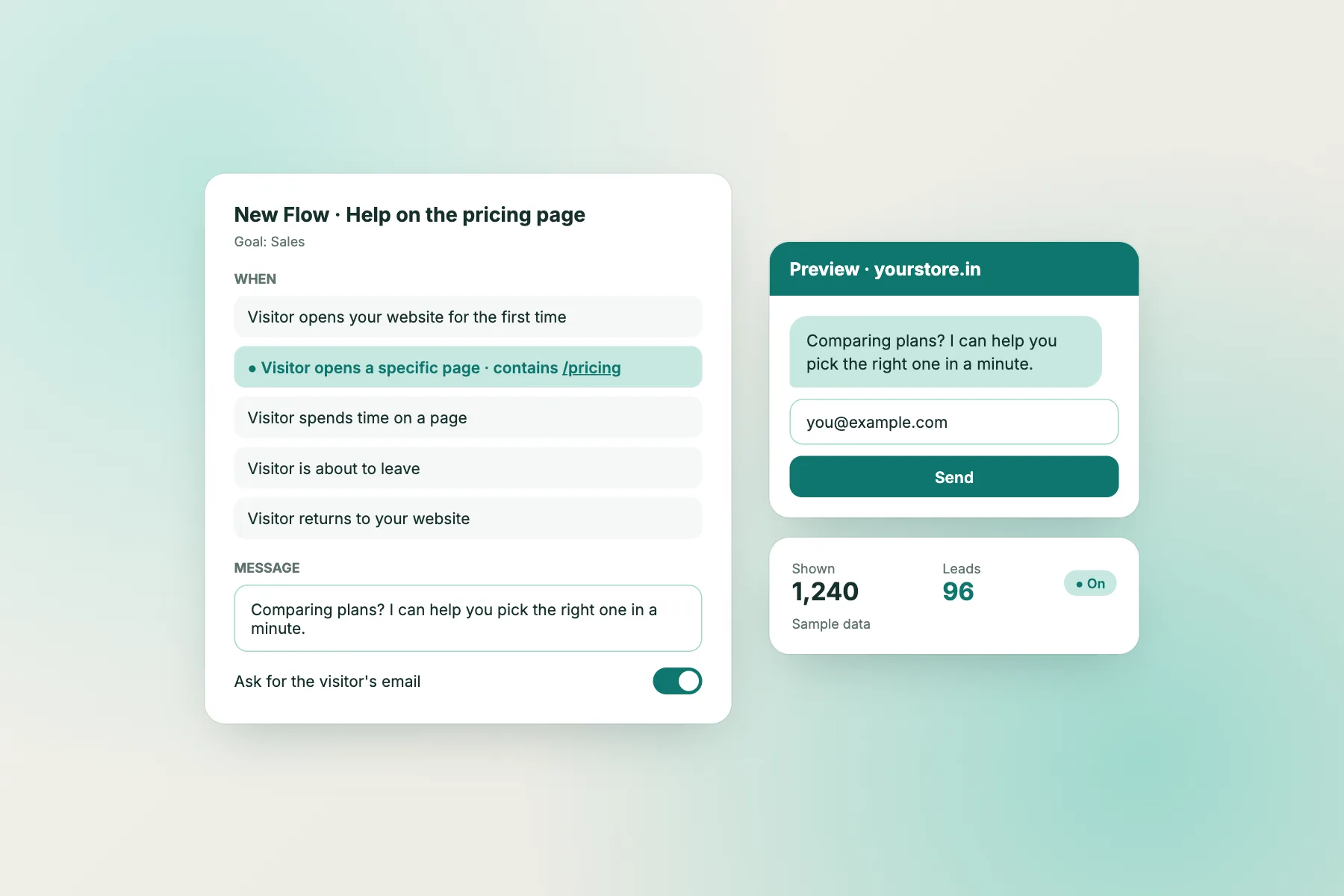
- Set page-based chat flows with conditions such as page, source or number of visits.
- Show a different message to a visitor who comes from a search for a service.
Do not claim results you cannot prove. A line like “Want to see how we handle ads for shops like yours?” is honest and invites a conversation. See also the live chat for agencies guide for ideas on running chat across several client sites.
Weekly review
A 15-minute weekly review that keeps the routing honest
Routing only works if you check it. Every Friday, spend fifteen minutes on three questions.
Who picked which button?
Count the chats under each path. If “job seeker” is your biggest group, your careers page needs to be easier to find. If “client” is large, your client portal may be hard to use.
Where did the sorting fail?
Look for chats that landed in the wrong path, such as a prospect who picked “client” by mistake. Add a line to your welcome text or reword the button.
Which questions repeat?
Turn any question asked three times into a saved reply. After a month your replies cover most of what people ask, and the team only handles the unusual cases.
Tools
Connecting a chatbot for marketing agency work to your tools
LiveChatBot has no native CRM, calendar or project-tool apps. That is fine if you plan for it.
What you can do today
- Send ticket events to a sheet, CRM or task tool through Zapier or webhooks (ticket.created and ticket.solved).
- Use the REST API if you have a developer.
- Use the JS API window.LiveChatBot to open the chat from a button, or pass in visitor details.
What it does not do
It will not book meetings on your calendar, create deals in a CRM by itself or share files. Be clear about this with your team so nobody expects magic. Check the integrations page for current options, then start free at livechatbot.in. The free plan covers two websites with 100 new visitors each per month, see pricing.
Frequently asked questions
Is a chatbot for marketing agency work worth it for a small team?
Yes, if enquiries arrive when nobody is free. It captures a name and number so you can call back, and sorts clients from prospects.
Can it book a discovery call?
Not directly. LiveChatBot has no calendar link. It collects details, and your team sends a booking link or calls.
Can the chat push leads into my CRM?
There is no native CRM app. Use Zapier, webhooks or the REST API to pass tickets to your tools.
Can I remove the LiveChatBot branding?
No. Powered by LiveChatBot stays on all plans.
What does it cost?
The free plan covers two websites with 100 free visitors per site each month. Extra visitors come from one-time packs, and there are no per-seat charges.
Keep reading
Related guides
Chatbot for Photography Website: Keep the Gallery Beautiful and Still Catch Booking Enquiries, With a Setup Quiz for Portrait, Event and Product Shooters
Chatbot for Wedding Planning Business: Reply to Anxious Couples and Parents With the Right Tone, Plus 12 Copy-Ready Lines (Free Message Bank)
Chatbot for IT Services Company: Sort Sales Leads, Support Requests and Outage Panic Before a Human Replies (Free Triage Timeline)
Send every visitor to the right person
Free plan for two websites, no per-seat charges. Start free on livechatbot.in and build your routing map today.