Best Live Chat Solutions for Six Business Situations: A Shop, a Clinic, a Tutor, an Agency, a Software Product and a Restaurant, and the Wrong Pick for Each
Best live chat solutions are not one list for everyone, because a clinic and an online shop want different things from the same widget. This guide takes six common business situations, names the mistake owners usually make in each and shows the better set-up, so you choose by your situation instead of by a generic ranking.
⚡ In short
- Choose live chat by situation: what visitors ask, when they arrive and what you want them to do.
- Each situation has a typical wrong pick and a better set-up, shown side by side below.
- Most small businesses need the same core: answers from their own facts, after-hours capture and phone alerts.
- Looking for one single verdict instead? Our week-by-week guide is a 30-day test you run yourself. Read it as [one live chat solution, tested for 30 days](best-live-chat-solution).
Why situations
One ranking cannot be right for a clinic and a shop
Lists of top tools treat every buyer as the same buyer. They are not. An online shop wants cart help and order questions. A clinic wants appointment requests and careful wording. A tutor wants enquiries at night, after school hours. An agency wants qualified leads. A software product wants bug reports that become tickets. A restaurant wants bookings and opening hours.
The core tool can be the same, but the set-up, the pages where chat shows, and the first bot answers differ. That is why this page is organised by situation. Pair it with our best live chat software guide for a weighted comparison, and with live chat for ecommerce or live chat for healthcare when you want the detail for one of them.
Six situations
Wrong pick versus better set-up
Each pair shows what owners often do first and what usually works better.
Shared core
What all the best live chat solutions need underneath
Whatever the situation, five things sit under every good set-up.
Answers from your own facts
The AI Agent should answer from knowledge you supply, by typing answers, copying a page or uploading a PDF, Word, Excel, CSV or TXT file. If it does not know, it should say so.
A handover and a safety net
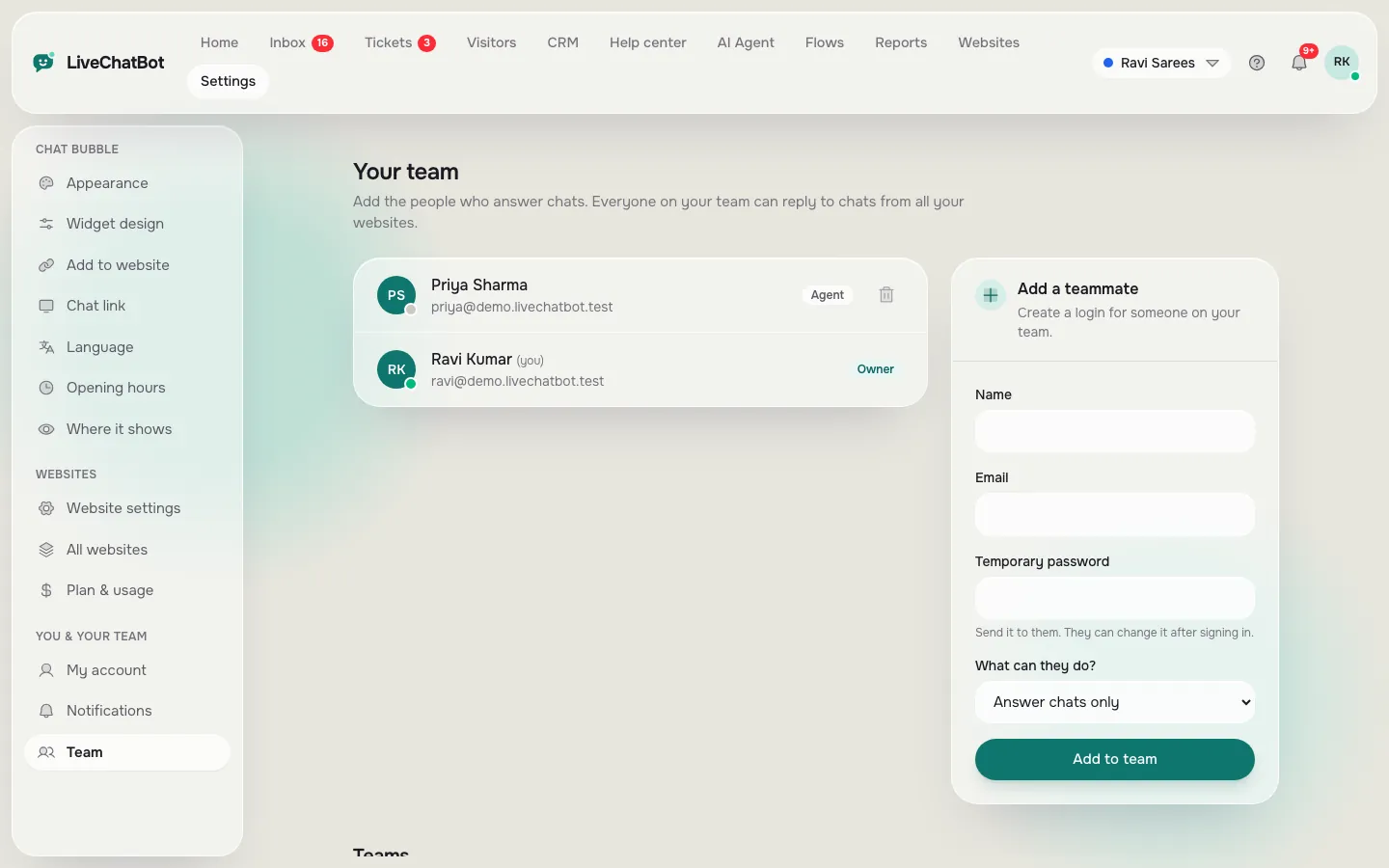
Use Assign to me, the Unassigned and Mine folders, and teams when you have several people. The chat rescuer asks for email and phone if nobody replies in seconds.
Phone alerts
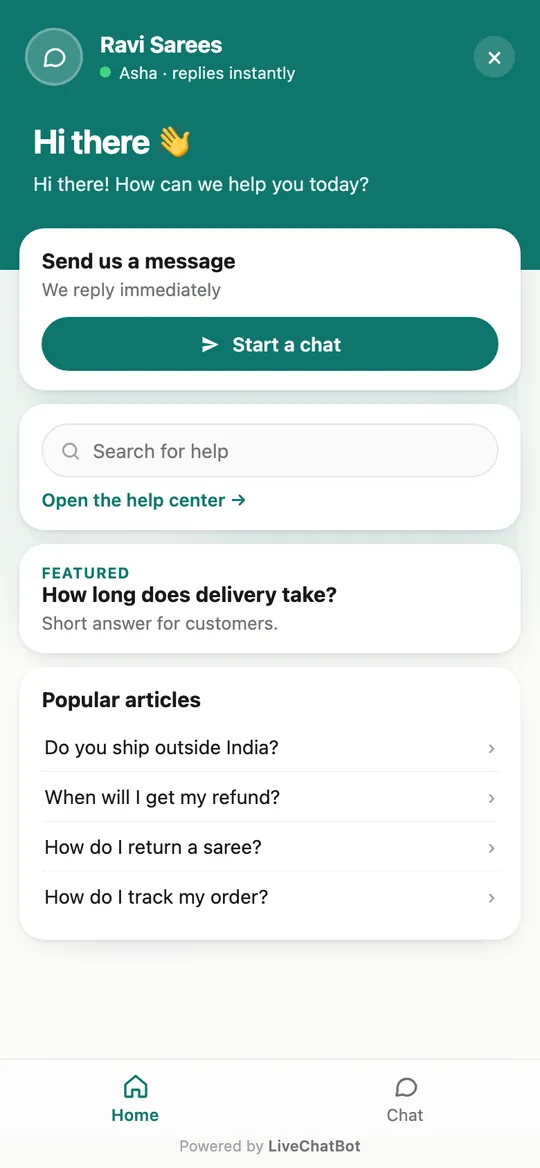
Your team needs alerts on their phones. LiveChatBot has an Android app; there is no iPhone team app, so iPhone users reply in a browser.
Opening hours and the away form
Even a restaurant that closes at ten gets visitors at midnight. Capture them.
Reports you will actually read
Check conversations, first response time, leads and pages to improve once a week. Reports also show the busy-hour heatmap, which tells a restaurant or tutor exactly when to be online, and a satisfaction rating from visitors who give a thumbs up or down after a reply.
Tickets for the chats you miss
Offline messages can become tickets with an owner and a customer ticket page that needs no login. That keeps small teams from losing a question over a weekend.
Real screens
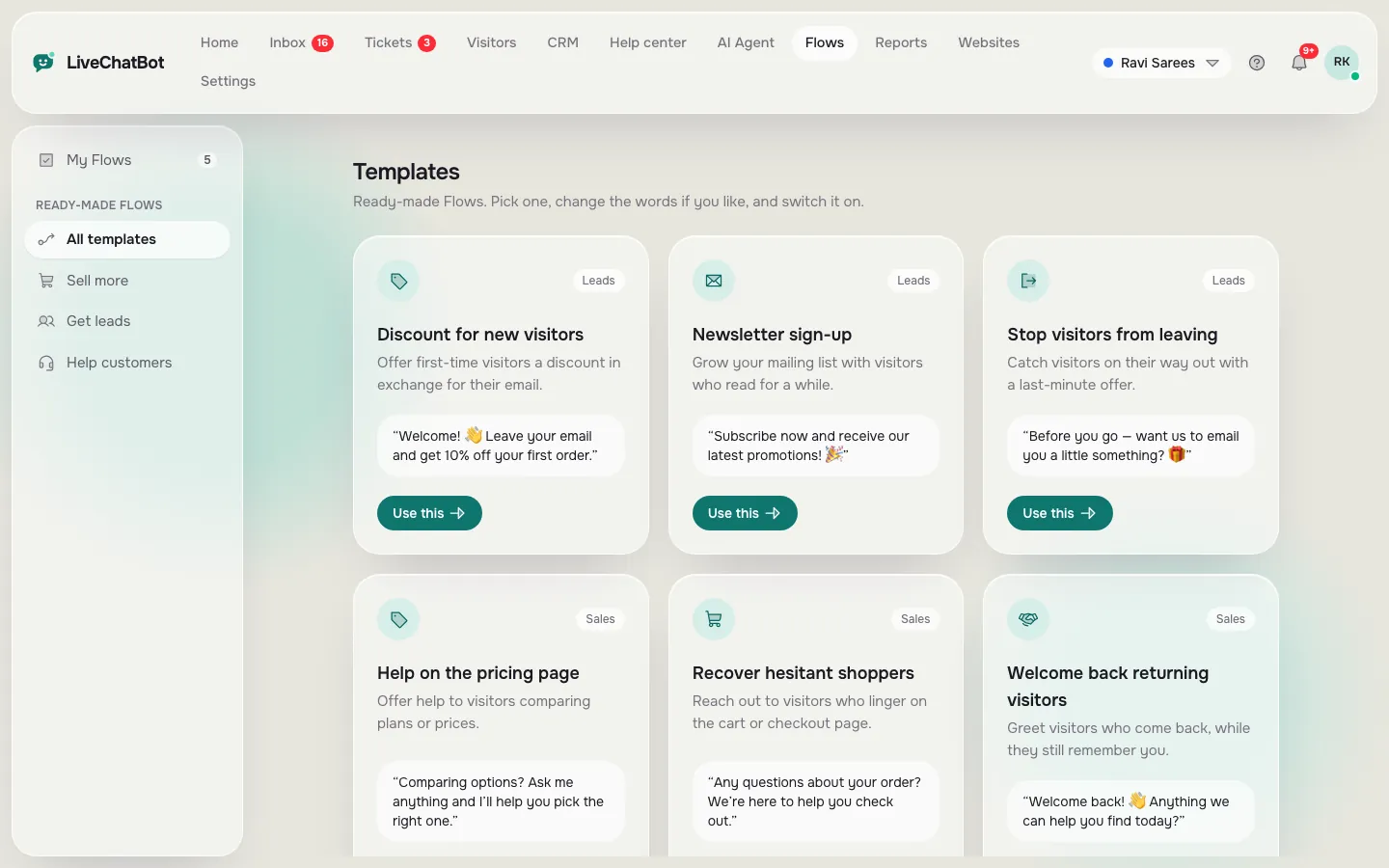
Flows, teams and the phone view behind these set-ups
Real screens from the LiveChatBot panel, shown with sample data. Click any picture to see it full size.
Channels
When your set-up should include WhatsApp and Messenger
Many Indian customers prefer WhatsApp. LiveChatBot now brings WhatsApp and Facebook Messenger messages into the same inbox as website chat, connected through Meta, and still offers the WhatsApp button card on the widget.
This helps shops, restaurants and tutors most, because customers already know them by WhatsApp number. It matters less for a software product, where in-app help and tickets matter more. Instagram direct messages and Telegram are not supported, so do not plan around them.
If you choose from several tools, ask the vendor to show a WhatsApp message arriving in the same inbox as a website chat. Our WhatsApp chat button page explains the card.
Cost and limits
Pricing and the honest limits
Start free: two websites and 100 visitors per website a month. Starter is ₹299 a month for 750 visitors shared across two websites. Growth is ₹699 a month for 2,500 visitors shared across five websites. Yearly plans pay for ten months and give twelve, payment is prepaid with no auto-renew, and there are no per-seat charges. The code WELCOME100 adds 100 visitors once.
The limits are real. “Powered by LiveChatBot” stays on all plans. There is no single sign-on, audit log or permission builder. Native Slack, HubSpot, Zoho and Calendly links are not built in, though Zapier, webhooks and the REST API can bridge some. If one of these is a must-have in your situation, choose a different tool rather than forcing this one. Write your must-haves down before you compare anything, mark which of the six situations is closest to yours, and test the better set-up for that row on the free plan for two weeks. If the numbers in Reports do not improve, change one setting at a time, such as the welcome message or the pages where chat shows, so you know which change helped. See pricing and the live chat guide.
Frequently asked questions
Which are the best live chat solutions for a small online shop?
Pick one that shows the cart to agents, answers order and returns questions from your facts and works with WooCommerce or Shopify.
Do the best live chat solutions differ by industry?
The core is the same, but pages, bot answers and rules differ. A clinic needs careful wording, a shop needs order help.
Can one account run several different businesses?
Yes. One account covers two websites free and each has its own design and settings.
Is WhatsApp included?
WhatsApp and Messenger messages arrive in the same inbox once connected through Meta.
Can I try it before paying?
Yes. The free plan covers two websites with 100 visitors each a month.
Keep reading
Related guides
Best Live Chat Software for Websites Depends on How Your Site Is Built: Match Plugin, Pasted Code or API to Your Platform (Free Platform Quiz)
Best Live Chat Software for Small Business Is the Kind You Can Run Alone: A 15-Minute-a-Day Checklist for Owners Who Do Everything (Free Checklist)
Best Live Chat Software for Ecommerce Is Scored on Carts, Sales and Store Questions: A Scorecard You Fill In Yourself (Free Store Scorecard)
Choose by your situation
Free plan, no per-seat charges, one inbox for chat, WhatsApp and Messenger. Start free on livechatbot.in.