Best Chatbot for Ecommerce Depends on Your Catalogue: Answer Four Questions About Your Store to Find the Chat Setup That Fits (Free Store Quiz)
Best chatbot for ecommerce changes with what you sell. A store with twenty products and a store with twenty thousand need different things from a chat. So do a shop that ships in a day and one that makes to order. This guide explains the three store types, gives you a four-question quiz to find yours and says plainly what LiveChatBot does and does not connect to.
⚡ In short
- There is no single best chatbot for every store. Catalogue size and order type decide the setup.
- Small catalogues suit an AI Agent fed with your product facts.
- Made-to-order and high-value stores need a person in the chat early.
- LiveChatBot has no order lookup and no Shopify app. It answers general questions, not order-specific ones.
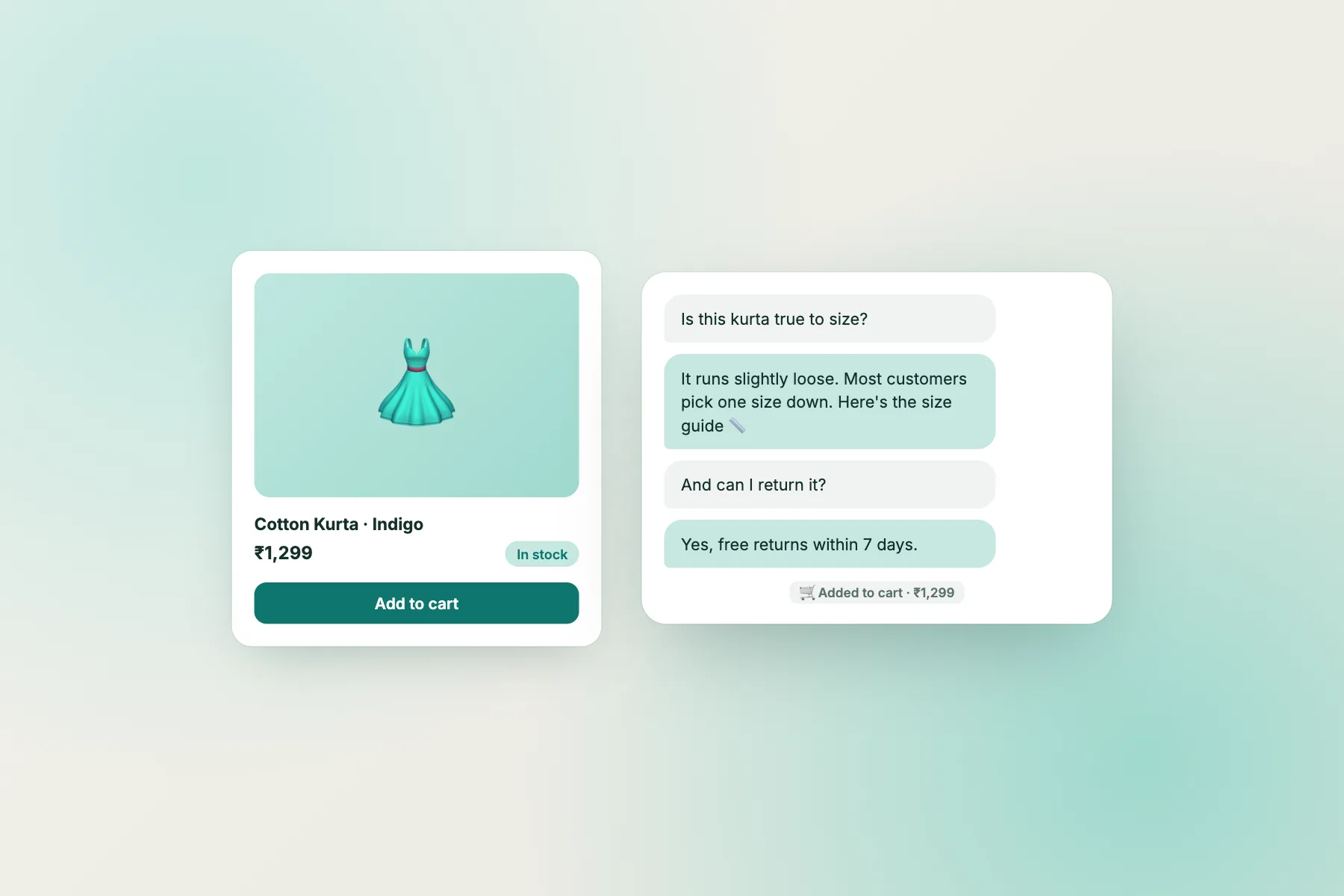
Store types
Three store types, three different chatbot jobs
The small catalogue shop
Under a few hundred products, a handful of delivery rules and a clear returns policy. Most questions repeat. An AI Agent or keyword bot loaded with your policies covers the bulk of them.
The big catalogue shop
Thousands of products, many variants. Visitors ask “do you have this in blue?” and the bot cannot know without a product feed. LiveChatBot does not read your catalogue or stock, so for this shop the bot’s job is policies and navigation, and a person handles product questions.
The made-to-order or high-value shop
Custom jewellery, furniture, printing. Buyers want to talk to a person before paying. The bot should greet, collect what they want and get a human into the chat quickly.
Knowing which one you are saves months of trying the wrong thing.
Free tool
Which setup fits your store?
Pick the answer closest to your shop. The most-picked type wins.
Four quick questions. Nothing is stored or sent.
Question map
What shoppers ask at each step of a purchase
Whatever your type, the questions come in a similar order.
- Before buying. Is it right for me? Size, material, compatibility.
- At checkout. Which payment methods? Is there cash on delivery? Any extra fees?
- After paying. When will it arrive? Can I change the address?
- After delivery. How do I return it? Where is my refund?
Think of it as a trained shop assistant who knows your policies by heart but cannot open the stockroom. A bot built on facts can answer the general version of all of these: your delivery windows, return rules, payment options. It cannot answer “where is my order number 4821” because LiveChatBot has no order lookup. Say so in the bot’s reply and give a person or a ticket as the next step. Our question map for ecommerce chatbots covers this in more depth.
Set it up
A first-week plan for the best chatbot for ecommerce stores like yours
- Install. WordPress and WooCommerce have a plugin. Shopify, Wix and Squarespace use a pasted code snippet. There is no Shopify app.
- Write your policies as short answers. Delivery, returns, payment, sizing, contact hours.
- Add them to the AI Agent and as saved replies.
- Set a Rules line, for example “Never promise delivery dates.” Rules work while AI replies are available.
- Show the chat where it helps. Use the “where it shows” settings to hide it on pages like checkout if you prefer.
- Add a WhatsApp button card if customers prefer to continue there. There is no WhatsApp inbox.
Read live chat for ecommerce and the WooCommerce guide for deeper store setups.
Cart
Using chat to rescue abandoned carts, honestly
Chat can nudge a hesitating shopper. A Flow can show a short message on the cart page after a visitor has been there a while, such as “Questions about delivery or returns? Ask here.”
Keep expectations realistic. This is a polite offer of help, not an automatic discount or a cart reminder email. LiveChatBot does not send cart emails, and it does not read your cart contents. See shopping cart abandonment for what else you can do.
Test it
Five test chats before you trust the best chatbot for ecommerce on your site
Before real shoppers see it, run these on your phone.
- A policy question. “How long does delivery take to Pune?” The answer should match your page exactly.
- A question you never taught it. “Do you gift wrap?” It should say it is not sure and offer a person or a contact form.
- An order question. “Where is order 4821?” It should not invent a status. It should hand over.
- A late-night message. Set opening hours to closed and send a message. You should see the away form.
- A person request. Type “talk to a person” and check how fast your phone alerts you.
What to fix first
If test 1 fails, your knowledge is wrong or missing, so fix the facts. If test 2 or 3 fails, tighten the Rules box. If test 4 fails, check your opening hours and away form. Do not launch until all five pass.
Weekly habit
Keep a store chat useful after launch
A chat for a shop gets stale when prices, offers and policies change. Festival sales, new delivery partners and changed return windows all make old answers wrong.
Update on every change
When you change a policy on the website, change it in the bot’s knowledge and saved replies the same day. Wrong answers do more harm than no answer.
Read what customers asked
Once a week, scan chats the bot could not answer. Add the three most common to its knowledge. Over a month this teaches the bot your real customers’ wording.
Check peak days
Before a sale, look at how many visitors you expect and whether your visitor count will pass the free 100 per month. A one-time pack of 500 visitors costs ₹299 and never expires, so buying ahead is safe.
Honest gaps
What even the best chatbot for ecommerce stores here does not do
- No order status lookup or tracking integration.
- No product catalogue search or stock check.
- No Stripe, Razorpay or other payment links inside the chat.
- No iPhone team app. Answer from a browser on iOS.
- The “Powered by LiveChatBot” badge stays on all plans.
If those are essential for your store, choose a tool built around a store platform. If not, LiveChatBot’s free plan is a low-risk start. Sign up at livechatbot.in and see pricing when your visitor numbers grow.
Frequently asked questions
What is the best chatbot for ecommerce stores with a small catalogue?
One that answers policy questions from your own facts, hands over to a person and works after hours. Small catalogues rarely need product-feed features.
Can LiveChatBot check order status?
No. It has no order lookup. Customers who ask about a specific order should be handed to a person or a ticket.
Does it work with Shopify?
You paste a code snippet into your theme. There is no Shopify app.
Does it work with WooCommerce?
Yes, through the WordPress plugin, which also works on WooCommerce sites.
Do I pay per agent?
No. There are no per-seat charges.
Keep reading
Related guides
Best Chatbot for Lead Generation Is Won After the Capture: A Seven-Day Follow-Up Timeline That Turns Contact Details Into Customers (Free Follow-Up Timeline)
Best Chatbot for SaaS: Match Chat to Each Stage of the Customer Journey, From Trial Visitor to Renewal (Journey Map)
Best Chatbot for Customer Support Is Judged by Eight Numbers: What Each Support Term Means, and How to Check It in a Trial (Free Support Glossary)
Match the chat to your store
Free plan for two websites, no per-seat charges and one-time visitor packs. Start free on livechatbot.in.