Best Chatbot for SaaS: Match Chat to Each Stage of the Customer Journey, From Trial Visitor to Renewal (Journey Map)
Best chatbot for SaaS teams is not one feature list but a fit with five stages: the anonymous visitor, the trial user, the stuck user, the paying customer and the one about to leave. This guide maps what chat should do at each stage, what LiveChatBot covers today, and the gaps you should plan around, such as no CRM app, no single sign-on and no way to see in-app user data.
⚡ In short
- Pick chat for the stage where you lose the most people, not for the longest feature list.
- Pricing pages and signup pages need fast, honest answers; the trial needs a human handover.
- LiveChatBot has no native CRM or billing apps. Zapier, webhooks and the API fill the gap.
- Use the journey map below to decide what to switch on first.
Why stages matter
Why the best chatbot for SaaS depends on the stage
A shop can treat every visitor alike. A software company cannot. The person reading your pricing page wants a number. The person in a trial wants a working account. The person asking for a refund wants a human.
One bot with one tone for all of them fails at least two groups. Start by finding where you lose people. Open your analytics and look at three drop-offs: pricing page to signup, signup to first useful action, and trial to paid. Whichever is worst is where chat earns its keep first.
A simple rule
Put proactive messages where people hesitate, and put a human close to where money changes hands. Everything else can be answered by a bot that knows your documentation. That rule is cheap to follow and works for a team of two or twenty.
Journey map
Five stages, five jobs for chat
Read across the stages and note which one hurts most today.
Answer pricing, security and fit questions on the pricing and feature pages. A proactive Flow on the pricing page can ask if they need help choosing.
Offer help on the signup page, and capture an email if they leave. The away form collects email or phone after hours.
Send a message after several visits with no action, using the number-of-visits condition. Hand over to a person fast.
Turn real problems into tickets with owners, so nothing sits in a chat window.
Make the cancellation page easy to talk from. Ask why, and feed the reason back to the product team.
Pre-signup
Stages one and two: answering before the signup
Most SaaS buyers read three pages before they sign up: pricing, features and something about security or integrations. Chat on those pages should answer the questions those pages leave open.
Teach the AI Agent your public facts
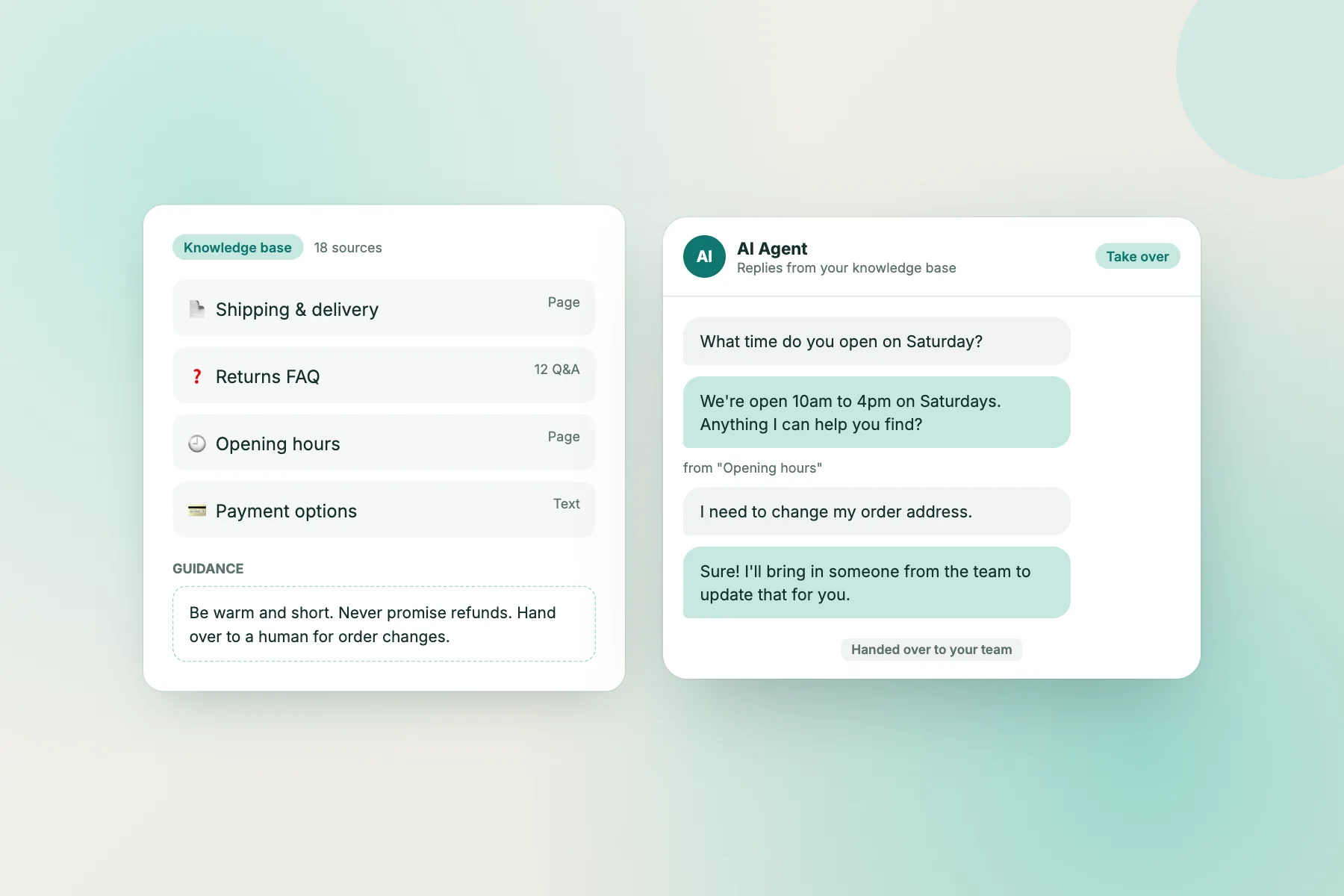
The AI Agent answers from the knowledge you give it, so feed it your pricing logic, plan differences, refund rules and supported integrations. Use the Rules box for behaviour, for example never promise a feature that is on the roadmap. Rules work while AI replies are active. Otherwise the free keyword bot answers from saved replies. Read how to train your AI chatbot for a method.
Use a Flow on the pricing page
A chat flow can open a short message when someone has visited more than once, or comes from a particular source. Keep it short and offer a real question, not a pop-up shouting for attention.
In-trial
Stage three: the stuck trial user
Trial users who never reach their first result rarely come back. The fix is a timely nudge from a person, not a generic email.
LiveChatBot Flows can use up to six conditions, including the number of visits and lead score, plus a follow-up message and a chat rescuer for unanswered chats. That lets you target repeat visitors to your help or signup pages.
What you cannot do
LiveChatBot does not read your product’s in-app data. It cannot see that a user has not yet connected their first data source. If you need that, pass details yourself through the JS API with setVisitor, so your team sees a name and plan in the chat. Ask a developer to wire this up using the live chat scripts guide.
Keep the tone human
A short, plain first line works best: ask what they are trying to do and offer a call or a screen share link if it is stuck.
Customer care
Stages four and five: supporting paying customers
After payment, chats become tickets. Turn a long or unsolved chat into a ticket with an owner and a status of open, pending or solved. Customers get a ticket page without needing to log in, which is useful when your product itself is the thing they cannot get into. See how to turn a chat into a support ticket.
Assignment
Agents can use Assign to me on a chat, and the inbox has Unassigned and Mine folders. There is no automatic round-robin, so a small team needs a simple agreement about who watches the Unassigned folder.
Integrations
Webhooks for ticket.created and ticket.solved, Zapier and a REST API let you push events into your billing tool, spreadsheet or CRM. There are no native HubSpot, Salesforce, Zendesk or Stripe apps, so plan on Zapier or a developer for those.
Gaps
What the best chatbot for SaaS buyers should check, and what we lack
Be sure about what a vendor cannot do before you rely on it.
- Single sign-on, audit logs and role permissions. LiveChatBot does not have them. If your enterprise customers or your own security team require them, this is not the right tool.
- Native CRM and billing apps. Not available. Use Zapier, webhooks or the API.
- Pre-chat form. There is none.
- Badge removal. “Powered by LiveChatBot” stays on all plans.
- iOS team app. There is an Android app only; iPhone users answer from a browser.
What it does offer is low cost, no per-seat pricing and quick setup. Many early-stage products only need that. Compare with live chat for SaaS for the broader picture.
Cost
What the best chatbot for SaaS costs a small team
The free plan covers two websites, which is often your marketing site and your app. Each website gets 100 free visitors a month, counted once when they trigger a new-visitor alert. If your marketing site is busier, visitor packs are one-time and never expire: 100 for ₹99, 500 for ₹299 and 1000 for ₹499. There are no per-seat charges, so adding support, sales and a founder to the inbox costs nothing extra.
Over the limit, tracking and alerts continue and chat pauses for new over-limit visitors, with nothing charged automatically. Check pricing for current details.
Add the Android app for whoever is on call, set opening hours, and switch on the away form so night-time signups from other time zones still leave contact details.
First week
A first-week plan
- Day one: install the widget on the marketing site and on the app’s signup page.
- Day two: load pricing, plans and refund rules into Knowledge and add Rules for tone.
- Day three: write ten saved replies for the keyword bot.
- Day four: build one Flow for the pricing page.
- Day five: connect Zapier so new tickets land in your tracker.
Review the week’s chats on Friday and update the Knowledge.
Frequently asked questions
What is the best chatbot for SaaS companies?
The best fit is the one that matches your weakest stage: pricing questions, trial support or paying-customer tickets. Test with real questions from each stage.
Can LiveChatBot connect to my CRM?
Not natively. Use Zapier, webhooks for ticket.created and ticket.solved, or the REST API to send data to your CRM.
Does it support single sign-on for my team?
No. There is no single sign-on, audit log or role permission feature today.
Can the bot see my users’ in-app data?
No, but you can pass a name or plan with the JS API setVisitor so agents see context.
How much does it cost for a small team?
The free plan covers two websites with no per-seat charges, and visitor packs start at ₹99 one-time.
Put chat where it matters most
Free plan for two websites, no per-seat charges, and Flows for pricing and signup pages. Start free on livechatbot.in.