AI Chatbot for Ecommerce: A Question Map for Every Step From Product Page to Doorstep
AI chatbot for ecommerce setups work best when they match the shopper’s journey. Someone on a product page asks different questions from someone at checkout, and both ask different things from a customer waiting for a parcel. This guide maps the questions at each of six stages, with the answers your bot needs and the moments it should hand over to a person.
Is this right for me?
Size, fit, details, stock.
Delivery cost and time.
Payment, COD, codes.
Where’s my order?
How do I send it back?
⚡ In short
- Shoppers ask predictable questions at each stage; prepare answers stage by stage.
- Product and cart questions are about decisions: answer fast and specifically to save the sale.
- Post-purchase questions are about reassurance: tracking, timelines and honest updates.
- Hand over payment problems, damaged items and disputes to a person every time.
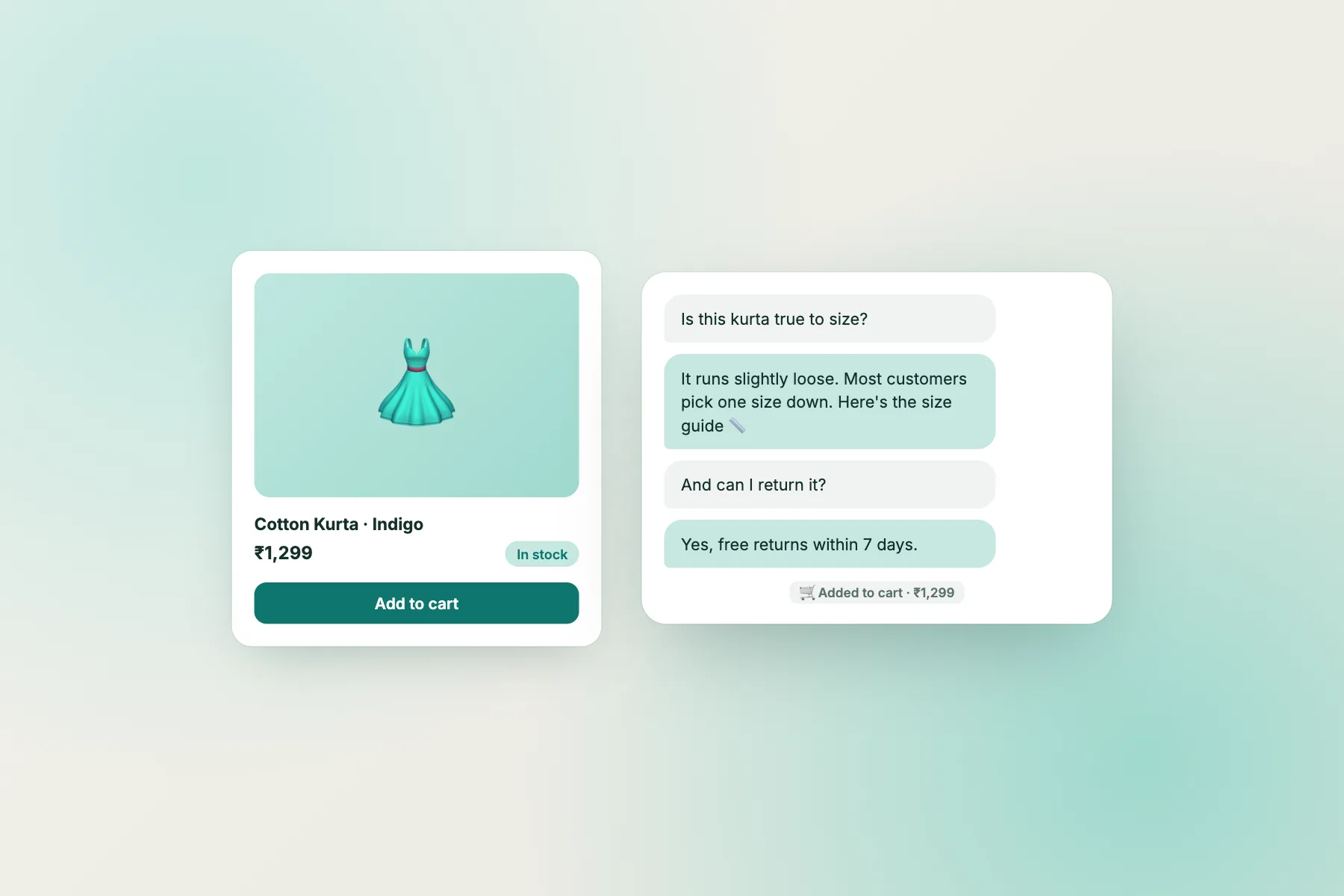
Why a question map
The same shopper asks different things at different moments
An online store’s chat can feel chaotic: sizing questions, delivery questions, payment worries, tracking requests and returns, all mixed in one inbox. But each question has a natural place in the shopping journey, and each stage has its own mood. Browsers are curious. Shoppers on a product page are weighing a decision. Shoppers at checkout are one doubt away from leaving. Customers after purchase want reassurance. Customers returning something want it to be painless.
A question map organises your bot around those stages. For each one, you list the common questions, write strong answers, decide whether a proactive message helps, and set where the bot should hand over. The result is an AI chatbot for ecommerce that feels like a helpful shop assistant at every step, rather than a generic FAQ that doesn’t know where the shopper is.
The six stages below follow a typical Indian online store, with prices in rupees, cash on delivery and pin-code delivery. Adapt the details to your shop.
Stage 1 · Browsing
Helping visitors find the right thing
Visitors on category pages and the homepage are exploring.
Common questions
– “Do you have something for [occasion]?” – “What’s the difference between these two?” – “Do you have it in [colour/size]?” – “Is there a sale on?”
What the bot needs
Category descriptions, your best-sellers, current offers with end dates, and brief comparisons of similar products.
Proactive message?
Usually no. A greeting on the homepage for every visitor tends to be ignored. If anything, use a gentle attention card: “Looking for a gift? Ask us.”
Stage 2 · Product page
Answering the questions that block a decision
The highest-value stage: shoppers here are close to adding to cart.
Common questions
– Size and fit; “what size should I get?” – Material, care, dimensions, compatibility – “Is this in stock?” and “When will it be back?” – “Is it original?” and warranty questions
What the bot needs
Size guides with real measurements, product details, warranty terms, and an honest stock policy. If live stock isn’t connected to the bot, it should point to the product page or a person rather than guess.
Proactive message?
Yes, on high-consideration products: after 30–45 seconds, “Questions about size or fit? Ask me.” Use a chat Flow with a page condition.
Stage 3 · Cart
Removing the last doubts before checkout
At the cart, the shopper has chosen. What stops them now is usually cost or timing: the delivery charge they hadn’t expected, or uncertainty about when it will arrive. This is where many carts are abandoned, and where a quick answer saves the most sales. Research from the Baymard Institute has long found extra costs such as shipping among the top reasons shoppers abandon checkout; see our cart abandonment guide.
Common questions
– “How much is delivery to [city/pin code]?” – “How long will it take?” – “Is there free delivery above some amount?” – “Can I add a gift message?”
What the bot needs
Delivery charges, free-delivery threshold, delivery times by region, cut-off times for same-day dispatch, and gift options.
Proactive message?
Yes. After 20–30 seconds on the cart page: “Any questions before you check out? Delivery to most cities takes 2–4 days.” It answers the most likely doubt before it’s asked.
Stage 4 · Checkout
Payment questions and nerves
At checkout, questions are about payment and trust. Answers must be precise, and anything going wrong with money goes to a person.
Common questions
– “Is cash on delivery available?” – “Do you accept UPI / which cards?” – “Is no-cost EMI available?” – “My coupon isn’t working.” – “Money was deducted but the order didn’t go through.”
What the bot needs
COD limits and fees, payment methods, EMI conditions, how codes apply (and common reasons they fail, such as minimum order values or excluded items).
Hand over when
Payment was deducted without an order, a customer was charged twice, or a code issue can’t be explained by the rules. The bot should reassure (“failed payments are usually reversed by the bank within a few working days”), collect the payment reference, and pass it on.
Proactive message?
Rarely. Don’t distract people who are paying. Make sure the chat launcher doesn’t cover the “Pay” button on phones, or hide it on the payment step.
Stage 5 · After ordering
Reassurance, tracking and honest updates
The most common questions overall, and the easiest for a bot to handle well.
Common questions
– “Where is my order?” – “When will it arrive?” – “Can I change my address?” – “Can I cancel?”
What the bot needs
How to track an order (link in confirmation SMS or email), typical timelines, how to change an address before dispatch, and cancellation rules.
When to hand over
A specific order is late beyond the normal window, an address change after dispatch, or the customer is upset. Collect the order number first so your team can act immediately. Tickets keep these organised.
Stage 6 · Returns
Making it painless
A smooth return keeps a customer; a painful one loses them for good and often earns a bad review. Returns are also where an AI chatbot for ecommerce saves a surprising amount of staff time, because the same few questions about windows, conditions and refund timing come up every day, and the answers rarely change.
Common questions
– “Can I return this?” – “How do I start a return?” – “When will I get my refund?” – “Can I exchange for another size?”
What the bot needs
The return window, conditions (unused, tags on), how to start a return, refund timelines by payment method (including COD refunds to bank or UPI), exchange rules, and any non-returnable items.
Hand over when
The item arrived damaged or wrong (collect a photo and order number), a refund is late, or the customer disputes the policy. The customer care chatbot guide shows a calm complaint intake for exactly these moments.
The map
All six stages on one page
| Stage | Top question | Proactive message? | Hand over when |
|---|---|---|---|
| Browsing | Do you have something for…? | Rarely | Bulk or custom orders |
| Product page | What size should I get? | Yes, on key products | Stock or warranty unknowns |
| Cart | How much is delivery? | Yes, after 20–30 s | Special delivery requests |
| Checkout | Is COD available? | No | Any payment problem |
| After ordering | Where is my order? | No | Late beyond window; upset customer |
| Returns | How do I return this? | No | Damaged, wrong item, disputes |
Store-specific tips
Getting the details right
Platform setup
On WooCommerce, use the WordPress plugin; on Shopify, paste the widget code into your theme (there’s no separate Shopify app). Guides: WooCommerce live chat and Shopify live chat.
Product knowledge at scale
You don’t need every product in the bot on day one. Start with best-sellers and general rules (sizes, materials, care, warranty), then add more as questions show demand.
Stock honesty
If stock changes fast and isn’t connected to the bot, never let it promise availability. “The product page shows current stock; I can ask the team about restocks” is honest and useful.
Festival seasons
Before big sales, update delivery cut-offs, offer terms and the welcome line. The peak-day playbook covers surge preparation.
Measuring results
What to watch in a store
Three numbers tell you whether your AI chatbot for ecommerce is earning its place.
- Questions answered without staff, especially at the product and cart stages.
- Chats on the cart page that end in an order. Your store’s order data and chat history together show this.
- Post-purchase messages handled by the bot, such as tracking and timelines, freeing staff for real problems.
Read a sample of chats weekly, stage by stage, and note which stage produced the most handovers. That stage is usually where a missing fact or a vague answer is costing you time. If product-page chats often end without a decision, your size or product answers may be too vague. If cart chats raise new delivery questions, update the delivery knowledge. Our UX metrics guide explains how to count these simply.
Everything in this map runs on LiveChatBot’s free plan for two websites with 100 visitors per website each month: the widget, AI Agent with a small monthly allowance of AI replies, free keyword bot, Flows with page conditions, visitor tracking, tickets and the Android app. Visitor packs from ₹99 never expire. Start on livechatbot.in.
Frequently asked questions
What should an AI chatbot for ecommerce answer first?
The cart and product-page questions: delivery cost and time, sizes, COD and payment methods. They affect whether a sale happens.
Should the bot check order status?
If it can’t look up orders directly, it should explain tracking and timelines and collect the order number for a person to check.
Can the bot handle returns?
It can explain the policy and how to start a return. Damaged or wrong items, late refunds and disputes should go to a person.
Does it work with Shopify and WooCommerce?
Yes. WooCommerce uses the WordPress plugin; on Shopify you paste the widget code into your theme.
How many answers do I need to start?
Around fifteen: two or three per stage. Add more as real questions come in during the first weeks.
Will proactive messages annoy shoppers?
Not if you use them sparingly: one message on key product pages and the cart, none at payment.
Keep reading
Related guides
AI Chatbot for Customer Service on Peak Days: A Surge Playbook for Sales, Launches and Outages
AI Chatbot for Business: How to Write a One-Page Business Case Your Partner or Boss Will Approve
AI Chatbot Examples, Side by Side: 10 Weak Answers Rewritten Into Strong Ones
More to read
More guides on this topic
Chatbot Responses That Answer the Question Asked: Match Every Reply to the Message Type, From Yes/No to ‘Where Is My Order?’ (Free Response Fit Checker)
Map your store’s questions this week
Write answers stage by stage and switch on two Flows. Free on livechatbot.in.