Best Chatbots for Customer Service: Score Your Shortlist on Seven Service Criteria, Weighted to Your Own Support Load (Free Weighted Scorecard)
Best chatbots for customer service lists tend to rank on feature counts, which tells you little about how a bot behaves when a worried customer writes in. This guide gives you seven criteria that actually separate good service bots from poor ones, shows how to weight them for your own support load, and includes a free scorecard that turns your trial notes into a ranking.
⚡ In short
- Rank bots on service behaviour, not feature counts: accuracy, handover, hours, speed, follow-up, reports and cost.
- Weight each criterion for your own load. A 24-hour shop and a nine-to-five clinic weigh them differently.
- Score from a real trial with your own questions, not from a demo.
- Use the scorecard below to turn your notes into one fair number per bot.
The problem
Why top-ten lists rarely find the best chatbots for customer service
A ranked list assumes every reader has the same support problem. Yours is specific. You may get twenty repeat questions a day, or five rare and complicated ones. You may have a team of one, or six people on shifts.
A bot that suits a large team with hundreds of daily chats can be a poor fit for a shop owner who answers from a phone. The reverse is also true. So instead of asking which bot wins, ask which one behaves best on the work you actually have.
That needs criteria, weights and a trial. The sections below give you all three. If you would like the job-first view of the same problem, see our guide to the best customer service chatbot, which matches bots to support jobs, and the live chat for customer service pillar guide for the wider context.
Criteria one to three
Accuracy, handover and after-hours behaviour
1. Accuracy from your own facts
Give each bot the same twenty facts, then ask ten questions, three of which you never covered. The right answers should match your facts. The unknown ones should produce “I am not sure”, not a guess.
2. Handover to a person
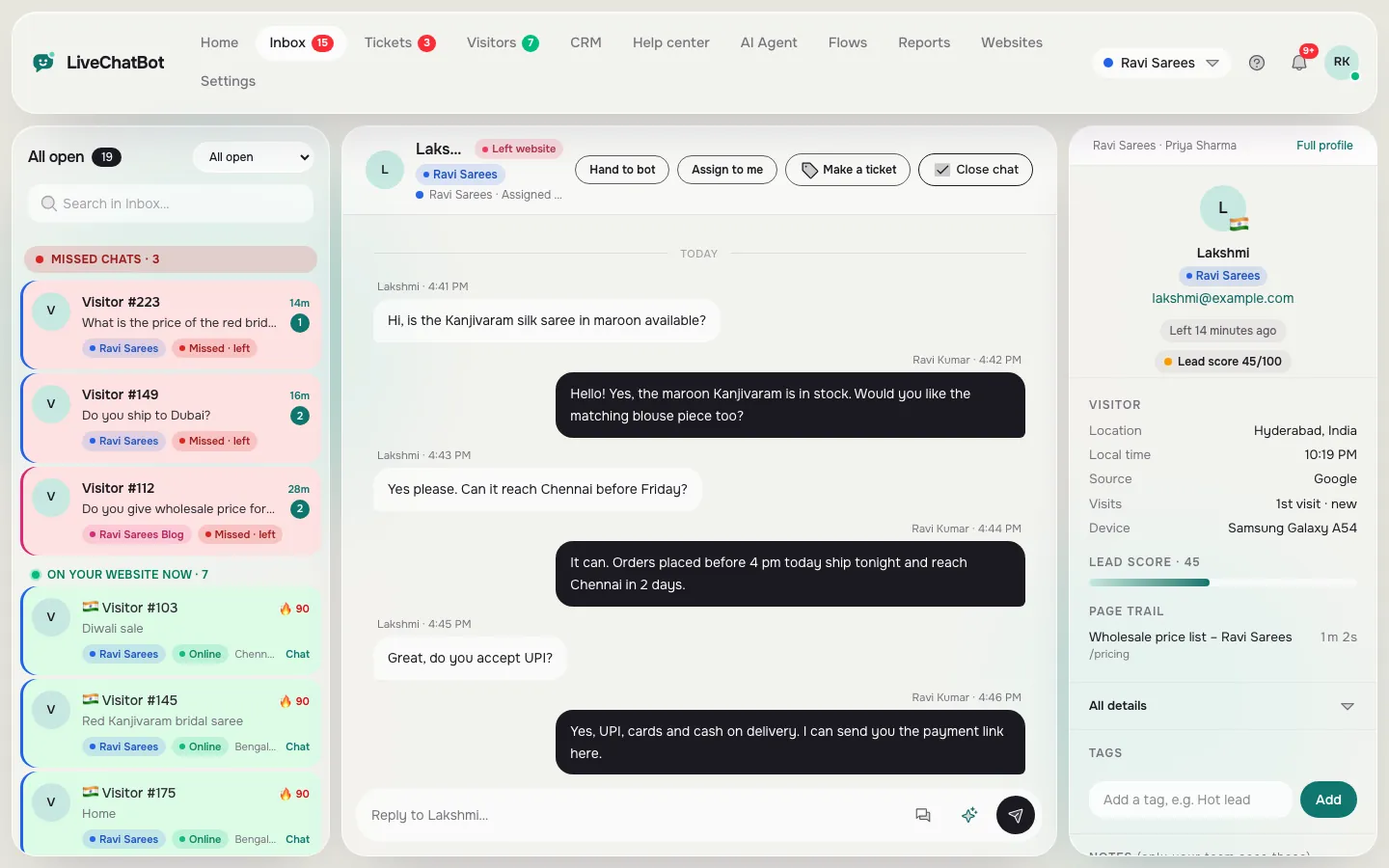
Type “talk to a human”. Does the chat reach your team, show who is answering and keep the history? LiveChatBot lets an agent pick up with Assign to me, or route to a team, in a shared inbox.
3. After-hours behaviour
Set closing time five minutes ahead and write in. A good bot tells the visitor when you are back and takes an email or phone number. On LiveChatBot, opening hours with an away form do this, and the chat rescuer asks for email and phone when nobody replies in seconds.
Criteria four to seven
Speed, follow-up, reports and cost
4. Speed on a phone
Open your site on mobile data. The widget should load without freezing the page, and your own phone should alert you within seconds. LiveChatBot has an Android app for agents; there is no iOS team app.
5. Follow-up
Unanswered chats must not vanish. Check whether a chat can become a ticket with an owner, and whether saved replies exist for the common answers.
6. Reports
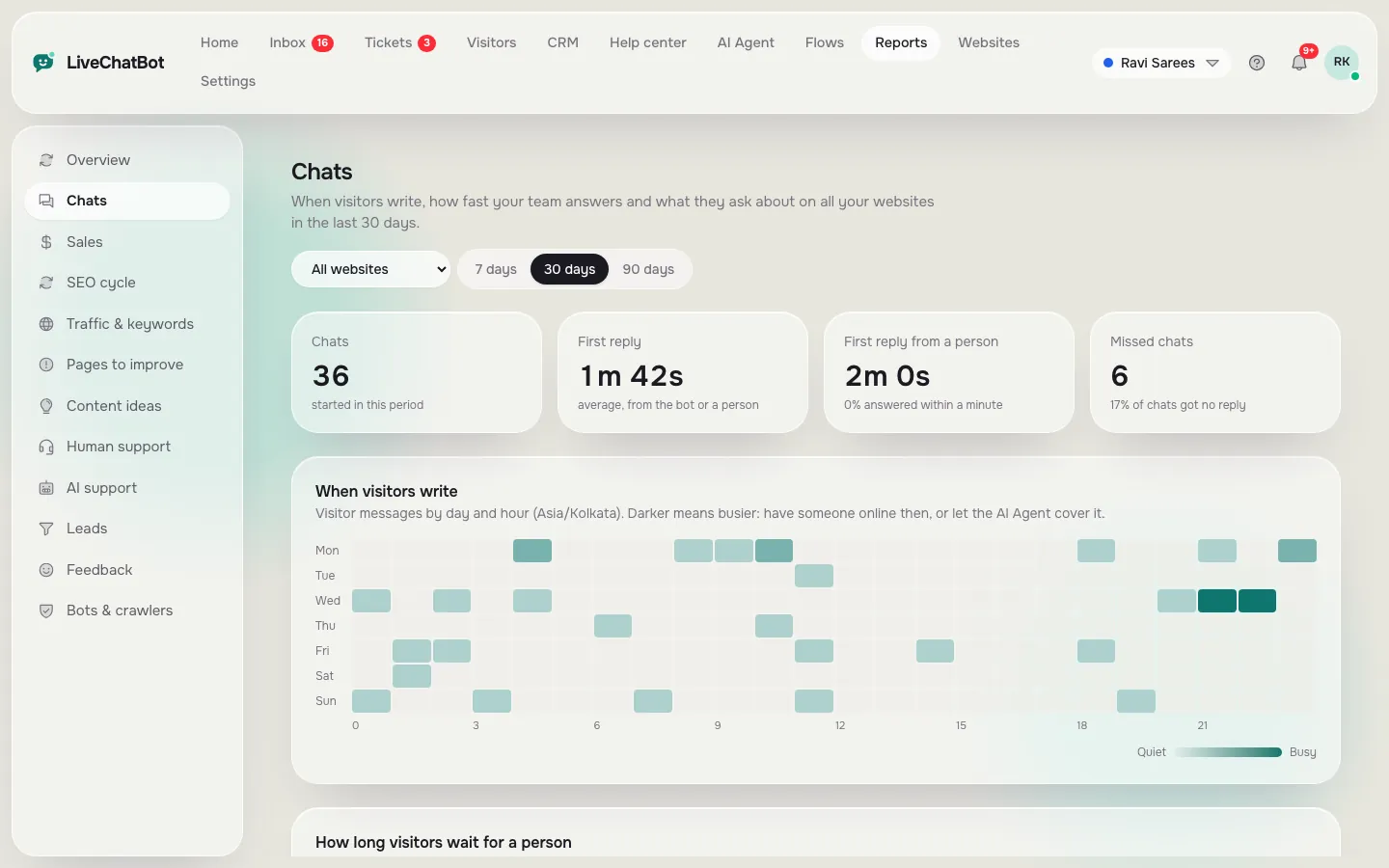
Look for first response time, resolution rate and replies by agent. LiveChatBot Reports show these, plus chat ratings with a thumbs up or down. They do not offer a custom report builder or emailed reports.
7. Predictable cost
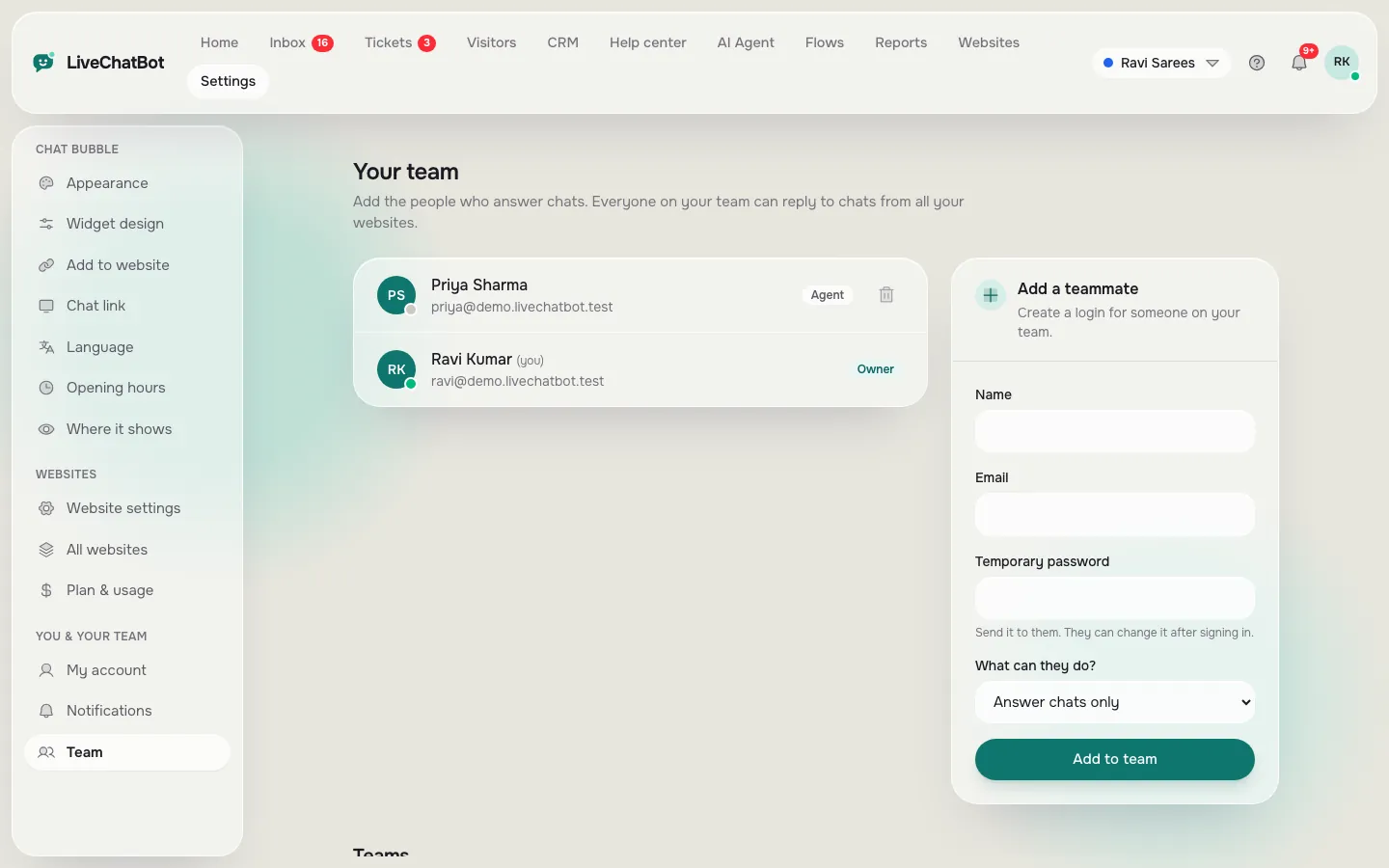
Know what the plan counts and what happens at the limit. LiveChatBot counts visitors, charges nothing per seat, and never renews automatically.
Real screens
What you will see in LiveChatBot
Real screens from the LiveChatBot panel, shown with sample data. Click any picture to see it full size.
Try it
Weighted scorecard for the best chatbots for customer service
Rename the three columns to your shortlist. Set the importance of each row first, then score each bot from 0 to 5 using your trial notes.
Right answers, honest about unknowns.
Importance Score Score Score
Fast, with history kept.
Importance Score Score Score
Hours plus a form for email or phone.
Importance Score Score Score
Agents notified quickly.
Importance Score Score Score
Tickets, owners, saved replies.
Importance Score Score Score
Response time, resolution, ratings.
Importance Score Score Score
Clear limits, no surprise bills.
Importance Score Score Score
Setting weights
Weights that fit three common support loads
Weights are where your situation enters the score. Here are three starting points.
- Shop with orders all day. Raise accuracy, handover and speed. Customers are mid-purchase and impatient.
- Clinic or service business with office hours. Raise after-hours capture and follow-up. The risk is the message you miss at night.
- Small team of one or two. Raise predictable cost and phone alerts. You cannot watch a screen all day.
Change the sliders to match, and then look at the gap between the top two scores. A gap of a few points is a tie; test both again with ten more questions before you decide.
Keep your notes honest
Write the score the moment you finish each test, not at the end of the week. Memory favours the last bot you tried. If a bot surprised you, good or bad, write one line about why. Those lines become the evidence when you explain the choice to a partner or a manager, and they make the best chatbots for customer service in your shortlist easy to defend. Re-score after a month of real chats, because live traffic always shows things a trial misses.
Our guide to AI chatbots for customer service explains how the AI side behaves when facts run out.
Honest gaps
What LiveChatBot would score lower on
In fairness to the scorecard, here is where LiveChatBot would lose points. "Powered by LiveChatBot" stays on all plans, so there is no white label. There is no iOS team app, no voice, no sentiment analysis and no single sign-on or audit log. You cannot pick the AI model. Slack, HubSpot, Zendesk and similar tools are not native integrations, though Zapier and webhooks can pass tickets to many of them.
On the other side: a shared inbox with WhatsApp and Messenger messages through Meta, teams, tickets, a help center, saved replies, ratings and Reports, with no per-seat charges. Write your own weights and let the numbers decide.
Next step
Run the trial in one afternoon
Pick two or three bots, load the same twenty facts into each and ask the same questions. Fill in the scorecard straight after, while the memory is fresh.
LiveChatBot's free plan gives 2 websites and 100 visitors per website a month, so you can test it at no cost. Starter is ₹299 a month for 750 shared visitors and Growth ₹699 for 2,500, prepaid with no auto-renew. See pricing, or read the full live chat for customer service guide before you start.
Frequently asked questions
How do I compare the best chatbots for customer service fairly?
Use the same facts and the same questions on each bot, score them on identical criteria and weight the criteria for your own support load.
Which criterion matters most?
For most small teams it is handover to a person. A bot that cannot step aside costs more goodwill than it saves in time.
Can a free chatbot be good enough for customer service?
Often, if the limits match your traffic. Check what the plan counts and what happens at the limit.
Does LiveChatBot charge per agent?
No. There are no per-seat charges, so a bigger team does not raise the price.
Can I hide the Powered by LiveChatBot badge?
No. It stays on all plans.
More to read
More guides on this topic
Best Chatbot for Webflow Websites: Score Your Shortlist on Six Designer-Friendly Criteria, Including Page Speed and Custom Code (Free Scorecard)
Score it yourself
Free plan for two websites, no per-seat charges, prepaid plans with no auto-renew. Start free on livechatbot.in.