Chatbot With Phone Number Capture: When a Number Beats an Email, How to Ask in India and What to Do in the First Ten Minutes (Free Ask-or-Not Quiz)
Chatbot with phone number capture is the right choice when your customers would rather talk than type, and when a quick call closes the sale. In India that is often true: many buyers ignore email but pick up a call or a WhatsApp message. The catch is trust. A phone number feels more personal than an email, so the ask needs a clear reason, and the follow-up needs speed. This guide covers both, plus a quiz to decide if you should ask at all.
⚡ In short
- Ask for a phone number when a call or WhatsApp message will move the sale faster than email.
- Say what will happen: who calls, when, and for how long. Never ask for a number with no reason.
- LiveChatBot collects numbers through the away form and through chat. There is no pre-chat form.
- The first ten minutes after a number arrives decide whether it was worth asking.
Why a number
When a phone number beats an email
An email is easy to give and easy to ignore. A phone number is harder to give and much harder to ignore. That trade-off tells you when to ask.
Ask for a number when
- The product is high value or custom, such as a course, a repair, an event or a property.
- The visitor has questions that take ten minutes to type but two to say.
- Your customers prefer WhatsApp or calls to email.
- Speed matters, such as a booking for this week.
Ask for an email instead when
The visitor wants documents, a price list or a long answer in writing. Our guide to email capture in chat covers that case.
Why this matters for small teams
A team of three cannot call everyone. Asking only where a call adds value keeps the list short enough to follow up properly.
The ask
How to ask for a number without scaring people off
Phone numbers worry people. They fear spam calls, and in India many have learned to expect them. Your wording has to take that fear away.
Name the person and the reason
“Share your number and Priya will call you today between 10 and 6 to confirm the booking.” That sentence has a name, a time window and a purpose. It reads as a service, not a sales trap.
Offer the channel
Some visitors want a call. Others prefer a WhatsApp message. Ask: “Call or WhatsApp, whichever you prefer.” You still need to follow up by hand, because LiveChatBot has no WhatsApp inbox, but you can message from your own phone.
Ask late, not early
The best moment is after the bot has answered something and the visitor needs more. The worst is the very first message. With no pre-chat form, you control the timing in your Flow messages and saved replies.
Try it
Should your chatbot with phone number capture ask at all?
Answer four questions about your business. The quiz tells you whether to ask for a number, an email, or either.
Speed
The first ten minutes after the number arrives
A captured number goes cold fast. Treat the first ten minutes as part of the capture.
What to do, in order
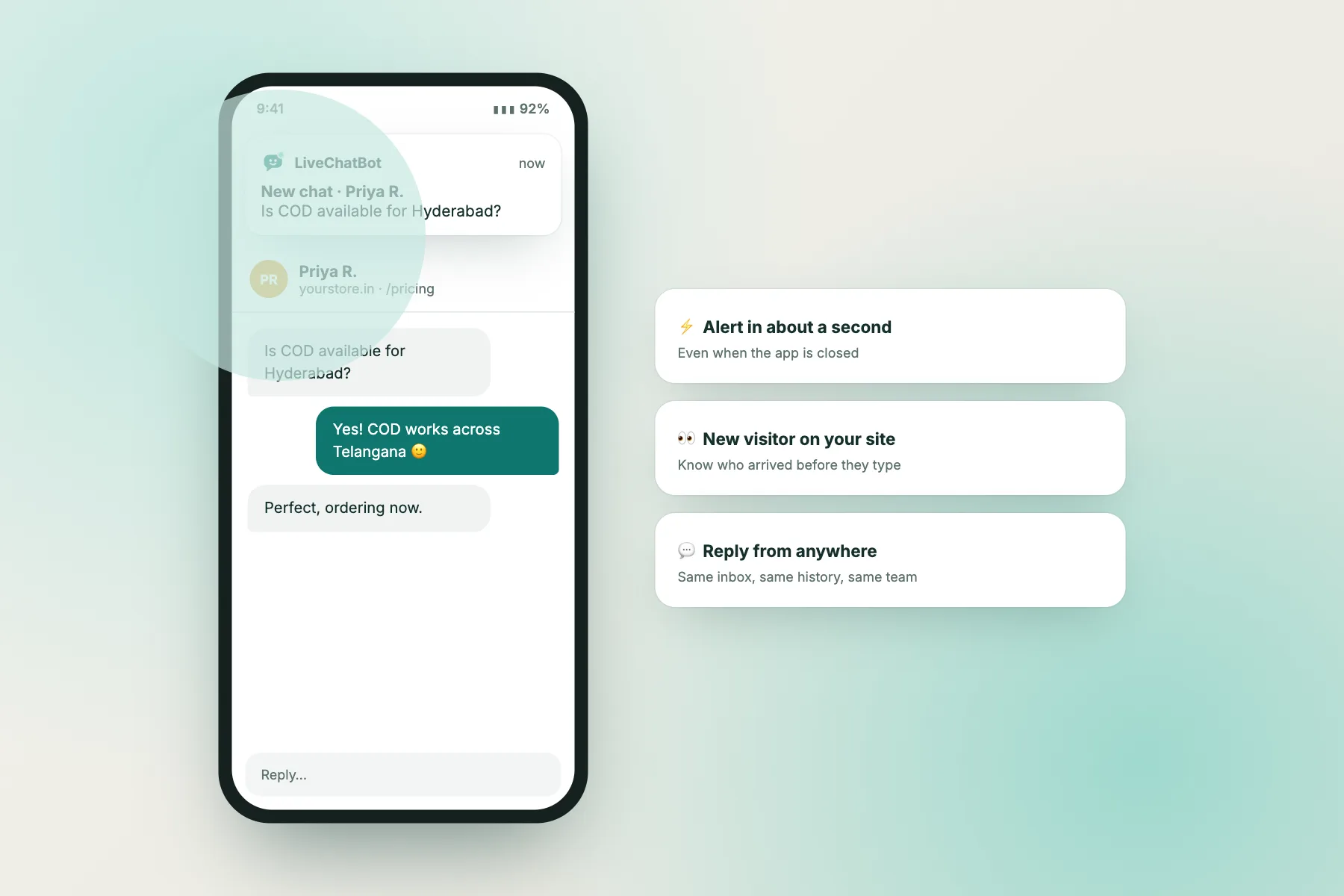
- Get the alert. Install the Android app so the lead reaches your phone, not just a desk. See how to use the Android app.
- Check the chat. Read what the visitor asked, so you do not call with “How can I help?”.
- Reply once in chat or ticket first. A short note saying you are calling now makes the call expected.
- Call, or message on WhatsApp. Do it inside the time you promised.
- Record the result. Add a note to the ticket: reached, no answer, call back at 5.
If you promised a call between 10 and 6 and the lead arrives at 9 pm, say so in the away form: We call from 10 am tomorrow.
India
Indian number formats and etiquette for a chatbot with phone number capture
A few local details prevent wasted calls.
- Ten digits. Most mobile numbers are ten digits. Visitors may type +91, 0 or spaces. Do not reject them; read the number yourself and tidy it before calling.
- Typos are common. If a call fails, reply in chat, because the conversation is still open.
- Calling hours. Stay within normal hours. A call at 10 pm turns a lead into a complaint.
- Do Not Disturb. Telecom rules on unsolicited commercial calls apply to promotion. A visitor who gave a number to get a callback has asked you to call, but do not reuse it for marketing campaigns. Check the current rules for your case.
- Language. If your visitor wrote in Hindi or Tamil, call in that language if you can. LiveChatBot shows welcome text in the visitor’s language automatically, so set the translations first.
Mistakes
Five mistakes that make a chatbot with phone number capture fail
Most failures are about trust and speed, not technology.
- Asking in the first message. The visitor has not got anything yet, so they refuse or type nine random digits.
- No reason given. “Enter your number” feels like a trap. “So Priya can confirm your booking” feels like help.
- Promising a call and not making it. A missed promise is worse than never asking. Only promise what your team can do.
- Calling at odd hours. Evening and early-morning calls cause complaints and blocked numbers.
- Using the number for something else. A callback request is not permission to add the person to a promotional list.
A simple rule
Before you add the ask to a Flow, say it aloud as if a customer in your shop heard it. If it sounds odd in person, it will sound odd in chat.
Where it goes
Where captured numbers are stored and how to export them
The number arrives with the chat or the ticket, where your team can see it. For basic use, that is enough.
Passing it on
LiveChatBot has no native CRM apps. If you keep leads in a sheet or another tool, use the REST API, the ticket.created webhook or Zapier to copy new numbers across. Our Zapier connection guide lists the steps.
Keep it tidy
Decide who owns each lead. Close the ticket when the lead is won, lost or called twice. A list full of old numbers is a privacy risk and a distraction.
Retention
Do not keep numbers forever. Pick a period, such as six months for lost leads, and delete after it. Mention the period in your privacy policy. Our lead capture chatbot guide shows how to match each capture method to its page.
Frequently asked questions
Can a chatbot with phone number capture call the visitor for me?
No. LiveChatBot collects the number and shows it to your team. Your people make the call or send the WhatsApp message.
Does LiveChatBot validate phone numbers?
Do not rely on it. Read each number yourself and fix obvious typos before calling, and reply in chat if a call fails.
Can I get numbers when nobody is online?
Yes. Turn on opening hours and the away form, which collects an email or phone number after hours.
Is there a WhatsApp inbox?
No. A WhatsApp button card can send visitors to your WhatsApp number, but replies happen on your own phone.
What does it cost to start?
The free plan covers 2 websites and 100 free visitors per website each month. Visitor packs are one-time and never expire.
Keep reading
Related guides
Chatbot With Email Capture: The Right Moment to Ask, the Exact Words to Use and Where the Address Ends Up (Free Copy-Ready Ask Lines)
Chatbot with Checkout Assistance: What It Can Honestly Do at the Pay Step, What It Cannot, and a 10-Point Readiness Checklist
Chatbot With Visitor Segmentation: Which of Your Six Flow Conditions Should Define Your First Segment? (Free Segment Picker Quiz)
More to read
More guides on this topic
Chatbot With Contact Collection: Where Each Phone Number and Email Goes After It Is Typed, and a Care-for-Contacts Checklist (Free Handling Checklist)
Ask for the number, then answer fast
Away form, Flows and the Android app on a free plan for two websites. Start free on livechatbot.in.