Chatbot for Education Website: Which Questions to Automate, Which to Hand to Staff, and Which to Leave to Official Pages (Free Setup Quiz)
Chatbot for education website projects go wrong when the bot is asked to answer everything. A training institute, tutoring brand or online course site gets three kinds of questions: facts that never change, questions that need a person, and questions where only the official page is allowed to answer. This guide sorts them into three lanes, shows what LiveChatBot can and cannot do for each, and ends with a short quiz to choose your first setup.
⚡ In short
- Do not ask one bot to answer everything. Split enquiries into three lanes first.
- Automate stable facts: course content, how to apply, timings, contact details.
- Hand over anything personal: eligibility cases, payment problems, special requests.
- Point to the official page for fees, dates and results, rather than trusting a bot to quote them.
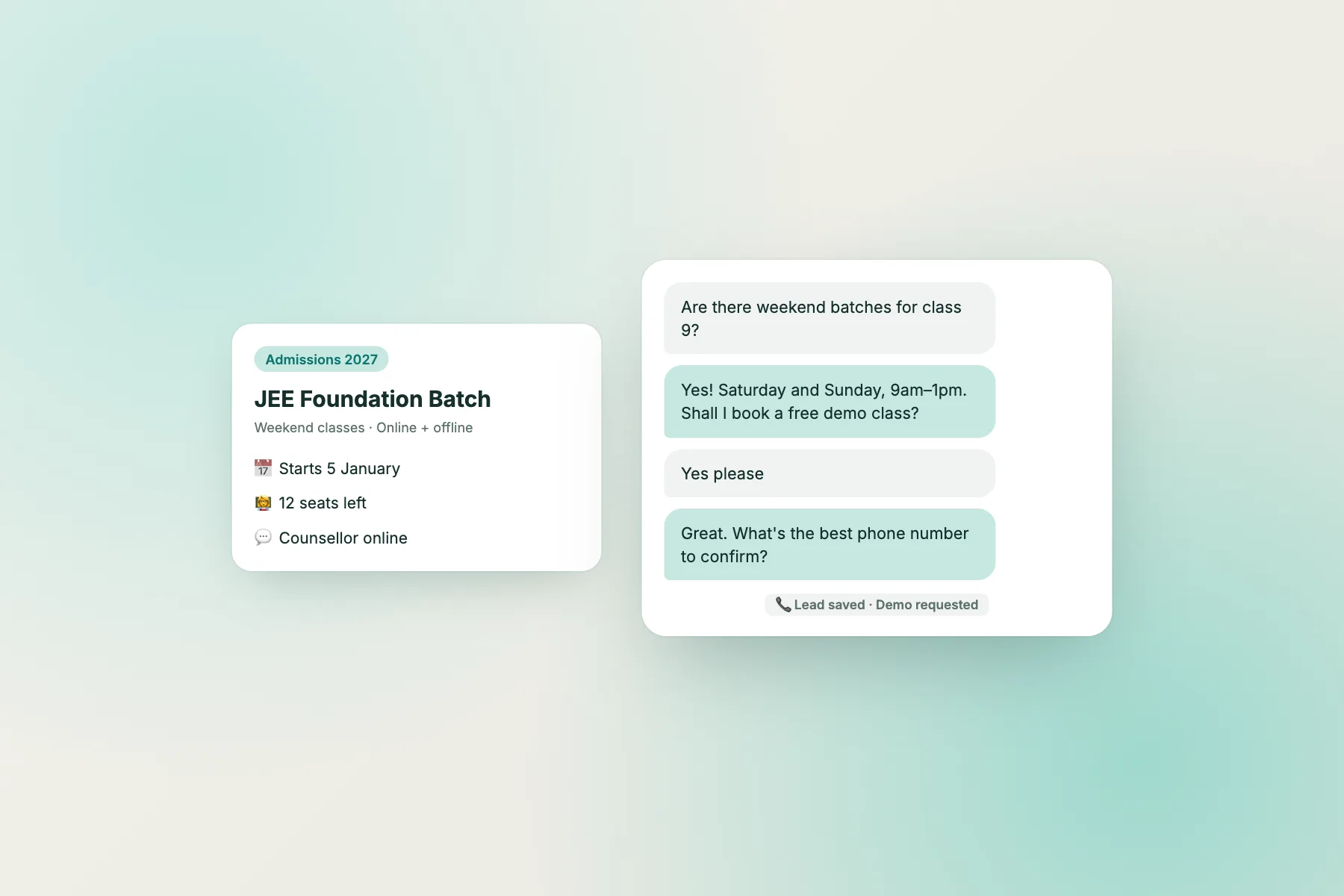
The problem
Why education enquiries are different from shop enquiries
A shop answers “where is my order?”. An education site answers “can I join mid-year?”, “is this course right for my level?” and “what happens if I miss a class?”. These questions are personal, and they carry more worry. The person asking may be a parent, a student or an adult changing careers.
Two things follow. First, a wrong answer costs more than a slow one. A bot that guesses a start date can lose you a family. Second, many questions repeat all year, which is where a bot earns its keep.
So the job is not “put a bot on the site”. It is deciding, in advance, which questions the bot may answer, which it must pass on, and which it should simply point to your official page. A short planning session beats a long setup.
Lane one
Automate the facts that rarely change
These are the questions your staff are tired of typing. Teach them once to the AI Agent and let it answer at any hour.
Good lane-one topics
- What each course covers and who it suits.
- How to apply, step by step, in your own words.
- Class format: online, in person or mixed.
- Where you are, how to reach you and when the office is open.
- What to bring or prepare for a trial class.
The AI Agent answers from the knowledge you give it, so write short, plain paragraphs and keep them current. When you change a syllabus, change the knowledge the same day. Our guide on how to train your AI chatbot covers the writing habits that help.
Lane two
Hand over what needs a person
Some questions need judgement, sympathy or access to records. The bot should say so, take a way to reach the visitor, and pass it to staff.
Typical lane-two topics
- “Am I eligible with my marks or background?”
- A payment problem or a refund request.
- Special needs, scholarships or exceptions.
- Complaints from a parent or student.
LiveChatBot gives you the tools to do this cleanly. Set opening hours so the widget shows an away form outside them, collecting an email or phone number. Turn unanswered chats into tickets with an owner, so nothing is lost between a counsellor and the office. The team can reply from the inbox or the Android app.
Lane three
Let official pages own fees, dates and results
This is the lane people forget. Fees, deadlines, exam dates and results change, and they often carry legal weight. If a bot quotes last year’s number, you have a problem.
The safe pattern is simple. Write a saved reply or knowledge note that says what the topic is and sends the visitor to your official page. For example: “Fees and dates are published on our admissions page, which is always the latest version. I can share the link, or a counsellor can call you.”
LiveChatBot cannot check your records, student system or learning platform, and it has no integration with them. It should never claim to. That honesty is a feature: visitors learn that the bot is a helpful front door, and that the final word sits on your site and with your staff.
Try it
Quick check: which setup should you start with?
Answer four questions about your site. The most common answer decides the result. Nothing is saved.
Honest limits
What LiveChatBot does not do for a chatbot for education website owners
Be clear before you buy anything. LiveChatBot is a website chat tool, not a campus system.
- It has no learning-platform, student-record or admissions-portal integration.
- It does not look up a student’s marks, attendance or application status.
- There is no pre-chat form, so you ask for details inside the conversation or in the away form.
- It has no WhatsApp inbox, only a WhatsApp button card that sends visitors to your number.
- “Powered by LiveChatBot” stays on every plan.
What you can do is send contact details onwards: Zapier can push a ticket to a sheet or email, webhooks fire on ticket.created and ticket.solved, and a REST API exists. For examples of who answers what, see our educational chatbot examples.
After launch
Measuring a chatbot for education website enquiries without inventing numbers
Keep the review simple. Once a month, read thirty chats and tag each one with its lane. You will see quickly where the bot helps and where it only delays a visitor.
Three things to count
- Chats the bot answered fully, with no handover.
- Chats handed to staff, and how long the reply took.
- Away-form submissions turned into a real call or enrolment.
Do not compare these against figures from other schools. Your own month-on-month trend is the only number that matters. If handovers rise after a new course launches, add knowledge notes for that course. If away-form leads go cold, shorten the time between submission and the first call. Use saved replies so the first human answer goes out in seconds.
Launch
A two-week plan to launch your chatbot for education website
Week one: write and sort
List your fifty most common questions from email, calls and messages. Put each in a lane. Write knowledge notes for lane one and saved replies for lanes two and three. Set opening hours and the away form.
Week two: test and open
Ask the bot ten real questions, including three you never taught it. Check that it says it is unsure and hands over. Install the widget, set it to show on course pages with the “where it shows” rules, and install the Android app on the counsellors’ phones.
Review the first month of chats. Anything the bot got wrong becomes a new note. Sign up at livechatbot.in and start on the free plan; see pricing if traffic outgrows 100 visitors per website per month.
Frequently asked questions
Can a chatbot for education website visitors answer fee questions?
It can, but it should not be the source of truth. Point visitors to your official fee page and offer a call from a counsellor, so the number is always current.
Does LiveChatBot connect to our learning platform?
No. It has no learning-platform or student-record integration. It can pass contact details to other tools through Zapier, webhooks or the REST API.
Is it suitable for a small tutoring business?
Yes. The free plan covers two websites and 100 visitors per website per month, with no per-seat charges.
Can it reply in other languages?
The widget can detect the visitor’s language and translate welcome text, and the dashboard comes in eight languages. Always test answers in each language you promise.
What if the bot does not know the answer?
It should say so and offer a human. Outside opening hours the away form collects an email or phone number instead.
Keep reading
Related guides
Chatbot for Online Courses: Support Students at Every Stage, From the Sales Page to the Last Lesson, Without an LMS Plugin (Free Student Journey Timeline)
Chatbot for School Website: Answering Parents Calmly, With a Parent-Facts Checklist and Clear Limits on What the Bot Says
Chatbot for Landing Pages: Match the Chat to Each Traffic Source, From Ad Clicks to Email Links to Returning Visitors (Free Setup Quiz)
Sort your enquiries into lanes
Free plan for two websites, no per-seat charges and answers from your own facts. Start free on livechatbot.in.