Educational Chatbot Examples for Schools, Coaching Centres and Colleges: 12 Conversations Sorted by Who Should Answer (Free Question Router)
Educational chatbot examples usually show a cheerful bot answering “When do admissions open?” and stop there. Real institutes get a much wider mix: fee questions, certificate requests, subject doubts, complaints about marks, and now and then a message from a frightened student. This guide walks through 12 example conversations from schools, coaching centres and colleges, grouped by who should really answer each one: the bot, the office, a teacher, or a person right away. A free tool routes your own pasted questions the same way.
⚡ In short
- An education bot is best at published facts: admission dates, fees, timings, syllabus, holidays, documents.
- Record problems (certificates, failed payments, refunds) go to the office as a ticket with the details collected.
- Learning questions and marks go to a teacher. The bot says who and when; it doesn’t grade.
- Any message about ragging, harassment, fear or self-harm goes to a named person at once, with a helpline shown.
The pattern
Why these examples are sorted by who answers
Most lists of education bots are sorted by type: admission bot, quiz bot, FAQ bot, tutor bot. That’s useful if you’re picking software, but it doesn’t help much once the chat is live. On a real school or coaching website, the same chat window receives everything, and the thing that decides whether a reply is good is simple: did the right person answer it?
A bot that answers “What is the fee for the NEET batch?” in two seconds is helpful. The same bot answering “Why did my son get 12 marks in maths?” with a cheerful paragraph about study tips is not, because only the teacher knows. And a bot replying “I’m sorry, I didn’t understand. Here are some topics I can help with” to a student who writes that seniors are ragging them is a serious failure.
So the examples below are arranged in four lanes:
- The bot lane. Facts that are published and the same for everyone.
- The office lane. Questions that need someone to look up a record or approve an exception.
- The teacher lane. Doubts, homework and marks.
- The urgent lane. Safety and wellbeing. A person, now.
Every conversation is illustrative. The institutes, fees and dates are invented to show the pattern, not taken from any real school. Use them as models for your own wording, then run your real questions through the router tool further down to see how your own mix splits.
Lane 1 · the bot
Four educational chatbot examples the bot handles well
Published facts with one right answer. The bot should give the specific number or date, then offer the next step.
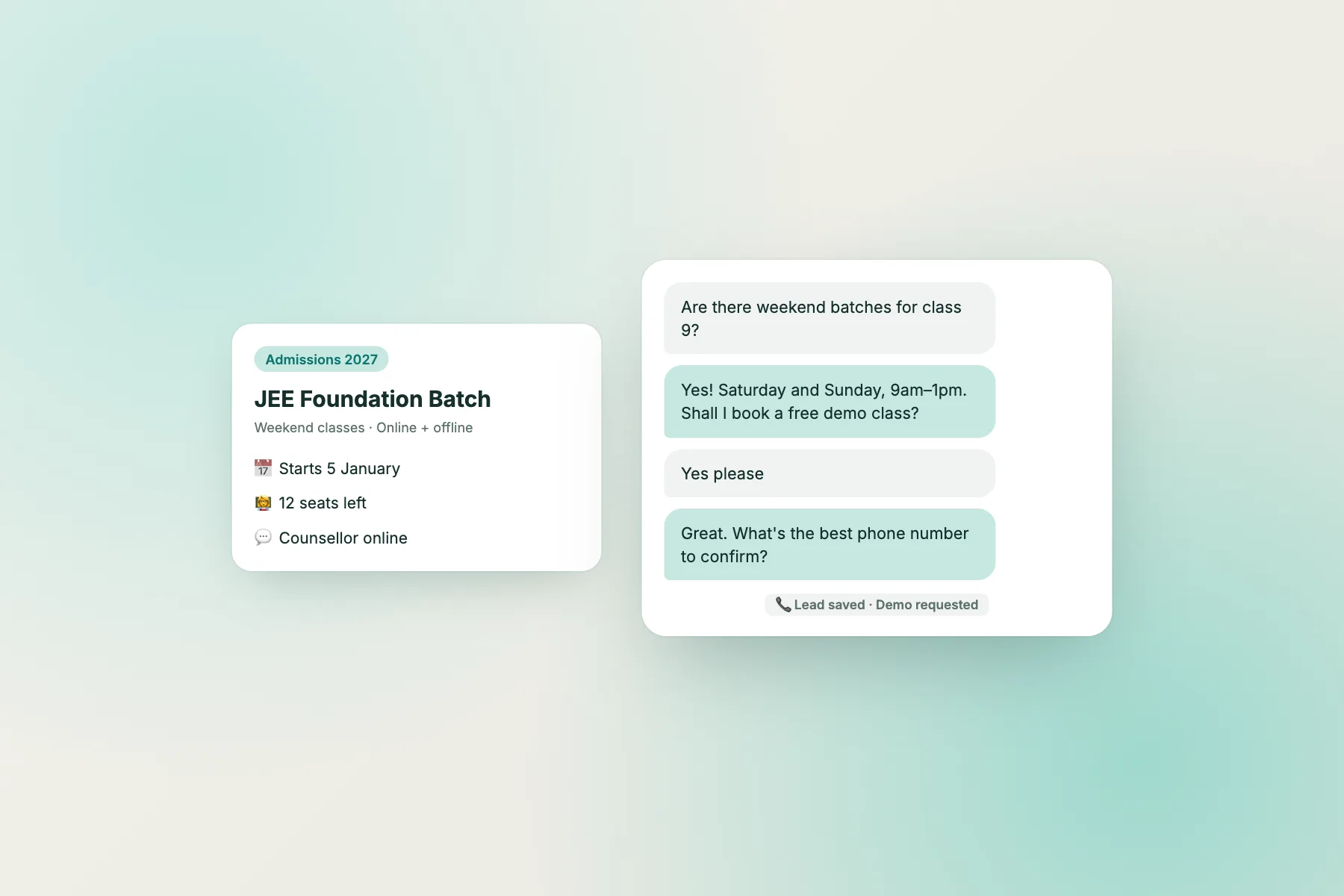
Exact dates, both ways to apply, and the obvious next question offered.
Numbers first, the cheaper option too, then a demo class as the next step.
A short list a parent can screenshot.
Answers for this week, splits by class, links the source.
What makes them work
The bot lane only works if the facts are written down
Look at what the four bot examples have in common. Each answer contains a fact that already exists in a document: the admissions notice, the fee sheet, the documents list, the holiday calendar. The bot is not clever; it’s well fed.
That’s the real work of setting up an education bot. Before you switch anything on, collect these documents into one place and make sure each one is current:
- Admissions: dates, eligibility, how to apply, documents, selection process.
- Fees: every course or class, instalments, late fees, refund rules, scholarship rules.
- Timings: school or batch timings, office hours, exam timetable, holiday list.
- Logistics: transport routes, hostel availability, uniform, canteen, campus address and map.
- Courses: syllabus, duration, batch sizes, demo classes, online versus offline options.
If a fact isn’t written down, the bot either can’t answer or, worse, makes something up. An AI bot that answers from the knowledge you give it will only be as accurate as that knowledge. Our guide to training your AI chatbot shows how to load these documents, and the knowledge audit helps you fix gaps before they become wrong answers.
Two habits keep this lane healthy. First, date every answer that changes: “for 2027–28”, “this Saturday (14 November)”. Parents trust a dated answer and you’ll spot stale ones quickly. Second, update the bot the same day a notice goes out. A bot quoting last year’s fee is worse than no bot at all.
Lane 2 · the office
Three examples where the bot collects details and hands over
Certificates, payment problems and refunds need someone to check a record. The bot’s job is to collect what the office will need and set a clear expectation.
Calm, sets a timeline, collects only what’s needed, opens a ticket.
Gives the turnaround time, then gathers the details.
Bot gives the published rule; a person handles the decision.
Office lane
Turning office questions into tickets, not lost chats
Office questions are where many education chats go wrong, not because the bot answers badly but because nobody follows up. A parent asks for a transfer certificate on Friday evening, the chat ends, and on Monday nobody remembers.
The fix is to treat every office question as a small piece of work with an owner. In LiveChatBot, a chat can be turned into a ticket with a status (open, pending, solved) and an owner, and the parent gets a ticket page they can check without logging in. Offline messages left through the away form can become tickets too, so a question sent at 11 pm is waiting in the queue at 9 am. See turning a chat into a ticket for the steps.
Write the bot’s office replies to do three things:
- Acknowledge and set a time. “The office replies within one working day” is better than “someone will get back to you”.
- Collect only what’s needed. Class and section, the date of the payment, what the certificate is for. Not the student’s full life story, and never passwords or full bank details.
- Say where the reply will come. Email, phone or the ticket page.
Saved replies make this consistent across staff. A saved reply such as “Hi {name}, your request is with the office and you’ll hear back by tomorrow 2 pm” means every parent gets the same promise, whoever is on duty. Our guide to saved replies explains the {name} placeholder.
Lane 3 · the teacher
Three examples where the bot points to a teacher
Doubts, homework and marks need subject knowledge and judgement. The bot routes; it doesn’t teach graded work or defend marks.
Names the slot and the teacher; offers to pass the doubt on.
Empathy, no excuses, no guessing. Routes to the person who marked it.
Refuses politely, gives the published guidelines, points to feedback hours.
Teacher lane
Should an education bot ever teach?
It’s tempting to let an AI bot explain chemistry or check essays. Some edtech products do exactly that, and practice bots that quiz students on vocabulary or formulas can be genuinely useful as a study aid. But a website chat bot for a school, coaching centre or college has a different job, and mixing the two causes trouble.
Three reasons to keep teaching out of your website bot:
- Accuracy you can’t check. If the bot explains a physics concept wrongly, nobody on your staff sees it. The student learns the wrong thing from your brand.
- Graded work. A bot that “helps” with an essay or worksheet before submission is doing the assignment. That’s a policy problem for you, not just the student.
- Marks and fairness. Explaining or defending marks needs the teacher who marked the paper. A bot guessing at reasons will inflame an upset parent.
What the bot can do well is route: name the teacher or doubt slot, give the timing, and pass the question on so the teacher sees it in advance. That respects the teacher’s role and still gives the student a fast, useful reply.
If you do want a practice or quiz bot, run it as a separate, clearly labelled tool for enrolled students, with content your teachers have written and checked. Keep the public website chat for enquiries and support. The coaching institute walkthrough shows how one centre split these jobs.
Lane 4 · urgent
Two examples that must reach a person at once
These are the most important educational chatbot examples on this page. No institution should leave them to an automated reply.
A named person replies. The bot stays silent and alerts staff.
Human, warm, gives a real helpline, asks about immediate safety.
Urgent lane
Set up the urgent lane before you launch
The two urgent examples are uncomfortable, and that’s the point. If you put a chat on a school or college website, sooner or later a student will use it to say something they couldn’t say face to face. Decide now what happens.
Name the people. Pick two or three staff members (counsellor, warden, principal, anti-ragging cell member) who receive urgent chats. Install the Android app on their phones so a new chat alert reaches them even away from a desk.
Keep the bot out of it. Write saved replies and bot knowledge so the bot never tries to counsel. If your bot detects words like ragging, harassment, scared, hurt myself or suicide, its only job is to hand over and show contact details. Test this before launch by typing those messages yourself.
Show a helpline when nobody is online. Your away message outside office hours should include your institution’s emergency contact and a national helpline. In India, Tele-MANAS (14416) offers free mental health support, and the National Anti-Ragging Helpline is 1800-180-5522. Check numbers are current before publishing them.
Follow your safeguarding policy. The chat is a record. Staff who receive an urgent chat should log and escalate it exactly as they would a face-to-face disclosure.
This lane may handle only a handful of chats a year. It’s still the lane that matters most.
Free tool
Route your own students’ and parents’ questions
Paste real questions, one per line. The tool sorts them into the four lanes, flags anything that sounds like a safety concern, and shows how much the bot could handle alone.
Paste questions students, parents or applicants have asked you, one per line. Use your enquiry WhatsApp, the office phone notes, emails or an existing chat.
Runs only in your browser; nothing is sent or saved. Remove student names, roll numbers and phone numbers before pasting.
Using the result
Turn your routed list into your own educational chatbot examples
Run the router on 30 to 50 real questions from the last term. The split tells you what to build first.
If the bot lane is large (half or more), write answers for those questions first. Group similar ones: all the fee questions, all the timing questions, all the admissions questions. One clear, dated answer per group covers most wordings.
If the office lane is large, set up tickets and saved replies before the bot. Your bottleneck is follow-up, not answers.
If the teacher lane is large, publish doubt-session timings and teacher contact routes on the website, then let the bot quote them.
If anything lands in the urgent lane, set up the people, alerts and helplines described above before you launch, even if it's only one question.
The tool matches words, so check its choices. A question it marks "Not sure" should go to a person until you decide. When you're ready, the education live chat page covers set-up for schools, coaching centres and colleges, and our chat flows guide shows how to greet applicants on admissions pages differently from current students on the fees page.
LiveChatBot's free plan covers two websites with 100 visitors per website each month, the AI Agent with a small free monthly allowance, the keyword bot from saved replies, tickets, opening hours with an away form and the Android app. See pricing or start at livechatbot.in.
Frequently asked questions
What are good educational chatbot examples for a school website?
Answers to admission dates, fee structures, documents, timings, transport and holidays are the best fit. Each has one published answer, so the bot can reply instantly and accurately. Office, teacher and safety questions should go to people.
Can an education chatbot answer subject doubts?
A public website bot shouldn't. It can't be checked, and it risks doing graded work. Let it name the teacher or doubt session and pass the question on. Practice or quiz bots work better as separate tools for enrolled students.
How should a school chatbot handle ragging or self-harm messages?
It should not try to reply. It should alert named staff immediately and show helplines such as Tele-MANAS 14416 or the National Anti-Ragging Helpline. Test this before launch.
Do I need a pre-chat form to identify students?
No. LiveChatBot doesn't use a pre-chat form. The bot or staff can ask for class and section only when needed, and the away form collects an email or phone number when nobody is online.
Does the question router send my data anywhere?
No. It runs entirely in your browser and nothing is saved. Remove names, roll numbers and phone numbers before pasting anyway.
Give every question the right answerer
Facts from the bot, records from the office, doubts to teachers, safety to a person. Set it up free on livechatbot.in.