Free Chatbot With Analytics: Which Numbers Are Worth Watching for Your Goal, and Which Are Just Decoration (Free Metric Picker)
Free chatbot with analytics promises charts, but charts are not decisions. Most small businesses need three or four numbers, chosen for one goal, checked once a week. This guide helps you pick them, shows how to read a few simple signals in LiveChatBot, and is honest about where its built-in Reports and Traffic screens stop and a spreadsheet or Zapier takes over.
⚡ In short
- Choose your goal first: more leads, faster replies, fewer repeat questions or more sales.
- Then pick three or four numbers that show whether it is working.
- LiveChatBot has a Reports area (response times, resolution, ratings) and Traffic reports, plus visitor tracking, inbox history and tickets.
- For anything more, count by hand or send ticket events to a sheet with Zapier.
Charts versus decisions
A dashboard full of charts does not make you better at chat
Open any analytics screen on a big chat platform and you will see twenty widgets. Total chats, average duration, satisfaction trend, busiest hour, sentiment, goal funnels. It looks serious. Then ask the owner of a six-person shop which of them changed a decision last month. Usually none.
A useful number does one job: it tells you what to do next. “Forty percent of chats happen after 8 pm” tells you to extend hours or improve the away form. “The same delivery question came up nine times” tells you to add an answer.
So when you compare any free chatbot with analytics, ask two questions. Can I get the three numbers I need? And is the rest noise? A smaller set that you actually read each Friday beats a wall of charts you never open.
Free tool
Pick the metrics that fit your goal
Answer four quick questions. The picker suggests the numbers to watch and where to find them.
What LiveChatBot shows
The signals you can read today
Here is what is available, in plain words.
Reports
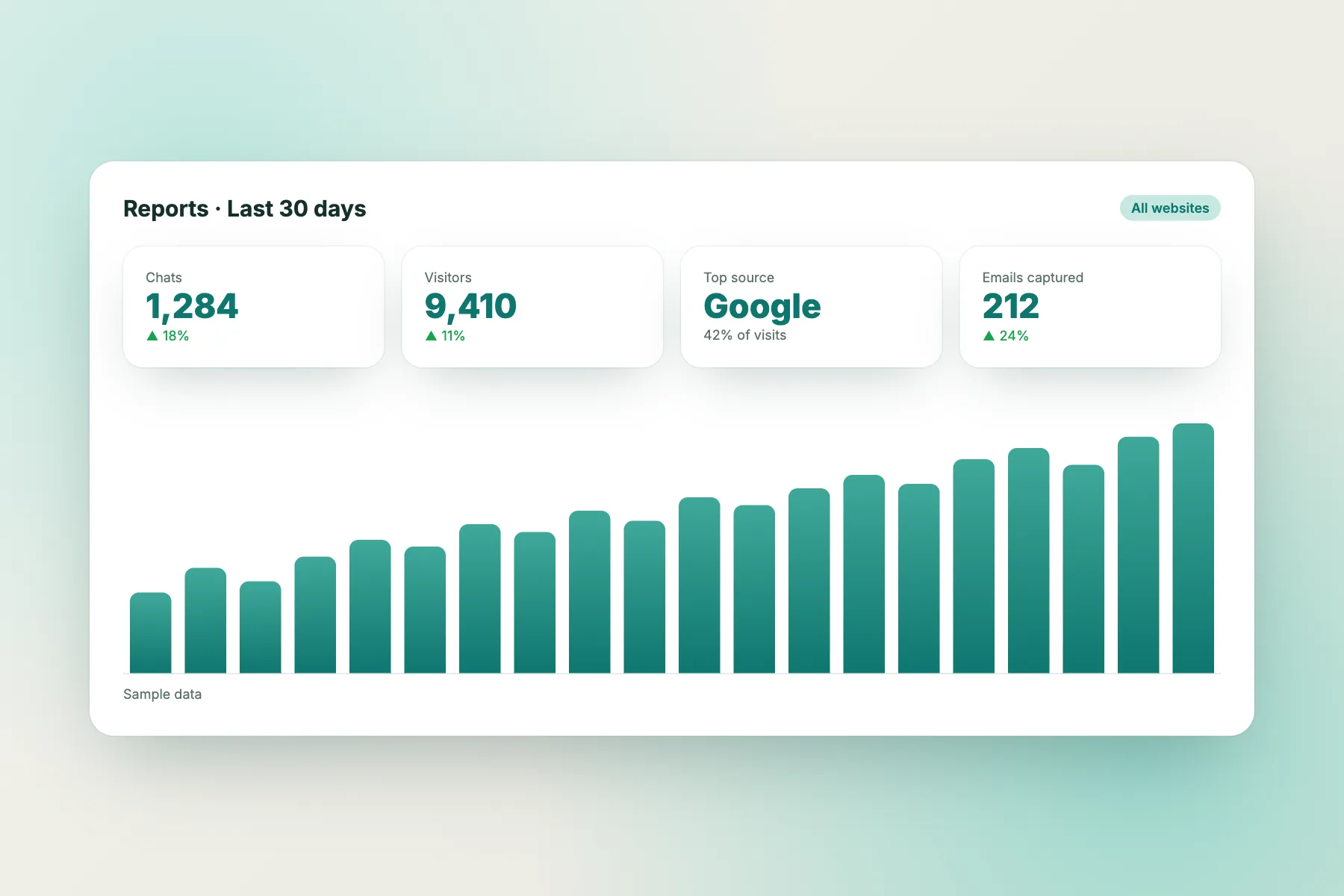
Pick a date range and a website, and the Reports area shows conversations per day, first response time, response rate, resolution rate (including chats the AI Agent resolved alone), a by-agent table, Flow conversion and leads acquired. Visitors can also rate a chat 👍 or 👎 with a comment once you turn ratings on, and help articles with the most “not helpful” votes are listed.
Traffic reports
These show where visitors come from, which landing pages bring them and how many act (“Acted” counts chats, calls, WhatsApp taps and forms), which pages people leave without acting (“Fix first”), plus keywords, rising topics and ideas for new posts. The Growth plan is free.
Visitor tracking
You see visitors as they arrive, including pages and the number of visits. This is useful for spotting which pages bring chats. See visitor tracking.
The inbox and ticket history
Every chat is saved in the inbox. Tickets carry a status (open, pending, solved) and an owner, so you can count what is stuck.
Lead score
Flows can use a lead score and a “has contact details” condition to reach the right visitors.
Not included
Do not expect a custom report builder, scheduled or emailed reports, sentiment scoring or a satisfaction survey beyond the 👍/👎 rating. Look in your own dashboard during a trial to see exactly what is shown today.
Simple reporting
A five-minute weekly tally anyone can keep
If the built-in screens do not give you a number, count it. Keep a sheet with one row per week and these columns.
- Chats started.
- Chats the bot handled alone.
- Chats handed to a person.
- Details collected (email or phone).
- Tickets opened and solved.
- The one question that repeated most.
It takes five minutes on Friday. After a month you will see trends no chart would have told you, because you read the actual chats. The checklist for measuring live chat shows how to time replies, and a free chatbot with analytics is only as useful as the habit of reading it.
Going further
Send ticket events to a sheet for free reporting
LiveChatBot supports webhooks for ticket.created and ticket.solved, plus Zapier and a REST API. That is enough for simple reporting.
- Create a Google Sheet with columns for date, name, topic and status.
- In Zapier, start a Zap from the ticket.created webhook.
- Add a step that adds a row to the sheet.
- Do the same for ticket.solved to mark it done.
Now you can sort by topic, count by week and chart anything. See how to connect live chat to Zapier. There is no native Google Analytics, HubSpot or Salesforce connection, so this route does the work. Check Zapier’s free task limits before you rely on it.
Reading the numbers
Three patterns to look for, and what each one tells you
A number alone says little. A pattern says what to do.
Chats cluster at one hour
If many chats start between 8 pm and 11 pm and nobody is on duty, visitors meet the away form. Extend opening hours for a trial week, or make the away message promise a specific callback time.
One page brings most chats
Visitors who chat from your pricing page are asking about price. Add a clear answer to the page or a proactive Flow there, and watch whether chats fall or turn into leads.
The same question keeps coming back
Repeats mean either the page is unclear or the bot lacks an answer. Fix whichever is easier first. Then check the next week: if the question has fewer repeats, the fix worked.
Write the pattern, the change and the date in your sheet. Three months later you will have a record of what actually moved your numbers.
Mistakes
Common mistakes with chat numbers
Small teams repeat the same errors.
- Counting everything. Twenty numbers means none gets read. Pick four.
- Judging by one week. A festival or a power cut can distort a week. Compare months.
- Ignoring the chats themselves. Reading ten real conversations teaches more than any average.
- Chasing a perfect reply time. A good answer in ten minutes beats a bad one in ten seconds.
- Not writing down changes. If you do not note what you changed, you cannot tell what worked.
A short routine and honest notes are worth more than a long dashboard.
A simple rule for deciding
Before you add a number to your sheet, finish this sentence: “If this number goes up or down, I will ___.” If you cannot finish it, leave the number out. This one rule removes most of the clutter and keeps your Friday review under ten minutes.
Judging a vendor
Questions to ask any free chatbot with analytics
Test the claims before you trust the charts.
- Can I export the data, or is it locked behind the screen?
- How is a conversation counted? One chat, one visitor, one message?
- Are the free plan’s reports limited to a few days?
- Does the bot’s own performance show, such as handovers and unanswered questions?
- Does any report cost extra?
Check pricing too. LiveChatBot has no per-seat charges, and the free plan covers two websites with 100 new visitors per website each month. ‘Powered by LiveChatBot’ stays on every plan.
Frequently asked questions
Is there a free chatbot with analytics?
Several tools include basic reporting for free. LiveChatBot includes Reports (response times, resolution, by-agent table, ratings) and Traffic reports, plus visitor tracking and ticket statuses, and you can extend this with Zapier.
Which numbers should a small business track?
Chats started, details collected, chats handed to a person, tickets solved and the most repeated question.
Does LiveChatBot have funnel charts?
Not a custom funnel builder. It shows Flow conversion (Flows shown to leads) and Traffic reports with pages that bring visitors and how many act. For anything else, count by hand or send ticket events to a sheet.
How often should I check analytics?
Once a week is enough for a small team.
Can I export data from LiveChatBot?
Ticket events can go out through Zapier, webhooks or the REST API.
Keep reading
Related guides
Free Chatbot With FAQ Integration: Keep One Source of Truth So Your Bot and Your FAQ Page Never Disagree (Free Answer Templates)
Free Chatbot With Unlimited Users: Do the Seat Math Before Your Team Grows, and Spot the Seat Traps in Pricing Pages
Free Chatbot With PDF Training: Why Raw PDFs Make Poor Bot Knowledge, and the 10-Step Way to Turn Yours Into Answers (Free Conversion Checklist)
Watch the few numbers that matter
Free plan for two websites with visitor tracking, tickets and Zapier. Start free on livechatbot.in.