Free Chatbot for Online Store Sale Seasons: Get Ready for Diwali, End-of-Season and Flash-Sale Traffic (Free Sale-Month Planner)
Free chatbot for online store owners is easy to set up on a quiet Tuesday; the real test is your biggest sale. Traffic jumps, the same five questions arrive every minute, and you are busy packing orders. This guide shows how to prepare the bot, the team and the visitor allowance two weeks before a sale, what to change on the day, and what to tidy afterwards. A free planner estimates your sale-month visitors, chats and one-time cover.
⚡ In short
- Sales bring the same few questions in bulk: delivery date, COD, returns, discount codes, stock.
- Write those answers two weeks early and test them with real wording.
- Estimate your sale-month visitors. One-time packs cover the spike and never expire.
- After the sale, remove sale answers so the bot does not quote an old offer.
Why sales are different
Sale traffic asks fewer questions, many more times
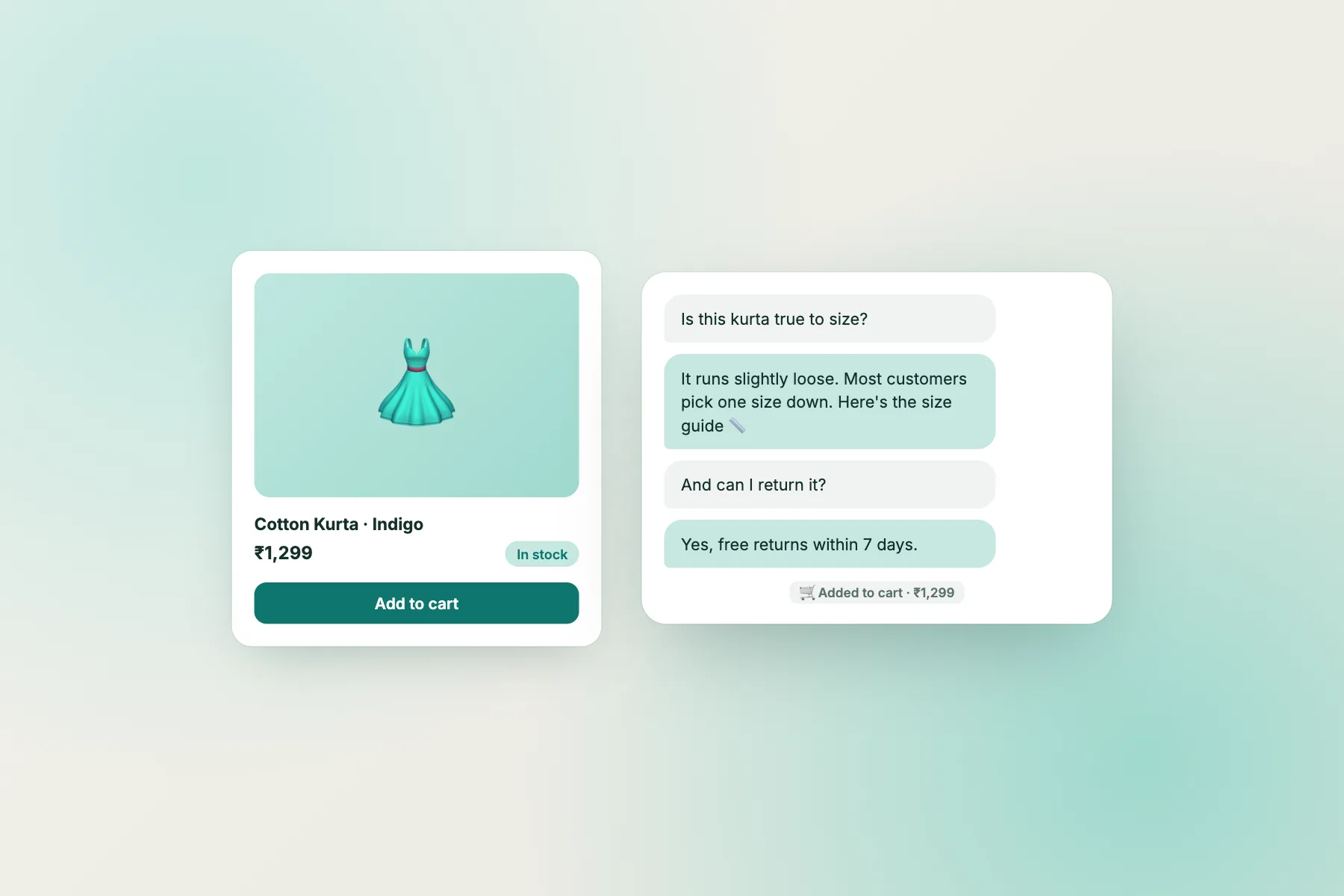
On a normal day, an online shop gets a mix of questions. During a sale, the mix narrows. Shoppers ask the same handful again and again:
- “Will it arrive before Diwali?” (or before the wedding, or the weekend)
- “Is COD available on sale items?”
- “Can I return a sale item?”
- “The code isn’t working.”
- “Is this size back in stock?”
That pattern is good news. A bot that answers five questions well can handle most of the load, leaving you free for orders and the chats that need a person, such as a failed payment or a wrong address.
The bad news is timing. If those answers are vague or out of date, the bot repeats a wrong answer hundreds of times in a day. A sale is the worst moment to discover that your returns answer says “all items” when sale items are final.
So treat sale preparation as a small project with a date, not a setting you change on the morning of the sale.
Two weeks before
Get your free chatbot for online store sales ready early
Write the sale answers
Write one short answer for each of the five sale questions. Put the key fact first: “Orders placed by 5 November arrive before Diwali in most cities. After that, we can’t promise.” Add the answers to the AI Agent’s knowledge and as saved replies, so the free keyword bot and your team use the same wording. Our shopping cart abandonment guide explains why delivery and returns answers matter so much at checkout.
Test with real wording
Ask the bot the questions the way customers type them: “diwali tak aayega?”, “code not working”, “sale item return?”. Fix anything it gets wrong.
Check your visitor numbers
Use the planner below. The free plan includes 100 visitors per website each month; over the limit, chat pauses for new visitors until you add a pack or the month resets. Packs are one-time and never expire, so buying a few days early costs nothing extra.
Free tool
Plan your sale month
Enter your normal monthly visitors, the sale length, how much traffic rises and the share of visitors who chat. The planner shows sale-month visitors, expected chats and the cheapest one-time cover.
Plan chat for your next sale. Enter your normal month and what you expect during the sale. The planner estimates visitors, chats and the one-time cover you would need on one website.
Runs only in your browser; nothing is sent or saved. Pack prices are LiveChatBot’s one-time visitor packs: 100 for ₹99, 500 for ₹299, 1,000 for ₹499, per website.
One week before
Set the Flows and the team
Proactive messages that help, not nag
Set one Flow on product pages for visitors who have stayed 30 seconds: “Sale orders placed today arrive by [date]. Questions? Ask here.” Set another on the cart page. Avoid a pop-up on every page; sale shoppers already see banners everywhere. See proactive live chat for timing ideas.
Who answers what
Decide who watches chat during the sale hours and install the Android app on their phone. Agree a simple rule: the bot answers the five sale questions; a person takes payment problems, address changes and bulk orders.
After-hours
Turn on opening hours and the away form. Many sale shoppers browse late at night, and the away form collects an email or phone number so you can reply in the morning. Offline messages can become tickets, so nothing gets lost in the rush.
On the day
Sale-day routine
Handover
What a free chatbot for online store sales should pass to a person
A bot that tries to answer everything during a sale does more harm than good. Some chats need someone who can open the order, check a payment or make a judgement call. Teach the bot to recognise these and hand them over at once:
- Payment taken, no order confirmation. The shopper is worried about money; reply within minutes.
- Address or phone number change after ordering. Only a person can edit the order.
- Bulk or corporate gifting orders. These are often your biggest sales of the season.
- Complaints about a previous order. Answer them kindly and separately from sale questions.
When nobody is online, the away form collects a contact and the chat can become a ticket with an owner. Our ticket guide shows the steps.
After the sale
Tidy up so the bot stops quoting old offers
The day after the sale ends, remove or rewrite every sale answer. A bot that still says “20% off with DIWALI20” a week later creates angry chats and refund requests.
Then spend 30 minutes reviewing the sale chats. Look for three things:
- Questions the bot missed. Write answers for them now; they will return next sale.
- Chats where a person was needed but nobody came. Adjust shifts or the away message.
- Lost sales. Chats that ended with “ok, will check” after a delivery or COD question often mean the answer was not good enough.
Keep a sale document with the answers, Flows and lessons. Next sale, preparation takes ten minutes instead of two weeks. A free chatbot for online store sales improves every time you do this.
Platforms
Works on WooCommerce, Shopify and other stores
LiveChatBot has a WordPress plugin that also works with WooCommerce. On Shopify, Wix and Squarespace you paste a short code into the theme; there is no Shopify app. The bot and Flows behave the same everywhere.
The free plan includes two websites per account, 100 visitors per website each month, the AI Agent with a small free monthly allowance, the keyword bot, Flows, saved replies, tickets and the Android app. Visitor packs (100 for ₹99, 500 for ₹299, 1,000 for ₹499) are one-time and never expire. See pricing and start at livechatbot.in.
Frequently asked questions
Can a free chatbot for online store sales handle Diwali traffic?
It can answer repeat questions at any volume. What limits a free plan is visitors: 100 per website per month. Add a one-time pack before the sale if you expect more.
What happens if visitors pass the limit during the sale?
Tracking and alerts continue, but chat pauses for new visitors over the limit until you add a pack or the month resets. There are no automatic charges.
Do unused pack visitors expire after the sale?
No. Visitor packs never expire, so leftovers carry over to your next busy month.
Which questions should the bot not answer during a sale?
Failed payments, address changes, bulk orders and complaints. Those need a person who can check the order.
When should I remove sale answers?
The day after the sale ends, so the bot never quotes an expired code or delivery promise.
Keep reading
Related guides
Free Chatbot for Startup Website, Stage by Stage: What to Switch On From Waitlist Page to First Paying Customers (Free Stage Planner)
Get ready for your next sale
Write the five sale answers, set two Flows and check your visitor cover. Start free on livechatbot.in.