Free AI Chat Widget Intro Lines: Tell Visitors It’s AI, What It Can Answer and How to Reach a Person (Free Intro Checker)
Free AI chat widget tools make it easy to switch on an AI that replies in seconds, but the first line it shows decides whether visitors trust it. Visitors who think they are talking to a person feel tricked when the AI slips. Visitors who know it is AI, know what it can answer and know how to reach someone are patient. This guide explains what to say, where to say it in the widget, and how to phrase the hand-over. A free checker scores your current intro and writes a clearer one.
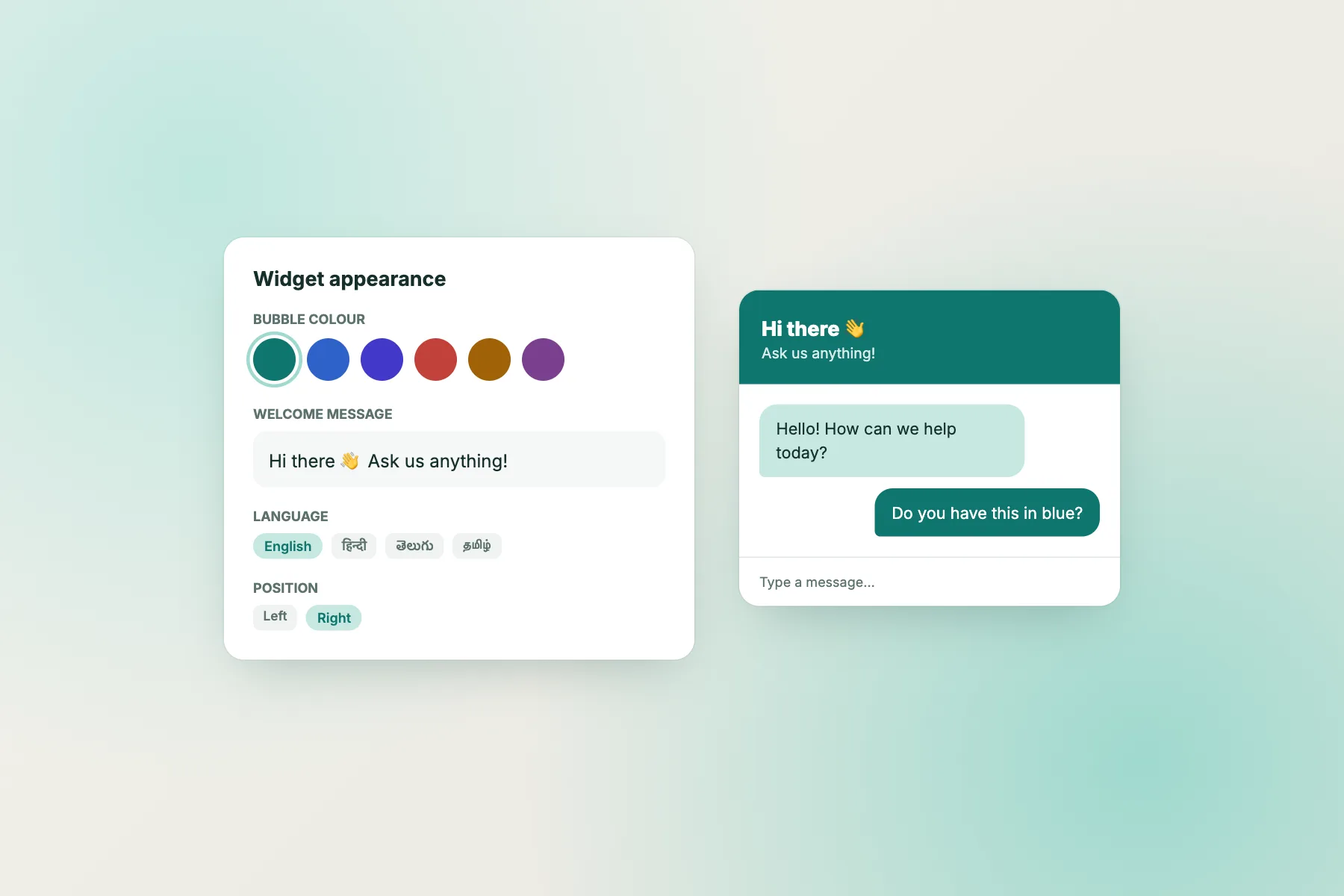
Illustrative intro: says it is AI, names topics, offers a person.
⚡ In short
- The first line should say three things: it is AI, what it can help with, and how to reach a person.
- Do not give the AI a human name without saying it is AI.
- Avoid “ask me anything”. Name two to four topics instead.
- Write the hand-over and the out-of-hours line before you go live.
Why it matters
The first line sets every expectation that follows
Most people now know AI chat can be fast and helpful, and that it can also be confidently wrong. What annoys them is not AI itself; it is being misled about it.
When a widget opens with “Hi, I’m Riya, ask me anything!”, visitors assume a person is typing. The first vague or odd answer feels like a lie, and they leave. The same answer from a widget that said “I’m an AI assistant” reads as a normal limit, and the visitor rephrases or asks for a person.
There is a practical side too. If you tell visitors what the AI can answer, they ask those questions, and the AI answers them well. If you say “anything”, you get questions about refunds for a specific order or legal advice, which the AI should not attempt.
So the intro does three jobs: it sets trust, it steers questions towards what the AI knows, and it gives a way out. All three fit in about 200 characters.
The three parts
What a good intro always says
1
It’s AI
“I’m the AI assistant for…” or “This is our AI helper.” Clear from the first line.
2
What it knows
Two to four topics: prices, delivery, booking, opening hours. Not “anything”.
3
How to reach a person
“Ask for a person any time”, “I’ll pass you to our team”, or “leave your number if we’re offline”.
Free tool
Check your free AI chat widget intro line
Paste the first message your widget shows, add your business name and topics, and the checker scores it on five points, then writes two clearer versions.
Paste the first message your chat widget shows (welcome text or the bot’s first line). The checker looks for the three things visitors need to know, then writes a clearer version.
Runs only in your browser; nothing is sent or saved.
In the widget
Where each part goes in a free AI chat widget
The intro is not only the bot’s first message. Visitors read several parts of the widget before they type, and each one should agree.
Team name and avatar
If the widget header shows a person’s photo and name, visitors expect a person. Use your business logo or a simple bot avatar for the AI, and keep staff photos for when a person joins. See how to customise your chat widget.
Welcome message
This is the line most visitors read first. Put the three parts here. Our guide to writing a welcome message has more examples.
Attention grabber card
The small card that pops out above the bubble should invite a specific question: “Ask our AI about delivery times”, not “We’re online now!” if nobody is.
Welcome translations
If you use automatic language and welcome translations, check the translated intro still says it is AI. Short, plain sentences translate best.
Hand-over lines
Write what the AI says when it can’t help
The intro promises a way to reach a person, so the hand-over has to work. Write three lines before you go live:
- Team online: “I’ll pass this to our team now; someone will reply here in a few minutes.”
- Team offline: “Our team is away until 10 am. Leave your number or email and we’ll reply first thing.” The away form collects the contact, and the chat can become a ticket.
- Question outside its topics: “I can’t answer that one reliably. Shall I pass it to a person?”
In LiveChatBot, the AI Agent answers from the knowledge you give it and has a small free monthly allowance per website. When the allowance is used up or AI replies are unavailable, the free keyword bot answers from your saved replies instead, so write saved replies for your top questions too. Visitors still get answers, just from your pre-written text. Our AI agent page explains how the two work together, and training your AI chatbot covers what knowledge to add.
Before and after
Rewrites that keep trust
Rules
Disclosure rules worth knowing
Saying your chat is AI is good practice everywhere, and in some places it is a legal expectation. California’s bot disclosure law (SB 1001, in force since 2019) requires bots that try to sell to or influence Californians to disclose they are bots. The EU AI Act includes transparency duties so people know when they are interacting with an AI system. If you sell to customers in those regions, a clear first line is the simplest way to meet the spirit of both. This is general information, not legal advice; check with an advisor for your own case.
In India, the DPDP Act 2023 covers personal data such as names and phone numbers collected in chat. Tell visitors why you ask for their number and use it only for that. Our privacy-focused guide includes a paragraph to add to your privacy notice.
Getting started
Fix your intro in ten minutes
Run your current welcome message through the checker, pick a suggested version, adjust the wording, and update the welcome message, avatar and attention grabber so they agree. Then write the three hand-over lines.
LiveChatBot’s free plan includes the AI Agent with a small free monthly allowance, the keyword bot, a customisable widget, opening hours with an away form, tickets and the Android app, for two websites with 100 visitors per website each month. “Powered by LiveChatBot” shows on all plans. Start your free AI chat widget at livechatbot.in.
Frequently asked questions
Do I have to tell visitors my free AI chat widget is AI?
It is good practice everywhere and expected by laws such as California’s SB 1001 and the EU AI Act in some cases. A clear first line also makes visitors more patient with the AI.
Can I give the AI a name?
Yes, as long as the same line says it is an AI assistant. Avoid a staff photo as its avatar.
What should the AI say when it doesn’t know?
Say so plainly and offer a person, or the away form when your team is offline.
What happens when the free AI allowance runs out?
In LiveChatBot the free keyword bot answers from your saved replies instead, so keep saved replies for your top questions.
How long should the intro be?
Under about 200 characters, so it fits a phone screen without scrolling.
Keep reading
Related guides
Free Chatbot for Online Store Sale Seasons: Get Ready for Diwali, End-of-Season and Flash-Sale Traffic (Free Sale-Month Planner)
Free Chatbot for Startup Website, Stage by Stage: What to Switch On From Waitlist Page to First Paying Customers (Free Stage Planner)
More to read
More guides on this topic
Free AI Chatbot for Website Visitors to Trust: Say It’s AI, Set Its Limits and Show the Way to a Person (Free Disclosure Builder)
Start with an honest first line
Tell visitors it’s AI, what it knows and how to reach you. Set it up free on livechatbot.in.