Chatbot Interface Microcopy: Rewrite the 8 Small Lines in Your Chat Window That Decide Whether People Type
Chatbot interface problems are often not about colour or layout at all. They’re about eight short lines of text: the team name, the welcome message, the grabber card, the line the bot says when it doesn’t understand, the handover note, the away message, the thank-you after a form, and the button labels. This guide shows what each line has to do, gives before-and-after rewrites, and includes a free checker that flags robotic, vague or empty wording.
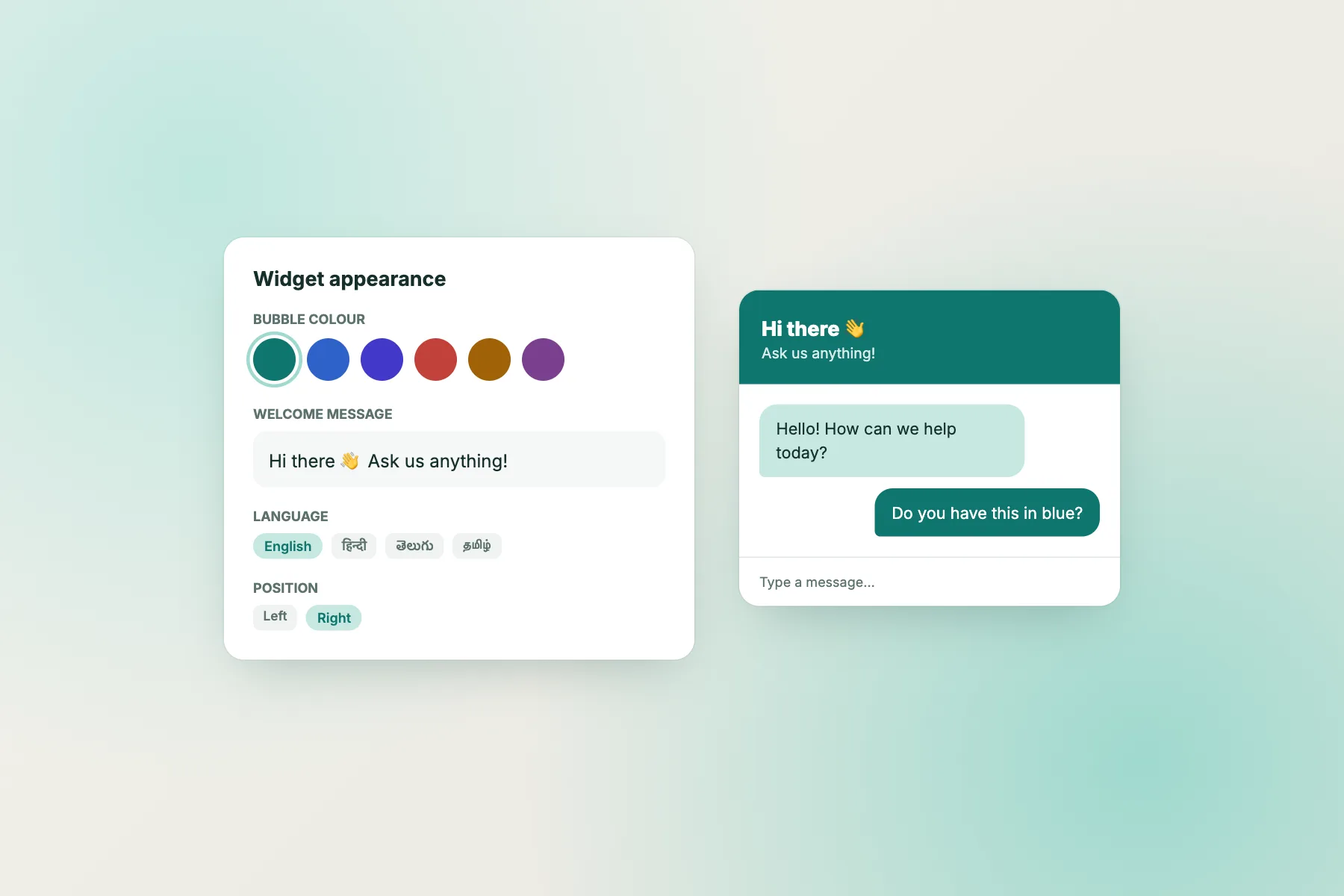
Illustrative: microcopy that names the business and gives easy openings.
⚡ In short
- Microcopy is the small text in a chat window. Eight lines carry most of the weight.
- Each line has one job: invite, reassure, explain, or say what happens next.
- The common faults are formal Indian-English office phrases, vague labels and promises with no time attached.
- Paste your lines into the free checker below for a line-by-line list of fixes.
Why words matter
Small lines, big effect
A visitor decides whether to type in about two seconds. In those two seconds they read, at most, the team name, the first line of the welcome message and maybe a button. If those words sound like an automated government portal, they close the window. If they sound like a friendly shop assistant who knows what people ask, they type.
Designers call these lines microcopy: the labels, prompts and short messages that sit around the main content. In a chat window, microcopy is almost the whole experience until someone replies. It’s also the cheapest thing to fix. Changing colours or layout might need a developer. Changing words takes five minutes in the widget settings.
This post doesn’t repeat the visual anatomy of a chat window; our chatbot UI anatomy guide covers the parts and the layout. Here we look only at the words. For every one of the eight lines you’ll see its job, a weak version that’s common on Indian business websites, and a stronger rewrite you can adapt.
A quick note on tone. Office English in India has habits, such as “kindly”, “revert”, “do the needful” and “query”, that feel normal in email but cold in chat. Chat is closer to talking. Write the way your best staff member speaks at the counter.
Line 1 and 2
The team name and the welcome message
The team name is the first thing people read. Its job is to say who they’re talking to. “Support Admin” or “Chatbot” says nothing. Your business name works; a real person’s name with the business works better: “Asha from Green Leaf Plants”. If a bot answers first, be honest about it, for example “Green Leaf assistant”, and see our guide on telling visitors it’s a bot for wording.
The welcome message has to do two things: show that you understand why people come, and make it easy to start. “Hello user. How may I help you?” fails both. It’s generic, and “user” sounds like software talking to software.
A strong welcome names one to three common reasons people write, and ends with a question they can answer in a word:
- Weak: “Welcome to our website. How may I assist you today?”
- Better: “Hi! Questions about delivery, sizes or returns? Ask here.”
- Better for services: “Planning a trip to Kerala? Ask about packages, dates or prices.”
Keep it to one or two sentences. If you want to say more, say it after they reply. Our guide to writing a live chat welcome message has more examples by industry.
Line 3
The attention grabber card
A grabber is the small card or message that appears next to the closed chat bubble to invite a click. It competes with everything else on the page, so it must be one idea, quickly understood.
- Weak: “Kindly submit your query to our support executive!!!”
- Better: “Not sure which size? We reply in minutes.”
- Better on a pricing page: “Questions about plans? Ask us.”
Three rules work well. Make it specific to the page if you can. Make a small promise, such as speed or expertise. And never shout: one exclamation mark at most, no capitals.
Don’t overuse it either. A grabber that appears on every page, every visit, becomes wallpaper. Use it where people hesitate: the pricing page, a product page, the checkout. For page-by-page choices, see site chatting page by page.
Before and after
Common weak chatbot interface lines, rewritten
Line 4
When the bot doesn’t understand
Every bot misunderstands sometimes. The fallback line decides whether that moment is a small hiccup or the end of the conversation.
“Invalid input” and “I don’t understand” both blame the visitor and leave them stuck. A good fallback does three things: apologises lightly, suggests how to rephrase, and offers a way out.
- “Sorry, I didn’t catch that. You can ask about delivery, returns or prices, or I can pass you to our team.”
If your bot uses buttons, the fallback can show two or three of the most common topics as buttons. If no one is available, the way out is the away form or a phone number, not a dead end.
Watch the fallback rate. If the same question keeps hitting it, the bot needs a new answer, not better fallback wording. Our support chatbot gap analysis explains how to turn those misses into new answers.
Line 5 and 6
The handover note and the away message
The handover note appears when the bot passes a chat to a person. Its job is to set an expectation. “Your ticket has been raised” uses internal language and says nothing about timing. Name who is coming, if you can, and roughly how long it will take: “I’ve passed this to Ravi from our team. He usually replies within 10 minutes.” If you can’t promise minutes, promise something you can keep: “Our team will reply here or by email within a few hours.”
The away message is what people see outside your opening hours. It needs two things: when you’ll be back, and what they can do now. “We are offline. We will revert.” gives neither.
- “We’re closed for the day. Leave your number or email and we’ll reply by 10 am tomorrow.”
- “We’re back on Monday at 9. Leave a message and it’ll be the first thing we read.”
Make sure the time you promise matches your real opening hours. A missed promise does more damage than no promise.
Free tool
Check every line of your chat window’s wording
Type what your chat shows today. The checker flags robotic phrases, vague labels, missing time promises and a mixed “we” and “I” voice. Load the bad example to see it in action.
Type the words your chat window shows today. Leave a box empty if you don’t use it.
Runs only in your browser; nothing is sent or saved. It checks wording by simple rules, so use your judgement too.
Line 7 and 8
The thank-you and the button labels
The thank-you after a form is often just “Thank you.” That leaves people wondering if it worked and what happens next, and some send the message again. Confirm it arrived, say when and how you’ll reply, and tell them they don’t need to do anything else: “Got it, thanks! We’ll email you by 10 am tomorrow. No need to send it again.”
Button and card labels should describe the action, not the gesture. “Click here”, “More” and “Submit” force people to read around the button to guess what happens. Use verbs plus objects:
- “Chat on WhatsApp”
- “Track my order”
- “See delivery times”
- “Call the store”
Keep labels short, start with a verb, and make sure each one leads exactly where it says. If the WhatsApp card opens WhatsApp, say WhatsApp. People trust labels that keep their promise. Our guide to chat widget cards covers planning the cards themselves.
Consistency
One voice across all eight lines
After fixing each line, read all eight together, in order, as a visitor would meet them. Problems that are invisible line by line show up straight away.
Voice. If the welcome says “I” and the away message says “we”, it feels like two different businesses. Pick one. “We” suits most teams; “I” suits a solo professional or a named bot.
Formality. A chatty welcome followed by a formal “Your request has been registered” is jarring. Match the level throughout.
Names. If the team name is “Asha from Green Leaf”, the handover note shouldn’t say “an executive will contact you”.
Language. If many visitors write in Hindi or Tamil, consider translated welcome text. LiveChatBot detects the visitor’s language and can show translated welcome messages; see multilingual live chat.
Emoji. One friendly emoji in a welcome is fine for many brands. An emoji in every line starts to feel like a sticker pack.
Getting started
A 30-minute chatbot interface wording pass
- Open your website on your phone and screenshot the chat window: closed, open, and after sending a message outside hours.
- Type each line into the checker above and fix what it flags.
- Read all eight lines aloud, in order. Anything you wouldn’t say to a customer at the counter, rewrite.
- Update the team name, welcome text, grabber card, cards and away settings in your widget.
- Ask one person who has never seen your site to start a chat. Watch what they read first.
In LiveChatBot you set the team name, avatar, welcome text, attention grabber card and widget cards from the widget settings, and the opening hours and away form from the hours settings. Our guide to customising your chat widget walks through each one. If you’re starting from scratch, sign up free at livechatbot.in.
A chatbot interface with clear, warm words often outperforms a prettier one with cold words. Fix the words first.
Frequently asked questions
What is microcopy in a chatbot interface?
It’s the short text around the conversation: the team name, welcome message, grabber card, fallback line, handover note, away message, form thank-you and button labels.
Should the welcome message ask a question?
Yes. End with an easy question that names common topics, such as “Questions about delivery or returns?”. It gives people a reason and a way to start.
Is “kindly” wrong?
Not wrong, but it reads as formal office English in chat. “Please”, or just a direct friendly sentence, feels warmer.
Should we write “I” or “we”?
Either works. Use “we” for a team and “I” for a solo professional or a named bot, and keep it the same in every line.
What should an away message always include?
When you’ll reply and what the visitor can do now, such as leaving a number or email.
Keep reading
Related guides
Chatbot Games You Can Build Yourself: Write a Branching Story Bot, Play It, and Learn How Every Chat Bot Thinks
Chatbot Free for Freelancers and Solo Consultants: Sort Enquiries While You Work, Not Instead of Working
Chatbot Maker Red Flags: 10 Things That Look Great in a Demo but Cost You Later
Fix the words, and more people will type
Rewrite your eight lines, check them, and set them in your widget. Start free on livechatbot.in.