Chatbot for Coaching Institute Website: Admission-Season Reply Templates You Can Copy (Free Copy-Paste Lines)
Chatbot for coaching institute website owners faces one hard week every year: admission season, when the same twenty questions arrive hundreds of times and the counsellor cannot type fast enough. This guide gives you ready-to-copy reply lines for batches, fees, demo classes and results, explains where to put them in LiveChatBot, and shows how to keep every answer honest, with no invented rankings or guarantees.
⚡ In short
- Admission enquiries repeat. Write the answers once and reuse them as saved replies and AI knowledge.
- Never promise ranks, selections or guaranteed results. State only facts you can prove.
- LiveChatBot does not take fees, run a student portal or connect to your ERP. It captures enquiries for counsellors.
- Copy the lines below, then change batch names, timings and numbers to your own.
The pattern
Why coaching enquiries repeat so predictably
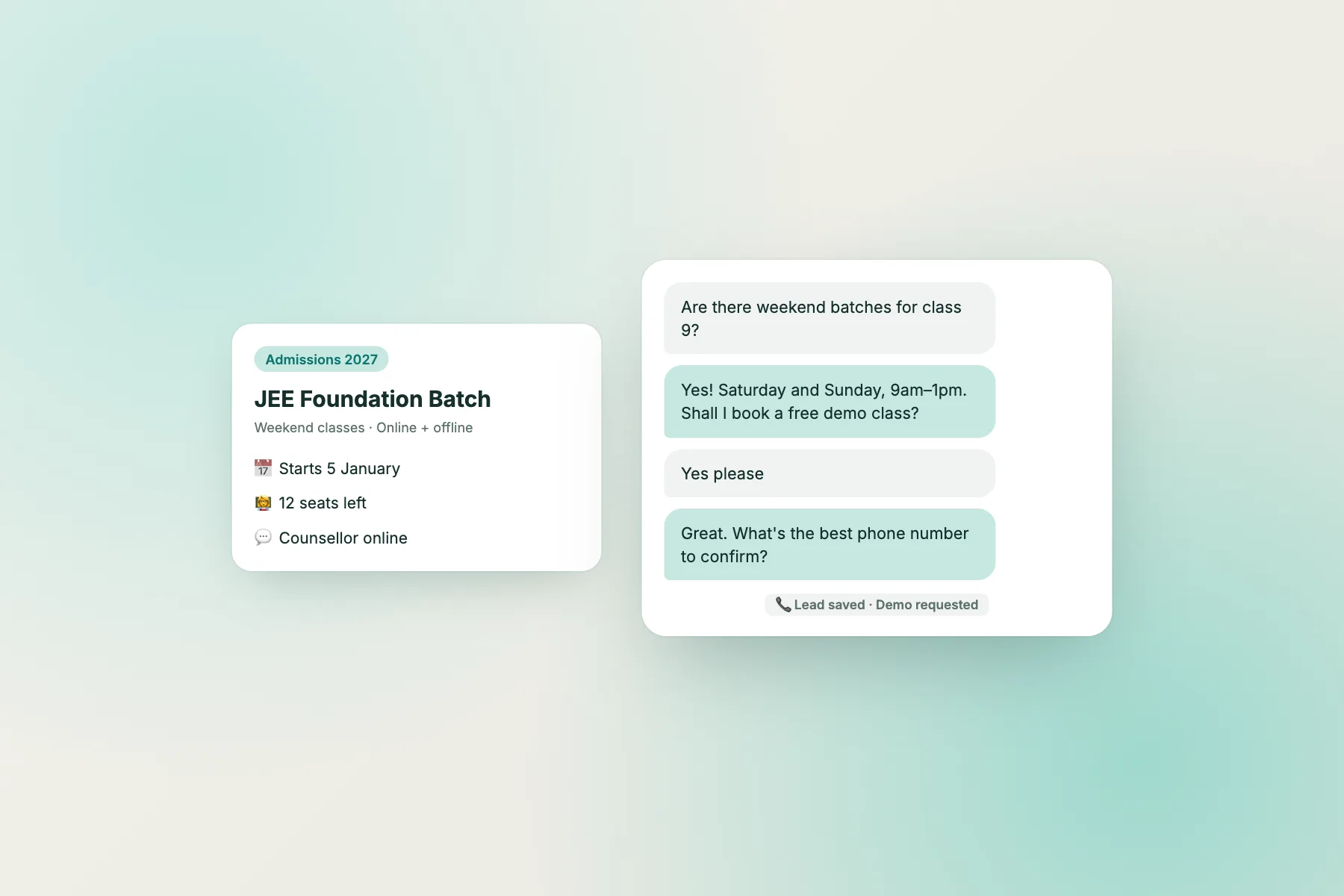
Parents and students ask almost the same things in the same order. Which batches are open, what is the timing, what is the fee, can we attend a demo class, how many students sit in a batch, and what is the faculty experience. Behind those sits a quieter question: can I trust you with my child’s year?
Because the questions repeat, a chat on your site can handle the first layer. A visitor gets a quick, accurate answer, and your counsellor starts the real conversation with someone who already knows the basics.
Timing matters more here than almost anywhere. Admissions cluster around results and the start of the academic session. In those weeks, an enquiry that waits a day often goes to the institute that replied in ten minutes.
What to load
The facts to load before you write a single reply
A reply is only as good as the fact behind it. Before you use the templates, collect these in one document. This becomes the knowledge for the AI Agent and the base for your saved replies.
Batch and fee facts
- Batch names, class levels, start dates and timings, including weekend options.
- Fee ranges per course, instalment options and the refund policy in your own words.
- The registration or admission test process.
Trust facts
- Faculty names and qualifications you are happy to publish.
- Batch size and the demo class policy.
- Results you can document, with the year stated. If you cannot prove it, leave it out.
Practical facts
- Address, nearest landmark, contact numbers and counselling hours.
- Documents needed to enrol.
Keep the document under review. Every changed fee or timing needs updating in the bot, or it will repeat last year’s figure confidently. See how to train your AI chatbot for the steps.
Try it
Copy-paste reply lines for the admission season
Pick a tab, then press Copy on a line. Replace the square-bracket parts with your own details before you save them as replies.
Where it goes
Setting up your chatbot for coaching institute website replies in LiveChatBot
Once you have edited the lines, you can use them in three places.
Saved replies
Add them as saved replies with the visitor’s name placeholder, so counsellors can send them in one click. The same replies also feed the free keyword bot, which answers from them when AI replies are not available.
The AI Agent
Paste the facts, not the polished lines, into the AI Agent’s knowledge. The AI writes its own wording, so give it clean facts and a clear rule such as “never promise a rank”.
A callback flow
Build a chat flow for your admissions page: after 15 seconds it asks, “Which class is the student in?” Use conditions such as page and number of visits so returning parents see a different message. When they answer, the chat opens in your team’s inbox.
Test all three on a phone: ask whether a rank is guaranteed and ask something you never loaded.
Claims
Keeping a chatbot for coaching institute website claims honest
Coaching is a trust business, and over-claiming is the fastest way to lose it. Set rules before launch.
- No guaranteed outcomes. The bot should never promise a rank, a selection or a score.
- Date every result. If you mention a result, state the year and link to the page where it is published.
- No comparisons with named institutes. Describe your strengths and leave other institutes out.
- Fee clarity. If a fee varies, say so and send the visitor to a counsellor for the current figure.
- Minors. Many enquiries come from parents on behalf of a child. Ask only for a name, class and phone number, and avoid collecting more than you need. India’s DPDP Act 2023 has specific rules for children’s data, so check your obligations with an adviser.
Add a short line in the welcome message so visitors know what to expect: “I am the automated assistant. For fees and seats, a counsellor will confirm.”
Also keep expectations real about the tool. LiveChatBot does not take fees, run student logins or sync with your ERP, and “Powered by LiveChatBot” appears on all plans.
Capacity
Staffing the counsellor desk when a chatbot for coaching institute website fills the inbox
In peak weeks, volume can triple. A few habits keep the team ahead.
- Share the inbox. There are no per-seat charges, so every counsellor can have a login. Install the Android app so alerts reach phones in classrooms and corridors.
- Use opening hours. Match them to real counselling hours so the away form collects numbers after closing.
- Block abuse. If one person floods the chat, you can block a visitor from the inbox.
- Read the pattern. Check which pages produce the most chats. Those pages need clearer information.
If you run a second centre with its own website, the free plan covers two sites and an extra one is ₹199 for six months. Visitor packs are one-time and never expire, so buying one before admission season is safe. See pricing.
Frequently asked questions
What can a chatbot for coaching institute website visitors answer?
Batch timings, fee ranges, demo class policy, documents and address, all from facts you load. Anything outside that should go to a counsellor.
Can it collect fees or admissions?
No. LiveChatBot has no payment step or student portal. It captures the enquiry and your team handles enrolment.
Can the bot promise a rank or selection?
It should never. Add a rule to your knowledge and test it with the question yourself.
Does it work in Hindi or regional languages?
The widget detects browser language and supports translated welcome messages. Test AI replies in your language before launch.
Is it free for one institute?
Yes. The free plan covers two websites and 100 new visitors per website each month, with no per-seat charges.
Keep reading
Related guides
Chatbot for Travel Agency Website: Turn Browsers into Quote Requests with Page-Based Flows (Free Setup Quiz)
Chatbot for Dental Clinic Website: A 12-Step Launch Checklist for Enquiries, Callbacks and After-Hours Messages (Free Checklist)
AI Chatbot for SaaS Website: Sort Every Visitor Question Into Pre-Sale, Trial or Customer Support (Free Decision Tree)
More to read
More guides on this topic
AI Chatbot Without Coding: The Only Three Moments You Touch Anything Technical, With Copy-Paste Lines for Each (Free Message Pack)
Be ready for admission season
Saved replies, an AI Agent that answers from your facts and an Android app for counsellors. Start free on livechatbot.in.