Best Chatbot for Online Stores: Pick by the Question Shoppers Ask Most, Not by Platform, With a Decision Tree
Best chatbot for online stores depends less on whether you run Shopify or WooCommerce and more on what your shoppers keep asking: sizes, delivery, returns, or where their order is. Each question needs a different kind of help. This guide sorts store questions into four types, shows which ones a chatbot can answer from facts, which need a person, and what LiveChatBot cannot do, such as looking up live orders.
⚡ In short
- Sort your last 50 shopper messages into four types before you compare any tool.
- Facts questions (delivery, returns, sizes) suit a bot. Order lookups and complaints need a person.
- LiveChatBot cannot look up live orders and has no Shopify app. It can answer from the facts you write.
- Follow the decision tree to see which setup fits your biggest question type.
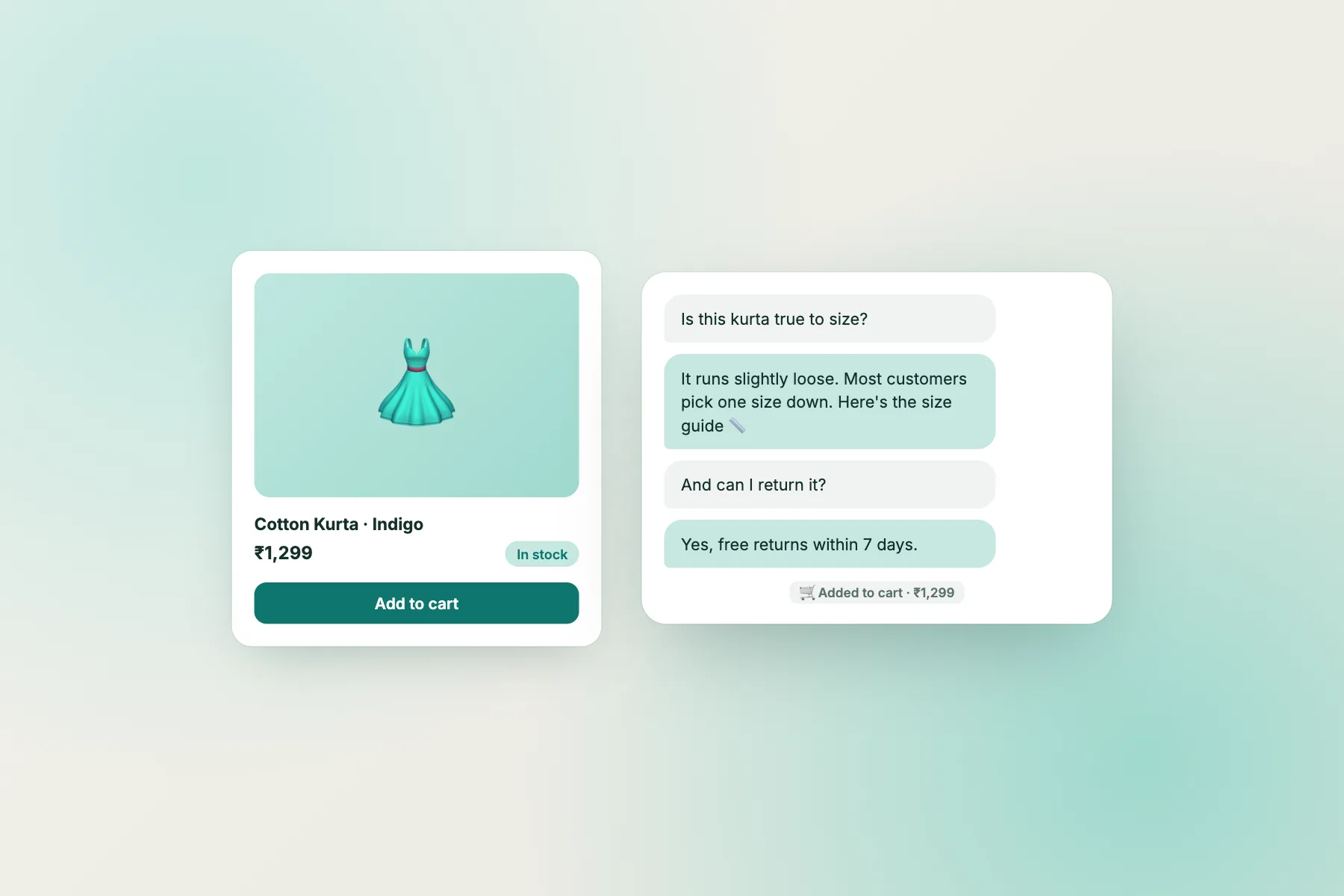
Question types
Four kinds of shopper question
Open your inbox, email or WhatsApp and read the last fifty messages from shoppers. Almost all of them fall into four buckets.
1. Before-you-buy facts
Sizes, materials, stock, delivery time and cost, payment options. These have a stable answer you can write down once.
2. Policy questions
Returns, exchanges, warranty, cancellations. Also stable, but the wording matters because customers take it as a promise.
3. Order status
“Where is my parcel?” The answer lives in your courier and order system, not in a chatbot’s knowledge.
4. Problems and complaints
Damaged goods, wrong items, refunds. These need a human who can decide.
Most stores find that the first two types make up half or more of the messages. That is where a chatbot saves real time.
A quick tally
Make four columns on paper or in a sheet. Tick one for each of the last fifty messages. If one column has more than twenty ticks, that is your first target. If the ticks are spread evenly, start with the before-you-buy facts, because they also help shoppers who never write to you at all.
Decision tree
Which setup fits your biggest question type?
Find your most common question type and follow the branch.
Facts
How the best chatbot for online stores handles facts
The AI Agent answers from the knowledge you give it. For a store that means delivery zones and times, shipping costs, payment methods, size guides, care instructions and return rules.
Write facts, not marketing
“Delivery in 3 to 5 working days across India, free above ₹999” is useful. “Fast delivery to your door” is not. A bot is only as clear as the facts you feed it.
Use Rules for behaviour
The Rules box (up to 5,000 characters) holds instructions such as: never promise a delivery date, always link the returns page for refund questions. Rules work while AI replies are on. When the allowance is used up, the free keyword bot answers from saved replies, so write those too. See how to use saved replies for the setup.
Keep it honest
Tell the bot to say “I will ask the team” when it does not know. A wrong answer about a refund costs more than a slow one.
Test with real questions
Take ten real messages from your tally and ask them yourself. Mark each as correct, vague or wrong. Fix the wrong ones in Knowledge first, then re-test. Do this weekly for the first month, since a store’s facts change with seasons, stock and courier rules. The best chatbot for online stores is a living document, not a one-time install.
Order status
What to do about order tracking without a Shopify app
This is the gap most store owners ask about first. LiveChatBot does not have a Shopify app, does not read your orders and cannot tell a shopper where their parcel is.
What you can do today:
- Point to the tracking page. A saved reply with your courier’s tracking link answers most questions.
- Ask for the order number early. Your welcome message can invite it so a person can look it up fast.
- Pass details with the JS API. A developer can use setVisitor to attach a name or email for logged-in shoppers.
- Use Zapier or webhooks. Send ticket.created and ticket.solved events to your sheet or helpdesk.
If live order lookup is a must-have for you, check other tools. For setup on your platform see Shopify live chat, WooCommerce live chat, and for Wix or Squarespace the pasted-code route.
Sales
Using chat to save abandoned carts and answer doubts
Chat is not only support. A shopper stuck on a delivery question will often leave rather than ask.
Flows on key pages
Chat flows can show a friendly message on product or cart pages using conditions such as page, source, country, device and number of visits. A message that asks “Need help with sizing?” on a clothing product page works better than a generic pop-up.
WhatsApp button card
Many Indian shoppers prefer WhatsApp. A WhatsApp button card in the widget sends them to your number. Note that this is a button, not a WhatsApp inbox, so the conversation then continues in WhatsApp.
Out-of-hours capture
Evening is peak shopping time. Set opening hours and use the away form to collect email or phone, so a late-night enquiry becomes a morning reply. Read more in shopping cart abandonment.
Returning visitors
Visitor tracking shows who came back and what they viewed. A shopper on their third visit to the same product page is often one question away from buying. A Flow using the number-of-visits condition can offer help to exactly that person, and no one else.
Costs
What the best chatbot for online stores costs in practice
The free plan covers two websites per account with 100 free visitors per site each month, counted once when they trigger a new-visitor alert. During a sale you may exceed that, so buy a pack beforehand: 100 visitors for ₹99, 500 for ₹299, 1000 for ₹499. Packs are one-time and never expire.
Over the limit, tracking and alerts continue and chat pauses for new over-limit visitors; nothing is charged automatically. No per-seat charges means seasonal staff can join the inbox for a festival month at no extra cost. Android app only for the team; there is no iOS app. And “Powered by LiveChatBot” stays on every plan. See pricing.
Frequently asked questions
What is the best chatbot for online stores?
The one that fits your most common shopper question. Facts questions suit a bot; order status and complaints need a person or your courier’s page.
Can LiveChatBot show shoppers their order status?
No. It does not read your orders. Use a saved reply with your tracking page link.
Is there a Shopify app?
No. Shopify uses pasted code. WordPress and WooCommerce have a plugin.
Can shoppers message me on WhatsApp?
A WhatsApp button card sends them to your number. There is no WhatsApp inbox inside LiveChatBot.
Will it cost more during a sale?
Only if you buy visitor packs. They are one-time, never expire and nothing is charged automatically.
Keep reading
Related guides
Best Chatbot for Agencies: How to Add Chat to Client Sites Without Overpromising, With Copy-Ready Proposal and Handover Lines
Best Chatbot for Startups: The Founder-Led Support Setup That Costs Nothing, and the Signs It Is Time to Upgrade (Launch Checklist)
Best Chatbot for Sales Teams: Decide Who Gets Each Chat Before the First Lead Arrives (Free Routing Tree)
Answer shoppers before they leave
Free plan for two websites, Flows for product pages and an Android app. Start free on livechatbot.in.