Cost of AI Chatbot, Counted in Leads: How Many Extra Enquiries Pay for Starter and Growth (Free Break-Even Rule)
Cost of AI chatbot is usually quoted as a monthly price, but a price tells you nothing until you know what one extra enquiry is worth to your business. This guide turns the sticker price into a number you can check: how many extra leads a year it takes to pay the bill. All the rupee maths below uses LiveChatBot’s own plan limits, so you can redo it with your own figures.
Short answer: The cost of AI chatbot plans on LiveChatBot is ₹0 on the Free plan, ₹299 a month for Starter and ₹699 a month for Growth, with yearly billing at 10 months for 12. Divide that by what one extra lead earns you, and you get the number of leads needed to break even.
⚡ In short
- Do not compare monthly prices. Compare the price with the profit from one extra lead.
- Starter works out to about ₹0.40 per visitor allowed; Growth about ₹0.28 (our own maths, below).
- Most small sites need only one to three extra leads a year to cover a paid plan.
- Start free, and pay only when the free visitor limit actually blocks you.
The price list
The cost of AI chatbot plans on LiveChatBot is three numbers, and one of them is zero
The plans are Free at ₹0, Starter at ₹299 a month and Growth at ₹699 a month. Prepaid, no auto-renew, no automatic charges and no per-seat charges, so adding a teammate never changes the bill.
- Free ₹0: 2 websites, 100 visitors per website a month.
- Starter ₹299 a month: 2 websites, 750 visitors a month shared across them.
- Growth ₹699 a month: 5 websites, 2,500 visitors a month shared across them.
AI replies come with every plan, with a monthly allowance shown in your dashboard. If you pay yearly you pay for 10 months and get 12. A sign-up code, WELCOME100, adds 100 visitors once.
That is the whole list. The more useful question is what each rupee buys, which the next section works out.
Original maths
Cost per visitor and cost per website: our own numbers, shown step by step
Dividing each plan by what it allows shows the real unit cost. These figures come from the plan limits above; they are arithmetic, not a survey.
Per visitor allowed
- Starter: ₹299 ÷ 750 visitors = about ₹0.40 per visitor.
- Growth: ₹699 ÷ 2,500 visitors = about ₹0.28 per visitor.
- Free: ₹0 for the first 100 visitors on each of two sites, so 200 visitors in total cost nothing.
Per website
- Growth: ₹699 ÷ 5 websites = about ₹140 per website a month.
- Starter: ₹299 ÷ 2 websites = about ₹150 per website a month.
Yearly cost
- Starter monthly for 12 months: 12 × ₹299 = ₹3,588. Yearly (10 months): 10 × ₹299 = ₹2,990. You keep ₹598.
- Growth monthly for 12 months: 12 × ₹699 = ₹8,388. Yearly: 10 × ₹699 = ₹6,990. You keep ₹1,398.
So the cost of AI chatbot plans for a small site is, at most, a few thousand rupees a year. Whether that is cheap or expensive depends on the next section.
Real screens
Where the limits and the results show up
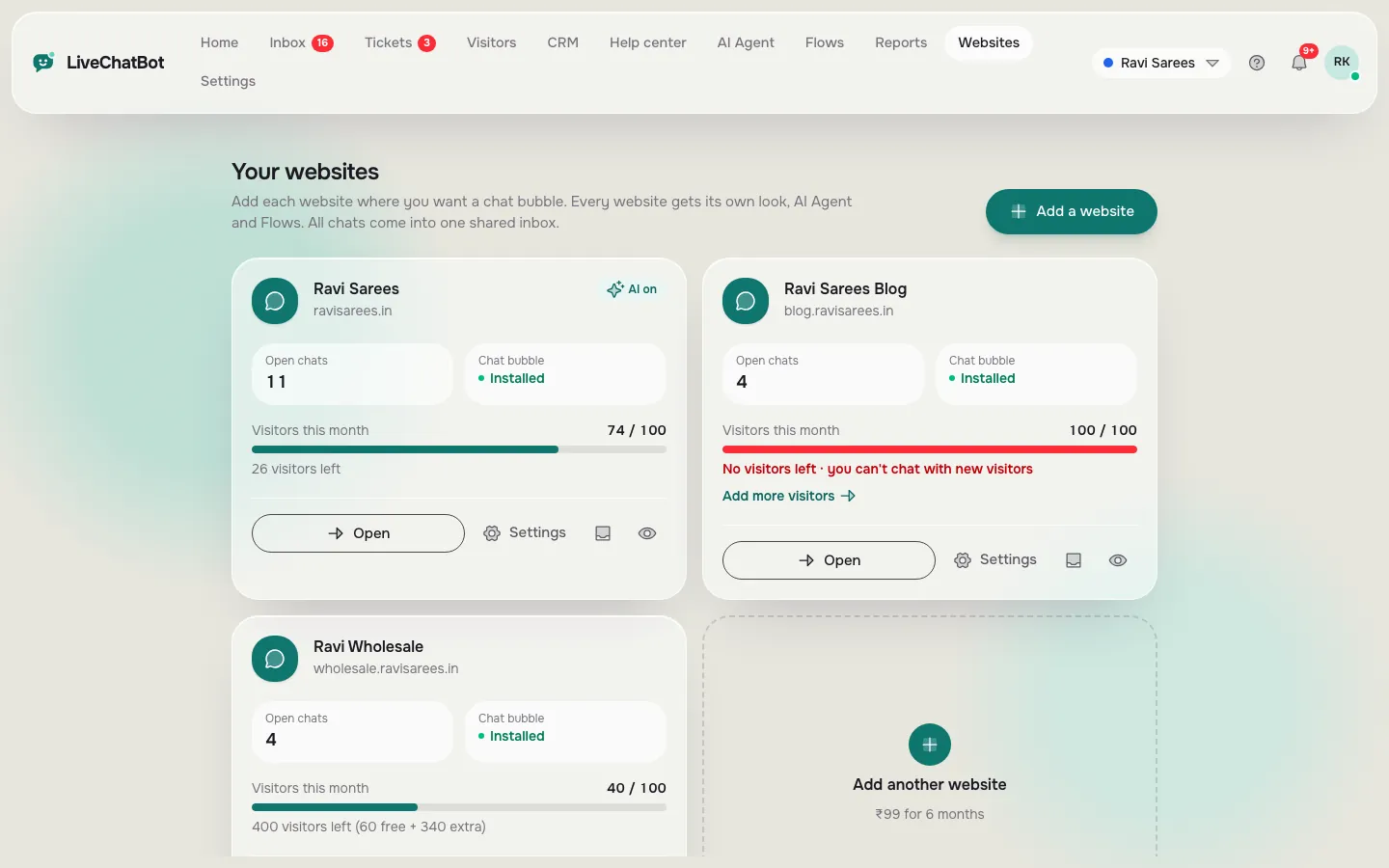
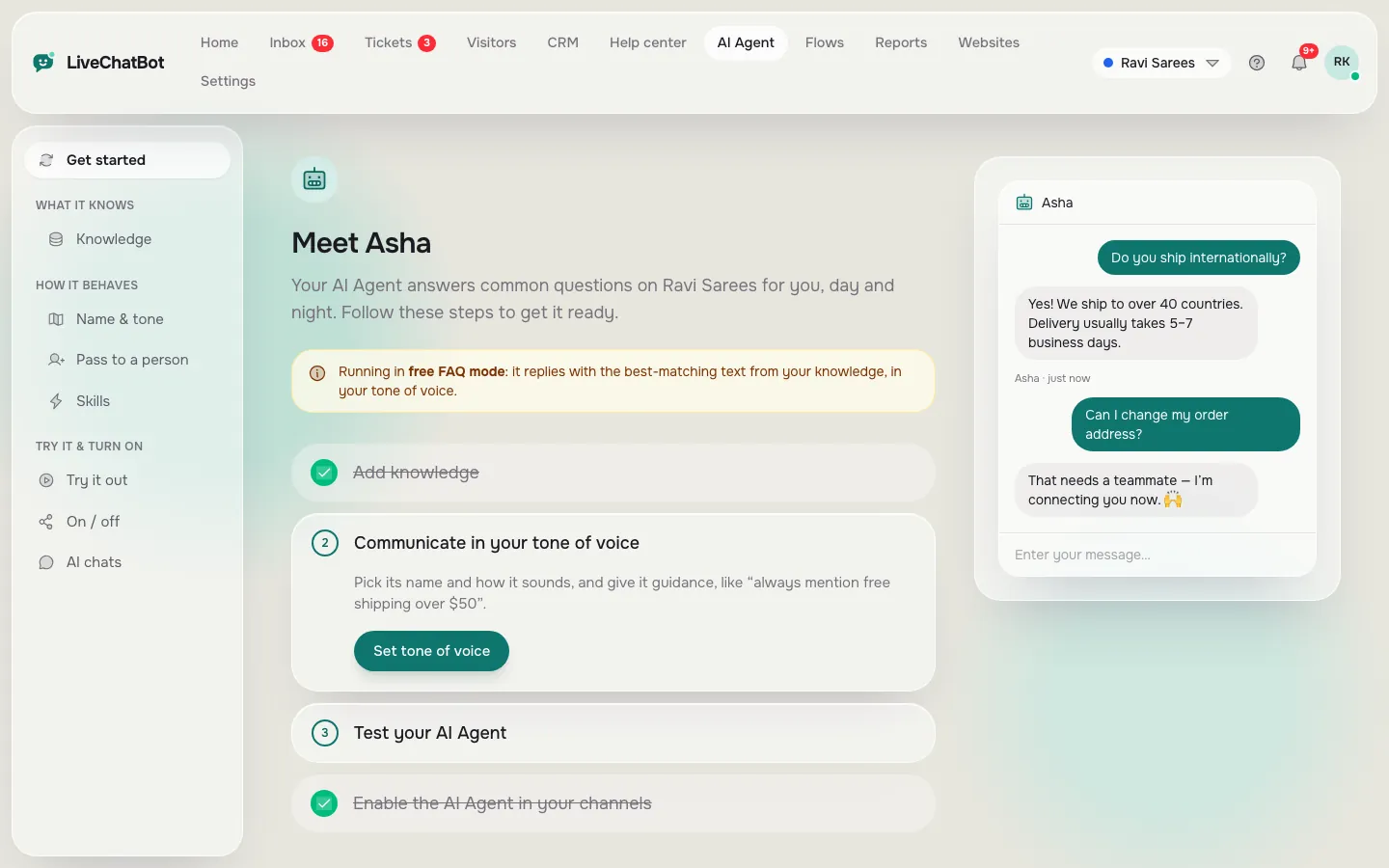
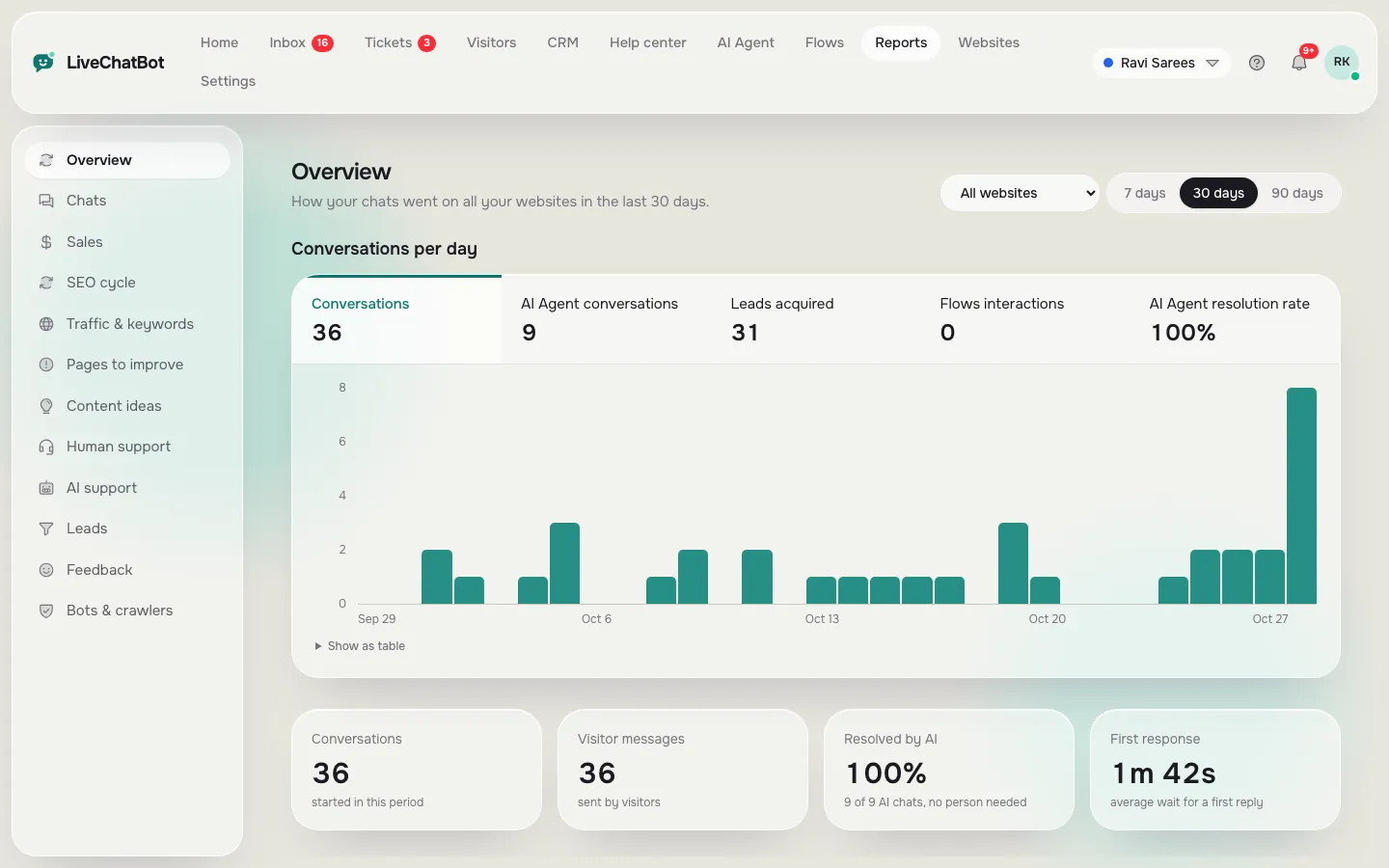
Real screens from the LiveChatBot panel, shown with sample data. Click any picture to see it full size.
Our rule
What most guides miss: price the chatbot in leads, not in rupees
Insight: a chatbot is not too expensive or cheap, it is a number of leads. Most pricing guides compare tools to each other. The better test compares the tool to your own business.
The one-lead rule: Yearly price ÷ profit from one extra lead = leads you need to break even.
Here is a worked example with illustrative numbers. Say a tuition centre earns ₹2,000 profit from one new student, and takes the Starter yearly plan at ₹2,990.
- 2,990 ÷ 2,000 = 1.5, so two extra students in a year cover it.
- On Growth yearly at ₹6,990: 6,990 ÷ 2,000 = 3.5, so four extra students.
Now flip it. A shop makes ₹150 profit per order. Starter yearly needs 2,990 ÷ 150 = about 20 extra orders in a year, under two a month. Still reachable on a busy site, but not automatic, so start on Free and let the numbers prove themselves.
The rule also tells you when not to pay: if you cannot name what one lead earns you, you are not ready to judge any price.
Common slips
Seven ways people misjudge the cost
Time cost
The part of the bill that is not in rupees: your setup hours
The other cost is your time, and it is mostly spent in the first week. The AI Agent answers from the knowledge you give it, so the work is feeding it good facts.
You can type answers, copy a web page, or upload a file (PDF, Word, Excel, CSV or TXT). Behaviour goes in the “Rules to follow” box on the Name and tone page, which takes up to 5,000 characters, for example “Never promise delivery dates”. Facts such as prices and hours go in Knowledge. The AI Agent page explains the two apart, and our guide to training your AI chatbot walks through the first week.
After setup, upkeep is light: read the questions the bot could not answer, and add the missing facts. Treat that as a weekly ten-minute job rather than a project.
When free stops being enough
Move to a paid plan when one of three limits actually blocks you
You should pay when a real limit blocks you, not when a pricing page makes it look attractive. Three limits matter.
- Visitors. The Free plan allows 100 per website a month. Over the limit, tracking and alerts continue, but chat pauses for new over-limit visitors until the month resets. Pause means lost conversations, which is when paying starts to make sense.
- Websites. The Free plan covers 2. Starter also covers 2, so a third site pushes you to Growth with 5.
- Shared pool. Starter and Growth share their visitors across your sites. One busy site can use most of the pool, so check Reports, Overview before choosing.
Weigh the cost of AI chatbot plans against traffic you really have. Check the first limit by looking at last month’s visitor count in your analytics. Use the busiest month, not an average. Our AI chatbot pricing guide explains how other tools count, and the price quote comparison helps if you hold several offers.
Five-minute test
Run this five-minute check before you pay for anything
The cheapest mistake to fix is the one you find in a test. Do these five steps on the Free plan.
- Ask the bot three questions from your customers’ real messages.
- Ask one question you never taught it. It should admit it does not know, not guess.
- Ask for a person and note how fast your phone alerts you on the Android app.
- Write down what one lead earns you in rupees.
- Apply the one-lead rule to Starter and Growth yearly prices.
If step 5 gives a number you can hit, pay. If not, stay free. The fuller case for chats that turn into enquiries is in our live chat lead generation guide.
Honest limits
What the price does not include
The price buys the chat, the AI Agent and the inbox, and several things are not part of it.
- “Powered by LiveChatBot” stays on every plan, including Growth.
- You cannot choose the AI model or bring your own API key; the provider is set by LiveChatBot.
- There is no iOS team app; iPhone users answer from a browser. The Android app is available.
- SSO, audit logs and a role builder are not offered.
If any of those is a must-have, no plan here will fix it, and you are better off knowing before you start. Better to learn that on day one than after a year of paying.
It also helps to remember what the money does not buy: a bot that is never wrong. Every AI reply depends on the facts you supplied, so a stale price list or an old policy will be repeated confidently. Budget a few minutes each month to re-read your Knowledge and your Rules box, and update anything that changed. That small habit protects the value of every lead the plan wins.
Frequently asked questions
What is the cost of AI chatbot plans for a small website?
On LiveChatBot it is ₹0 on the Free plan, ₹299 a month on Starter and ₹699 a month on Growth. Yearly billing pays for 10 months and gives 12.
Are there extra charges per team member?
No. There are no per-seat charges, and nothing is charged automatically. Plans are prepaid with no auto-renew.
How do I know if the plan will pay for itself?
Divide the yearly price by the profit from one extra lead. The answer is the number of extra leads you need in a year.
Do AI replies cost extra?
AI replies come with every plan, with a monthly allowance shown in your dashboard. We do not quote allowance numbers here.
Can I start free and upgrade later?
Yes. Start on the Free plan with 2 websites and 100 visitors per site a month, and move up only when a limit blocks you.
Count the cost in leads
Free plan for two websites, no per-seat charges and prepaid plans. Start free on livechatbot.in, then see the full [AI Agent](ai-agent) guide.