Build Your Own Chatbot Starting With Keywords: 15 Saved Replies That Become a Working Bot Before You Add AI
Build your own chatbot the cautious way: start with plain keyword replies, prove they help, and only then add AI. A keyword bot is just a set of saved replies that fire when a visitor types a matching word. It is cheap, predictable and easy to fix, which makes it the best first version for most small sites. This guide shows how to pick 15 replies, write them well, and know when to upgrade.
⚡ In short
- A first bot does not need AI. Fifteen good saved replies cover most day-to-day questions.
- Pick topics from real messages, write one clear reply each, and add the words people actually type.
- Read the misses weekly. Misses tell you what to add, or when AI is worth switching on.
- LiveChatBot’s free keyword bot answers from your saved replies, with a person one tap away.
Why start here
Why a plain bot is the smartest way to build your own chatbot first
AI is flexible, but it is also harder to predict. A keyword bot does exactly what you wrote and nothing else. If someone asks about “delivery”, they get your delivery reply. If they ask something unexpected, they get your fallback and a way to reach a person.
That predictability is useful on day one. You learn which questions people really ask, you see which replies they accept, and you spend nothing. Many teams find the keyword version already removes a third of repeat typing.
It also makes a better base for AI later. The replies you write now become the facts the AI answers from. If you want that path afterwards, see our week-long plan to build your own AI chatbot. This page covers the step before it. For the AI side of the product, the AI Agent page explains what it adds.
Fifteen topics
The 15 replies most small sites need first
Tap a tab and copy a line as a starting point. Replace every detail with your own.
Writing them
How to write a reply a keyword bot can send safely
One topic, one reply
Do not squeeze three answers into one message. A visitor who types “price” wants a price. Give it in the first line, then a next step. Long policy text can wait for a link.
List the words people really type
For each reply, note three to six trigger words. Delivery might be “delivery”, “shipping”, “courier”, “how long”. Pull these from real chats, not guesses. Include short forms and common spellings; people type fast on phones.
Keep every reply true
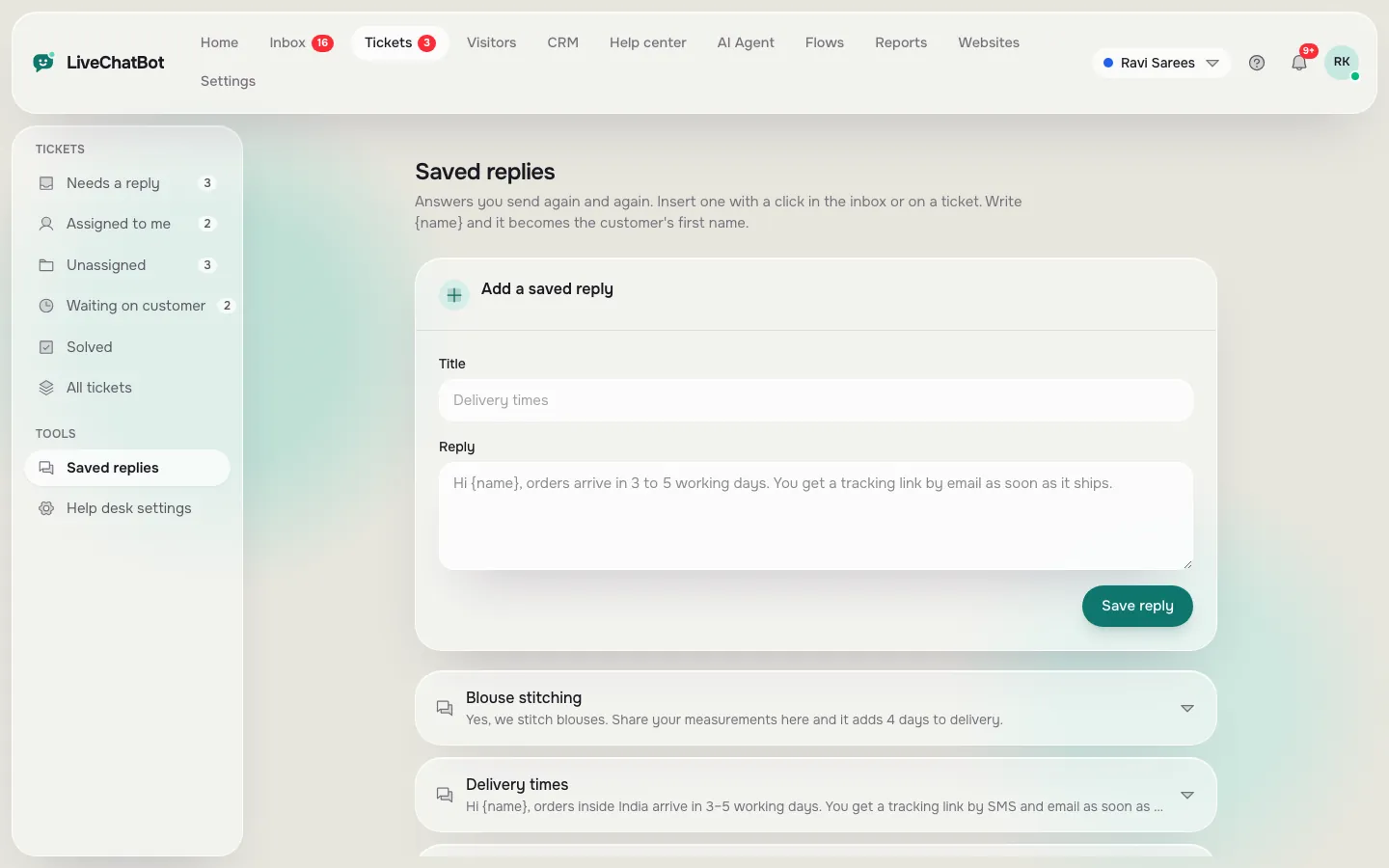
Prices and hours go stale. Put a review date in your calendar and check all 15 replies monthly. Our guide to saved replies shows how to add the visitor’s name with {name} and keep the list tidy, and the canned responses page has more starter ideas.
Hand over
The fallback and handover that make a simple bot safe
A keyword bot will miss things. What matters is what happens next. Write a fallback that is honest: “I am not sure about that. Leave your email or phone number and a person will reply.” Never let the bot guess.
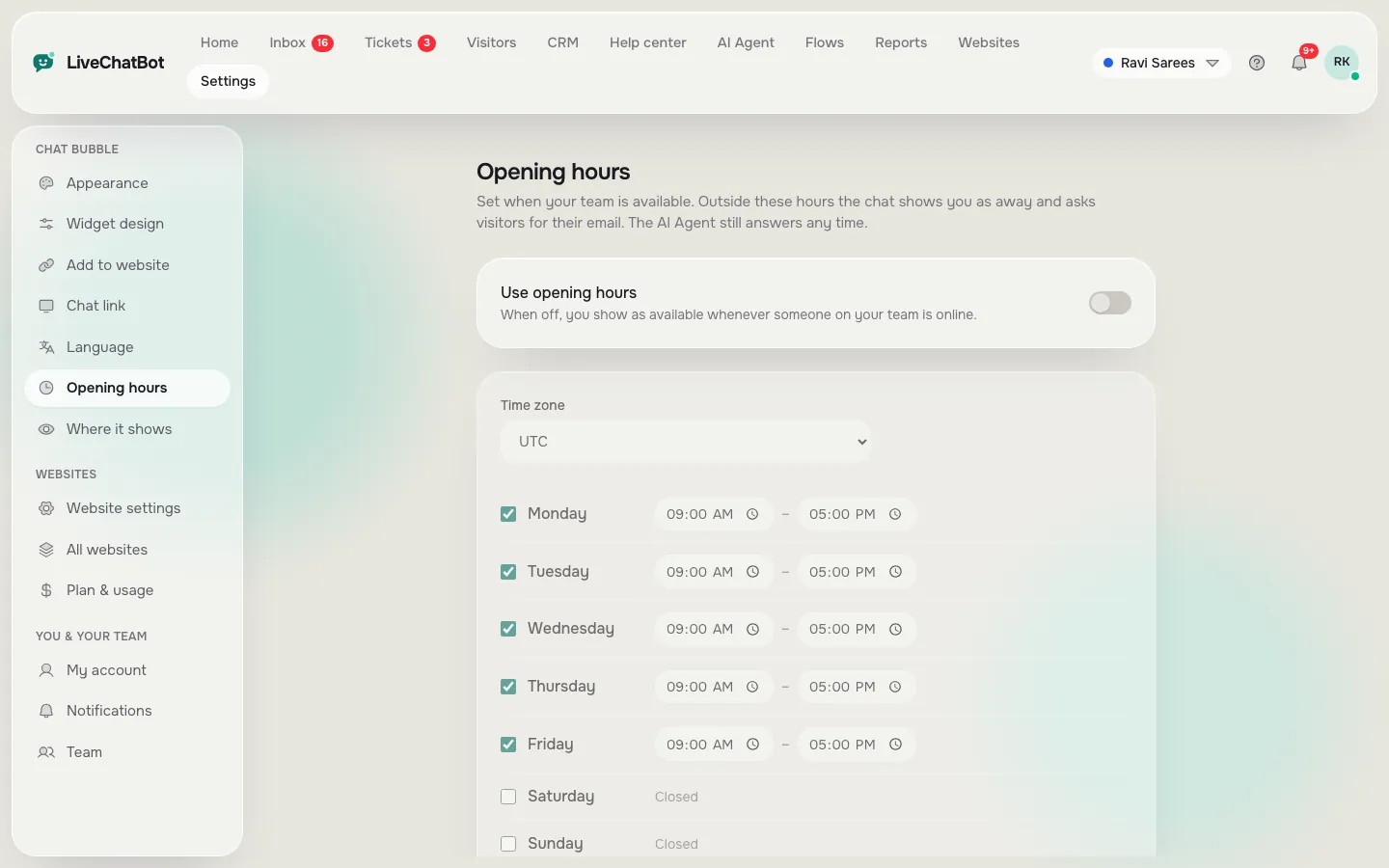
Then make sure a person can step in. Set opening hours and the away form, so a visitor outside working hours can still leave a number. Install the Android app on the phone of whoever answers, so an alert is never missed. Use the Unassigned and Mine folders in the inbox so chats do not sit unowned.
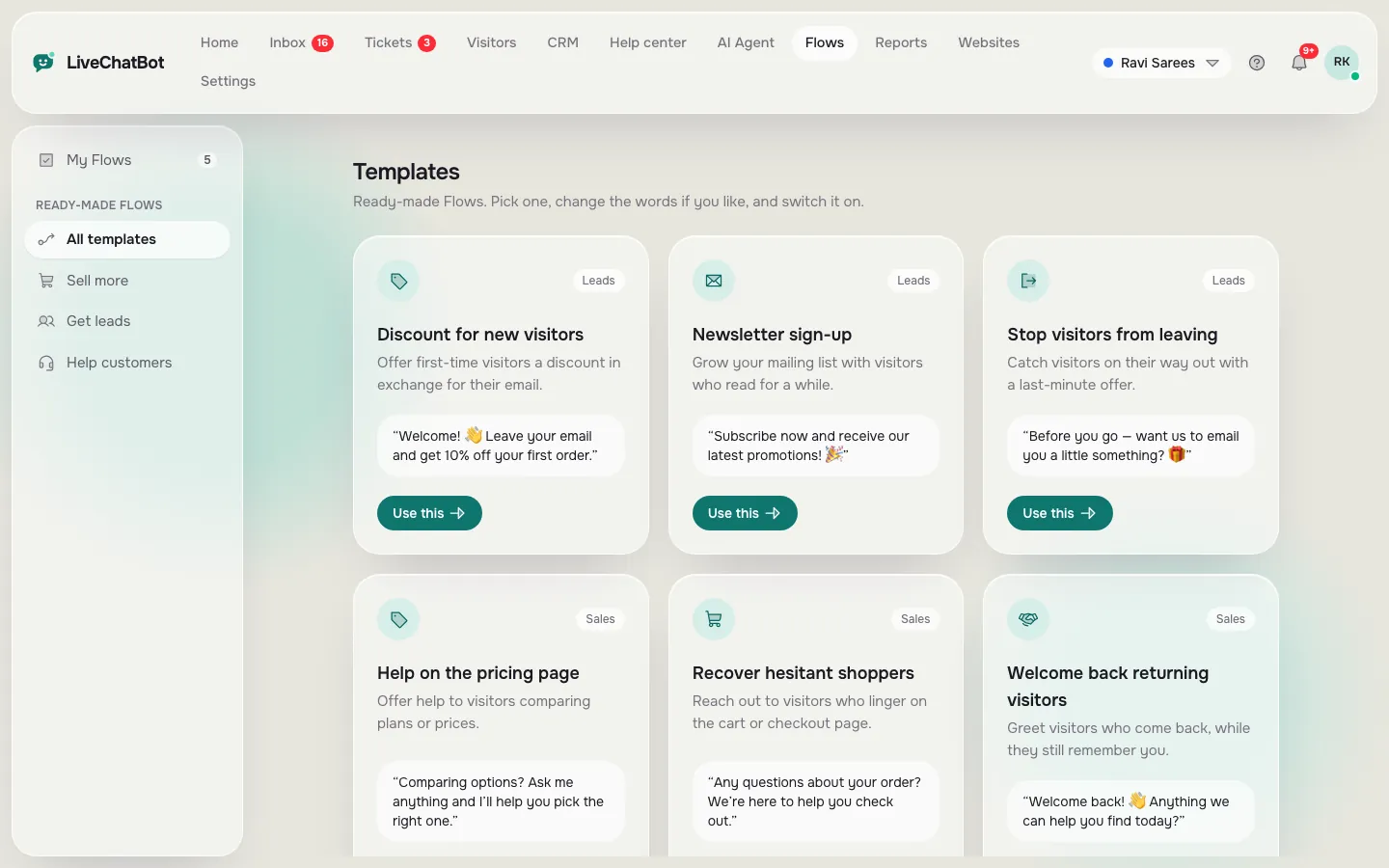
Finally, add a proactive message on the one or two pages where people hesitate most, using a chat flow. Keep it short and specific, such as “Questions about delivery to your area?” rather than a generic hello.
Test it like a stranger
Before you tell anyone, open your site in a private window and type ten messages the way a rushed customer would: one word, a typo, a long rambling sentence. Note which ones got the right reply and which fell to the fallback. Add the missing trigger words, then test again. This ten-minute loop is the quickest way to build your own chatbot that feels sharp rather than stiff, and you can repeat it any time you add a reply.
Real screens
Real screens from a keyword bot setup
Real screens from the LiveChatBot panel, shown with sample data. Click any picture to see it full size.
Decide
Should you stay simple or add AI?
Follow the path that matches what your misses look like after two weeks.
Going further
Where this keyword bot sits next to the rest of the tool
The keyword bot is free and part of the same inbox your team already uses. When you are ready for more, the AI Agent can answer from typed answers, copied web pages or uploaded files such as PDF, Word, Excel, CSV and TXT, and follows written rules you set. AI replies are included with every plan with a monthly allowance shown in the dashboard; when it is used up the keyword bot keeps answering, so your fifteen replies keep working. The AI Agent page lists what it covers.
Be aware of what this approach does not do. It does not look up live orders, it has no voice or sentiment features, and the “Powered by LiveChatBot” label stays on every plan. For small sites those gaps rarely matter in the first month. If you want to build your own chatbot with custom logic, you will need a developer.
Frequently asked questions
Can I build your own chatbot without AI?
Yes. A keyword bot answers from saved replies when it sees matching words. It needs no code and is easy to fix.
How many replies does a first bot need?
Fifteen is a good start. Pick the questions you answer most often. Add more only when real chats show a gap, and review all of them monthly.
Is the keyword bot free on LiveChatBot?
Yes. It is included on the free plan, which covers 2 websites and 100 visitors per website each month.
What happens when the bot does not understand?
It sends your fallback, which should offer a person or take a phone number. Opening hours and an away form catch late visitors.
When should I add AI?
When your misses are many different questions phrased in different ways. Then load your facts into the AI Agent and keep the replies as a backup.
Keep reading
Related guides
Build Your Own AI Chatbot in One Week: A Day-by-Day Plan With No Code and No Model Training
Call Center Chat Software for a Phone Team: Add Chat Without Doubling the Workload (Shift Map and Honest Gaps)
Make your first bot today
Start free on livechatbot.in, write your 15 replies and let the keyword bot do the repeat typing.