Website Analytics Without Google Analytics: Four Simple Routes for Small Sites, and the Questions Each One Can Answer
Website analytics without Google Analytics is a real option for a small business, and often a calmer one. Many owners install a big analytics tool, open it twice and never find the answer to the one question they had. This guide starts from the questions you actually need answered, then shows four routes that can answer them, what each one cannot do, and how LiveChatBot’s own report fits in.
⚡ In short
- Start with your questions, not the tool: where do visitors come from, which pages work, who acts?
- Four routes: your host’s stats or server logs, a privacy-focused analytics tool, Google Search Console for Google queries, and LiveChatBot’s Traffic and keywords report.
- No single route does everything. Combine two at most.
- LiveChatBot’s report ends at a lead but does not show Google search terms, rank positions or impressions.
Start here
Write down the questions before you pick a tool
Most analytics regret comes from choosing a tool first. A suite with hundreds of reports can feel safe, but if nobody on your team reads them, it is just a dashboard you pay for with attention.
For a small business site, five questions cover nearly everything:
- Where do my visitors come from? Search, social, direct, other sites.
- Which pages bring them in? The entry pages that matter.
- Which pages lose them? Visits with no action afterwards.
- What did they do? Chat, call, WhatsApp, form, leave details.
- What are they looking for? Topics and searches on your site.
Write these on a sticky note. Every route below is judged by how many of the five it answers, and by how much work it needs.
If you came here for website analytics without Google Analytics because of privacy, cookie banners or page weight, those are good reasons too. Just keep the five questions in view, so a lighter tool does not leave you blind.
Why people leave
Why small sites look for website analytics without Google Analytics
There are a few honest reasons, and it helps to know which one is yours.
Too much, too complicated
Large suites are built for analysts. If you only want to know which page brings enquiries, you may spend more time learning menus than reading answers.
Privacy and consent
Some owners prefer tools that collect less, or want fewer consent prompts. What you must do depends on where your visitors are and what a tool collects, so check each tool’s documentation and take proper advice if you are unsure. This guide does not give legal advice.
Page weight
Every extra script adds to loading time. A lighter setup can help, though the effect depends on what else is on your pages.
A different goal
If your goal is leads, not page views, a report that follows visitors to a chat, call, WhatsApp tap or form is closer to the point than a report that stops at the visit.
Your first month
A thirty-day plan that needs no analytics expertise
Week 1: write your questions and install one tool
Pick the five questions above. Install the chat widget or your chosen tool. Do not add anything else yet.
Week 2: look, do not change
Open the report twice. Note the top three sources and top five pages. Resist the urge to redesign the site.
Week 3: fix one page
Pick one page from Fix first or from your most visited pages with no actions. Change one thing: the headline, a WhatsApp button, a short form or a proactive message.
Week 4: compare
Look at the same page. Did more people act? If yes, repeat on the next page. If not, try a different change. Keep notes in one place so you remember what you tried.
This rhythm works with any of the routes above, and it is the reason a simple tool can beat a complicated one: you will actually use it.
Route 1
Your hosting stats and server logs
Most hosting control panels include a basic traffic view or give you access to raw server logs.
What it answers well
- Total requests and rough visitor counts.
- Which pages and files are requested most.
- Whether search crawlers are visiting.
Where it falls short
Logs count everything, including bots, so numbers run high. They do not know what a visitor did on the page, so they cannot tell you about chats, calls or forms. They also need some patience to read. Treat this route as a sanity check, not a decision tool.
Route 2
A privacy-focused analytics tool
Several lightweight analytics tools exist that skip cookies and show one simple page: visits, sources, top pages. They answer questions one to three on the list well, and they are usually quick to install.
What to check before you choose
- Does it count bots, or filter them?
- Can it track an action, such as a click on a WhatsApp link?
- Does it cost money, and is it per site?
- Who stores the data?
Whatever you pick, read its own documentation for what it collects. Nothing in this guide is legal advice, and rules on consent and personal data differ by country. In India, the DPDP Act 2023 applies to personal data, so it is worth knowing what any tool collects.
If you also want to understand bot visits that inflate raw numbers, read website bot visitors.
Route 3
Google Search Console for Google queries only
Google Search Console is free and shows how your site appears in Google: queries, impressions, clicks and average position. It is the only official source of Google search terms.
It does not replace analytics, because it only covers Google search. It will not tell you about visitors who came from WhatsApp, an email or a link on another site, and it knows nothing about what they did on your pages. Think of it as a companion that answers one narrow question very well: how do I show up in Google?
Google’s Search Central documentation explains how to verify your site and read the reports. LiveChatBot does not connect to Search Console.
Route 4
LiveChatBot’s Traffic and keywords report
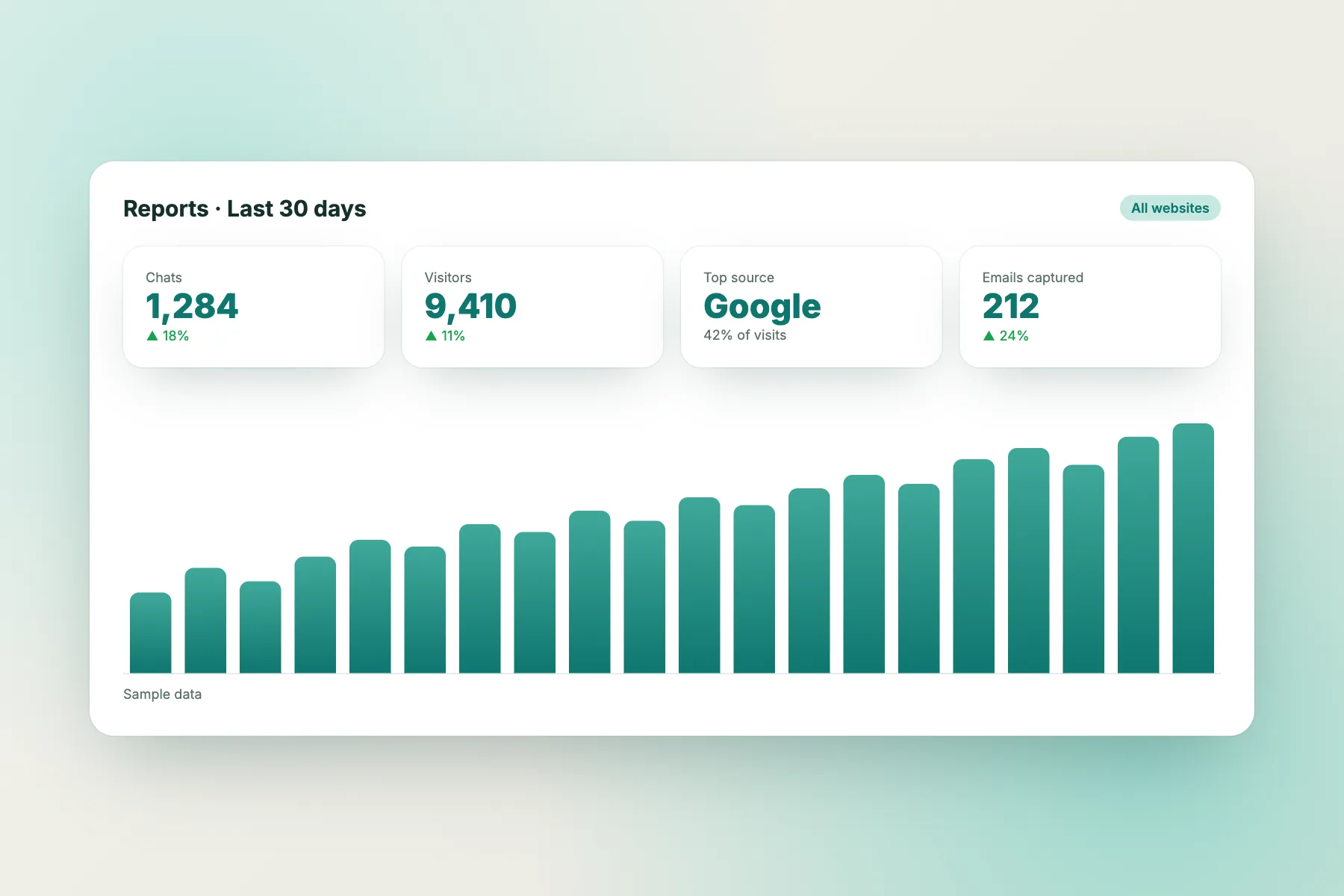
If you already use or plan to use LiveChatBot’s chat widget, the same snippet records visits, and Reports, then Traffic and keywords, turns them into a short report. You do not need Google Analytics, and it does not depend on it.
What it covers
- Sources: where visitors come from, with the main source and referrers.
- Pages: which pages bring visitors in, and how many acted, meaning they chatted, called, tapped WhatsApp, filled a form or left details.
- Fix first: pages people leave without acting.
- Keywords: from page slugs and titles, on-site searches, utm_term and utm_campaign, Bing and Yahoo referrers and chat questions.
- Rising topics, plus ideas for new pages to create.
What it leaves out
Google search terms, rank positions, impressions, click-through rates, backlinks and competitor data. There is no custom report builder, no scheduled emailed reports and no native Google Analytics or Meta Pixel link. It only sees pages where the widget is installed.
Your own team’s test visits are not counted, and named crawlers such as Googlebot, Bingbot and AI bots are never counted or billed as visitors. For the longer tour, see website visitor analytics.
Side by side
The common mistake with each route
Each route is good at something. Each one also tempts you into the same error.
Choosing
Which combination of website analytics without Google Analytics fits you
Most small sites need two things at most.
- You sell or take enquiries and want to know which pages lead to contact: use LiveChatBot’s report. Add Search Console if Google traffic matters to you.
- You publish content and care about Google visibility: Search Console first, then a simple traffic view.
- You mainly worry about privacy or page weight: a lightweight analytics tool, plus the habit of reading it monthly.
- You have no budget and little time: LiveChatBot’s free plan covers two websites with 100 visitors per website each month, with no per-seat charges. See pricing.
A useful trick is to give yourself a monthly twenty-minute review: open the sources, check the top pages, open Fix first, and pick one page to change. A small review you actually do beats a big dashboard you do not. Keep a simple note of what you changed and the date, so next month you can tell which change made a difference and which one did nothing at all. If you want to compare chat tools that include reports, read live chat software with analytics.
Getting started
Try it without touching Google Analytics
Add the LiveChatBot widget to your site, using the WordPress plugin or the pasted code, wait a few days and open Reports. The first thing to look at is Fix first. If you are checking how website analytics without Google Analytics could work for you, this is the quickest test: one snippet, one report, no extra account. If you grow past the free allowance, tracking and alerts continue, chat pauses for new over-limit visitors and nothing is charged automatically. Visitor packs are one-time and never expire. Sign up at livechatbot.in.
Frequently asked questions
Can I get useful website analytics without Google Analytics?
Yes. Hosting stats, a privacy-focused tool, Search Console and LiveChatBot’s Traffic and keywords report together can answer where visitors come from, which pages work and who acts.
Does LiveChatBot need Google Analytics?
No. Its report uses its own tracking from the chat widget and does not depend on Google Analytics.
Will I still see Google search keywords?
Not in LiveChatBot. Google hides search terms. Use Google Search Console for queries, impressions and clicks.
Are bots counted in the numbers?
No. Named crawlers are never counted or billed as visitors, and your own team’s test visits are not counted.
What does the report not include?
Rank positions, impressions, click-through rates, backlinks, competitor data, custom reports and scheduled emailed reports.
Keep reading
Related guides
Website Visitor Analytics That Ends at a Lead: See Where Visitors Come From, What They Read and Who Acts
Visitor Profiles: Know Who You Are Talking To Before You Type a Reply
What Visitors Search on Your Website, and Five Ways to Turn Those Searches Into Pages, Answers and Sales
Measure what matters, simply
Sources, pages and leads in one short report. Start free on livechatbot.in.