Free Chatbot for Ecommerce: Seven Store-Chat Mistakes That Cost Orders, and the Fix for Each (Free Mistake-vs-Better List)
Free chatbot for ecommerce stores can save hours or lose orders, and the difference is rarely the software. It is a handful of avoidable mistakes: a bot that pops up on checkout, answers that disagree with your policy page, or no one watching after dark. This guide lists seven mistakes we see most in store chat, and shows the fix for each using features available on a free plan.
⚡ In short
- Most store-chat problems are setup mistakes, not software limits.
- Keep chat off the payment steps, keep policies identical everywhere, and cover the evening.
- Hand over anything involving money, damage or anger; let the bot answer plain facts.
- Scan the mistake-versus-better list below and fix the ones that apply to your store.
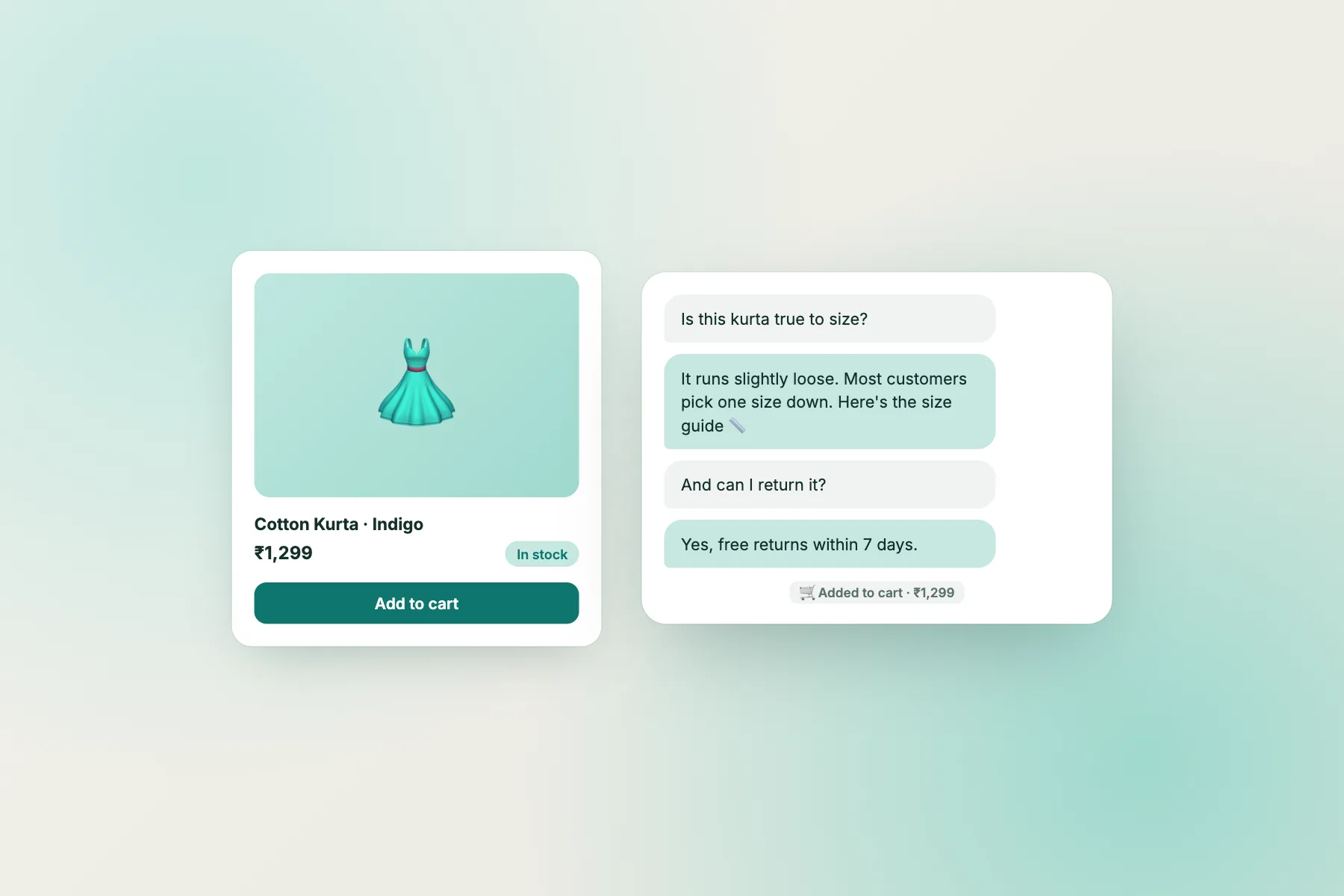
The pattern
Why store chat goes wrong in the same ways
Online shops share a rhythm. Traffic peaks in the evening and during sales, questions repeat, and the same few worries sit between a visitor and a purchase: delivery time, size or fit, returns, payment safety and whether the shop is real.
A chatbot helps with exactly those. But every store also has traps. Chat that covers the buy button. A bot quoting last season’s return window. A chat inbox that nobody opens on Sunday. Each one is small, and each one is fixed in minutes.
Fixing them does not need a paid plan. The free plan covers 2 websites and 100 visitors per website per month, with a team inbox, saved replies, tickets, opening hours with an away form, an Android app and Flows for proactive messages. WooCommerce stores can use the WordPress plugin, while Shopify, Wix and Squarespace use a pasted snippet. For the full store picture see live chat for ecommerce.
Mistakes 1 to 3
Mistakes 1 to 3: where the chat shows and what it says
1. Chat covering the buy button
On a phone the widget bubble can sit on top of “Add to cart” or “Pay now”. Move the widget position, and use the where-it-shows settings to hide chat on payment pages if it distracts. The guide to showing chat on specific pages explains the options.
2. A generic welcome line
“Hi, how can I help?” gets ignored. Name the real worry: “Questions about delivery or sizes? Ask us.” Write it once in the welcome message and let it work on every page.
3. Policies that differ between places
If the bot says returns take 7 days and the policy page says 10, you will honour the worse one. Write each policy once, then copy it into the bot, the saved replies and the page on the same day.
Mistakes 4 to 7
Mistakes 4 to 7: who answers, and when
4. Nobody covers the evening
Shop traffic peaks after work. Set opening hours honestly, and use the away form so visitors leave an email or phone. Install the Android app so alerts reach whoever is nearest a phone.
5. The bot handles complaints
A damaged parcel or a missing refund needs a person. Make sure the bot hands over, and turn those chats into tickets with an owner, so they are not lost.
6. Proactive messages on every page
A pop-up on every page feels like nagging. Use Flows with conditions, such as a gentle message after time on a product page, or for visitors with several visits and no purchase.
7. Ignoring abandoned carts
Chat cannot rescue every cart, but a helpful line at the right moment can. Read our guide on shopping cart abandonment and answer the top hesitation with a Flow.
Free tool
Mistake or better? Scan your own store
Compare each pair with how your store works today. Fix the red ones first; they take minutes.
Answers
Facts a free chatbot for ecommerce should hold
Give the AI Agent facts that shoppers ask about. Write them plainly, one per line.
- Delivery areas, usual times and charges, including any pincodes you do not serve.
- Payment options, and whether cash on delivery is available.
- Return, exchange and refund rules, with the number of days.
- How to track an order, and where the tracking link arrives.
- Sizes, materials or care, for your top products.
The AI Agent answers from this knowledge, with a small free monthly allowance per website. When it is used up, the free keyword bot answers from saved replies, so write those for delivery, returns and payment. The article on how to train your AI chatbot shows how to write facts the bot can find.
Honest limits
What a free chatbot for ecommerce will not do
Be clear on gaps so you can plan around them. LiveChatBot has no native Shopify app, and no integration with payment, courier or CRM tools built in. Zapier, webhooks for ticket created and solved, and a REST API can connect other systems. The bot cannot look up a live order status on its own, so tell customers where to find tracking. There is no WhatsApp inbox, though a WhatsApp button card can send visitors to your number, and no iOS team app. “Powered by LiveChatBot” stays on every plan.
On volume: past 100 visitors per website per month, chat pauses for new over-limit visitors until you buy a pack or the month resets. Packs are one-time and never expire: 100 visitors for ₹99, 500 for ₹299, 1000 for ₹499. Nothing is charged automatically, which is useful when a sale brings a spike. See pricing.
This week
A one-hour fix list for your store chat
Pick a quiet hour. Open your store on a phone and check where the bubble sits. Rewrite the welcome line. Compare your return policy in three places. Set opening hours and the away form. Install the Android app. Add one Flow on your most visited product page.
Next week, read the chats and fix what they show. That small routine is what turns a free chatbot for ecommerce from a gadget into a quiet sales helper.
Frequently asked questions
Is there a free chatbot for ecommerce stores?
Yes. LiveChatBot’s free plan covers 2 websites and 100 free visitors per website per month, with an AI Agent allowance, keyword bot, inbox and tickets.
Does it work with Shopify and WooCommerce?
WooCommerce uses the WordPress plugin. Shopify, Wix and Squarespace use a pasted code snippet; there is no Shopify app.
Can it check order status?
No. It cannot look up live orders. Tell customers where to find tracking and hand over order problems to a person.
What happens in a big sale?
Past the free visitor limit, chat pauses for new over-limit visitors until you buy a pack. Nothing is charged automatically.
Can I remove the Powered by badge?
No. It stays on all plans.
Keep reading
Related guides
Free Chatbot for Small Business: A 30-Day Rollout, From the First Test Chat to the Month-End Review
Free Chatbot for Landing Page: One Page, One Goal, and the Few Chat Messages That Help It Convert
Free Chatbot Integration on a Budget: Which Connections Cost Nothing, Which Use Up Automation Tasks, and How to Stay Inside Free Limits (Free Task Counter)
Fix the small leaks first
A free plan with inbox, tickets and an Android app. Start free on livechatbot.in.