Chatbot for Medical Clinic Websites: Safe and Unsafe Replies Side by Side, With an Emergency Rule Every Clinic Needs (Free Reply Comparison)
Chatbot for medical clinic websites should handle logistics, never diagnosis. Timings, doctors, location, fees and appointment requests are safe. Symptoms, medicines and test results are not. This guide shows safe and unsafe replies side by side, the emergency rule to put at the top of your bot’s instructions, and how to collect appointment requests without holding medical details in chat.
⚡ In short
- A clinic bot answers logistics only: timings, doctors, location, fees and how to request an appointment.
- It must never diagnose, name medicines, read results or say a symptom is nothing to worry about.
- Put an emergency rule first: urgent symptoms mean call emergency services or go to the nearest hospital.
- LiveChatBot has no patient records or calendar. It collects a request; your staff confirm.
Scope
What a clinic chat is for
Clinic front desks answer the same calls all day: is the doctor in on Saturday, where do I park, do you take walk-ins, how much is a consultation. Each call takes a minute, but they add up and block the line for patients who need attention.
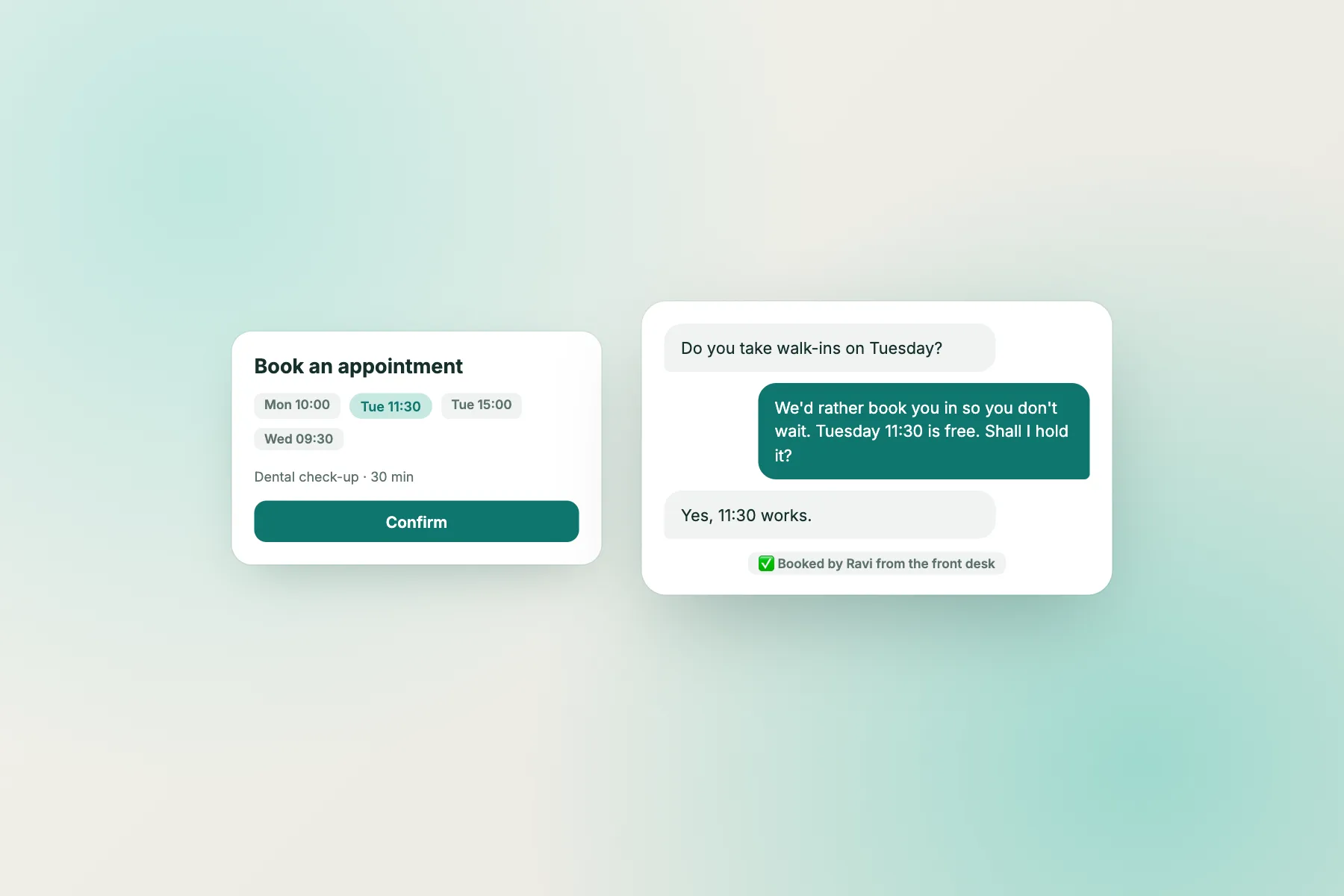
Chat takes the repeat questions off the phone. It answers from the facts you wrote and collects an appointment request with a name and a phone number. The receptionist then confirms from the real diary.
The design rule is simple: the bot handles the building and the schedule, and people handle the patient. Keep that line clear and a chatbot for medical clinic pages is a calm helper. Cross it and it becomes a risk to patients and to you.
Try it
Safe and unsafe replies, side by side
Use these pairs as your test script. Ask your bot each question and compare its reply with the safe version.
Emergency
The emergency rule every clinic should write first
Put this at the top of the AI Agent instructions, before anything else:
If a visitor mentions chest pain, trouble breathing, heavy bleeding, fainting, stroke signs, severe injury, thoughts of self-harm or any emergency, reply only: please call your local emergency number or go to the nearest hospital now.
Add a short banner or welcome line on the widget too: “For emergencies, do not use chat. Call emergency services.” Then test it with five different phrasings, including misspellings and another language your patients use.
Do not let the bot continue chatting after an emergency message. A person should read the chat as soon as possible, so keep the Android app alerts on during opening hours.
Knowledge
What a chatbot for medical clinic pages should know
Teach only facts that a receptionist could state in public.
- Doctors and specialities, with days and hours.
- Address, map pointer and parking.
- Appointment process: request, confirmation call, what to bring.
- Fees: a pointer to the fees page, or listed consultation fees if they are stable.
- Walk-ins: yes or no, and typical waiting times if you know them.
- Documents to bring: ID, previous reports, insurance details if relevant.
Leave out clinical content such as dosage, symptoms or treatment steps. Keep each note short. Our guide to training your chatbot shows how to test answers, and the live chat for healthcare page covers the wider picture.
Requests
Collecting appointment requests without medical details
Ask for the minimum: name, phone number, preferred doctor and day. Do not ask for symptoms, diagnoses or reports in chat.
- A Flow on the appointments page offers “Request an appointment”.
- The bot collects the three details.
- The request lands in the inbox, and offline messages can become tickets with an owner.
- A receptionist calls to confirm and takes any health information over the phone or in person.
If a patient types symptoms anyway, the saved reply is: “Thank you. Please share health details with the doctor directly. We will call to arrange your visit.” Set opening hours so evenings show an away form instead of a silent widget.
Limits
What a chatbot for medical clinic use cannot do
- No patient records. It cannot see history, results or prescriptions.
- No live calendar. It cannot book or move slots.
- No native clinic-software integrations. Use Zapier, ticket webhooks (ticket.created, ticket.solved) or the REST API to pass requests on.
- No compliance certification. We do not claim any healthcare certification. Ask your adviser about the rules that apply to you, including India’s DPDP Act 2023.
- No pre-chat form, and “Powered by LiveChatBot” stays on every plan.
Do not let patients send reports or photos through chat. Direct them to your own secure process.
Wording
Three saved replies for the front desk
Opening line
“Hello, I can help with timings, doctors and appointment requests. I can’t give medical advice.”
Out-of-hours
“The clinic is closed now. Leave your number and preferred day and reception will call you when we open.”
When a patient asks for advice
“I’m not able to advise on health questions, but the doctor can. Can I take your number for a call?”
Store them as saved replies with {name}, and review chats weekly. Remove any line that sounds like medical reassurance, however kind it feels.
Cost
Starting small
The free plan covers two websites, 100 new visitors per website each month and no per-seat charges, so reception and doctors can share the inbox. Visitor packs are one-time and never expire. See pricing and sign up at livechatbot.in. Run the safe-versus-unsafe test every time you change the knowledge notes. Ask the doctors to read the replies once before launch, because they will spot phrases that sound like advice faster than anyone else. Keep a dated copy of the notes so you can see what changed if a reply ever causes a question.
Frequently asked questions
Can a chatbot for medical clinic websites give medical advice?
It should not. Limit it to timings, doctors, location, fees and appointment requests, and hand every clinical question to a doctor.
What should it do in an emergency?
Tell the visitor to call the local emergency number or go to the nearest hospital, and nothing else.
Can it book appointments?
No. There is no calendar link. It collects a request and your staff confirm.
Does it store patient records?
No. Keep health details out of chat and collect them over the phone or in person.
Is a chatbot for medical clinic use free to test?
Yes. The free plan covers two websites and 100 new visitors per website each month, with no per-seat charges.
Keep reading
Related guides
Chatbot for Yoga Studio Websites: A Calm, Human Chat Plan for the First Class, the First Month and the First Question (Free Student Journey)
Chatbot for Doctor Appointment Booking: How to Take Slot Requests Without a Calendar Link and Keep Medical Questions Out of Chat (Free Journey Map)
Chatbot for Fitness Studio Owners: Handle Class, Waitlist and Intro-Offer Questions Without Living in Your Inbox (Free Setup Checklist)
Take repeat questions off the phone
Free plan for two websites, an appointment-request Flow and an away form for evenings. Start on livechatbot.in.