Bot Chat App on Your Phone: Let the Bot Answer, and Step In From Anywhere
Bot chat app setups work best when the bot and you share one conversation. The bot answers the easy questions on your website; your phone buzzes only when a person is really needed. Here’s how to set that up so you’re free to step away.
⚡ In short
- In a bot chat app setup, the bot answers on your website; the app alerts you only when you’re needed.
- Pick your alerts carefully: new messages always, visitor arrivals only on quiet sites.
- Turn on “Show me as online” only when you can actually reply.
A day in the life
One shop owner, one phone
How a two-person store uses the bot and the bot chat app together.
Overnight, the bot answered 14 questions and collected 3 emails. She replies to the 3 over tea.
A hot-lead alert: a returning visitor on the bulk-order page. She sends a quick hello from the app.
A hand-over for a damaged order. She takes over and arranges a replacement in two minutes.
She switches “Show me as online” off. The bot and email cover the night.
Choose your alerts
Which notifications to switch on
| Alert | Turn on if… | Our tip |
|---|---|---|
| New messages | Always | Leave this on |
| Visitor arrives on the website | Your site is quiet | Too noisy on busy sites |
| Smart alerts: hot visitors, page alerts, returning leads | You sell high-value items | The most useful alerts for sales |
| Loud mode | You work in a noisy shop | Rings louder than normal |
Set these in Settings → Notifications. Each teammate chooses their own.
What you see
Everything you need in one bot chat app screen
The whole chat
Including what the bot already said, so you never ask twice.
Visitor details
Page, location and lead score. See visitor insights.
Tickets
Pick up follow-ups without a computer. See help desk.
Saved replies
One-tap answers. See saved replies.
Set up
Five minutes to a working bot chat app
Good habits
Using a bot chat app without burning out
FAQ
Is there an iPhone version?
Not yet. On iPhone or iPad, log in at livechatbot.in in Safari to read and answer chats. Web push notifications also work.
Do I need to keep the app open?
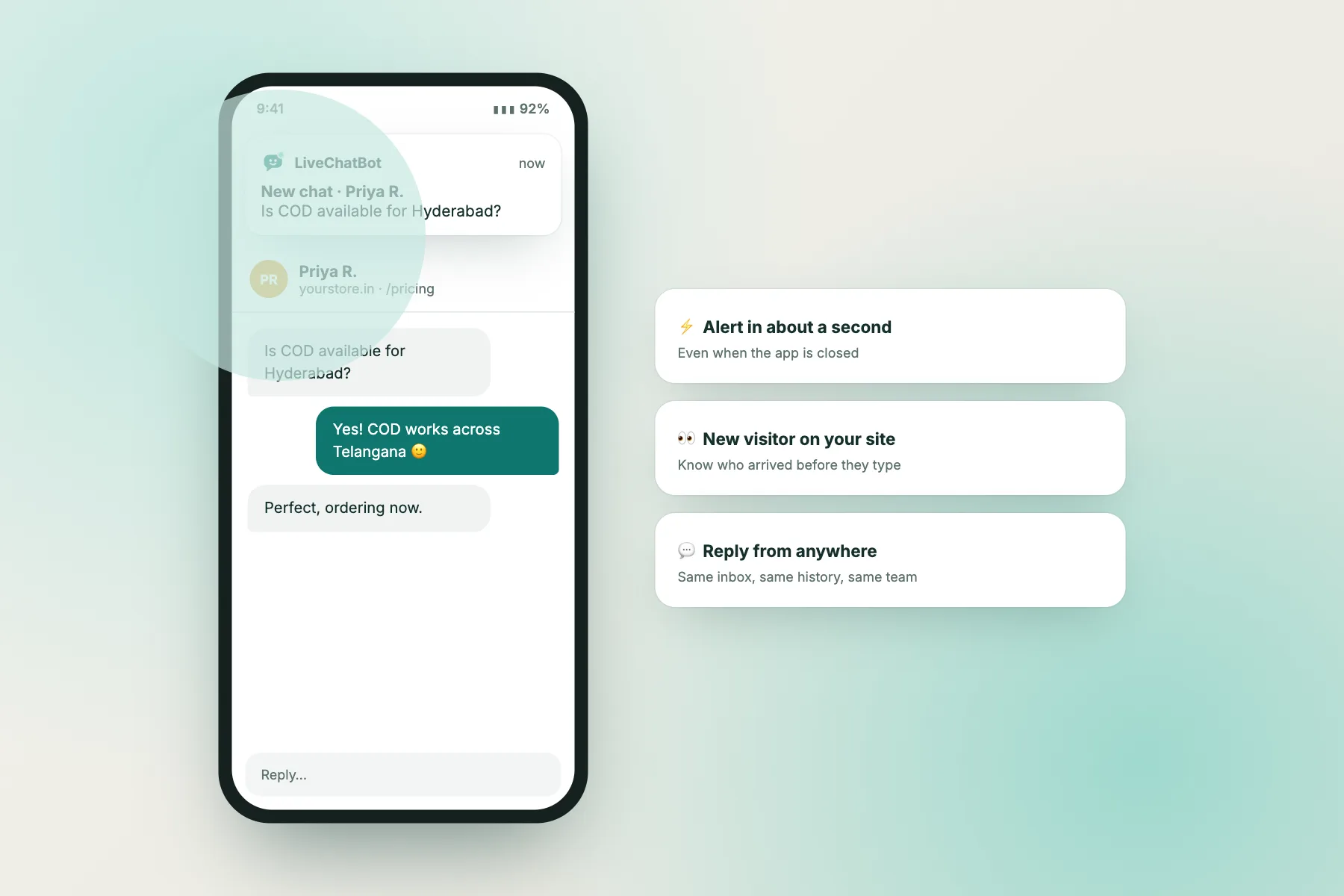
No. Notifications arrive even when the app is closed.
Can my whole team use it?
Yes. Each person logs in with their own account and picks their own alerts.
Does the app cost extra?
No. On livechatbot.in the Android app is included on the free plan. More on the mobile app page.
Keep reading
Related guides
Bot AI Knowledge: How to Write Answers Your Bot Can Actually Use
Bot Messages Examples: 50 Copy-Ready Lines for Every Moment in a Chat
Best AI Chats: 8 Example Conversations That Work, and What Makes Each One Good
Step away from your desk
Let the AI Agent answer on your website and the app call you when it matters. Free on livechatbot.in.