Best Free Live Chat Widget by Page Type: Which Style Belongs on Your Home Page, Product Page, Pricing Page and Contact Page (Free Decision Tree)
Best free live chat widget advice usually compares brands, but the bigger win is matching the widget to the page. A friendly bubble that suits a blog post can annoy people on a checkout page, and a popup that helps on pricing can feel pushy on the home page. This guide gives you a style for each page type and a decision tree to follow.
⚡ In short
- The best free live chat widget looks different on different pages.
- Keep it quiet on the home page, helpful on product and pricing pages, and out of the way at checkout.
- Use page rules, a greeting and an attention grabber to change the feel without changing the tool.
- Follow the decision tree below to pick a style for each page.
The idea
One widget, four jobs
Most people install a chat widget once and leave it exactly the same everywhere. That is the easy way, but it ignores why visitors are on each page.
On a home page, people are looking around. On a product page, they have a specific doubt. On a pricing page, they are weighing cost. On a contact page, they have already decided to reach out. Each page deserves a different level of push.
A free widget can handle all four if it lets you choose where it shows, what it says and when it speaks up. That is the real test of a free tool. Not how pretty the bubble is, but how much control you get over the page rules around it.
The sections below give you a style for each page. Treat them as starting points and adjust after a week of real chats.
Home page
Home page: stay quiet and say hello
People on your home page are exploring. A big popup is too early. A small bubble with a short greeting is enough.
What works
- A bubble in the bottom corner, in your brand colour.
- A one-line welcome such as “Hi, ask us anything about delivery or pricing.”
- No automatic opening. Let visitors choose.
What to avoid
A grabber card within the first two seconds. Visitors have not seen anything yet, so the message has nothing to refer to.
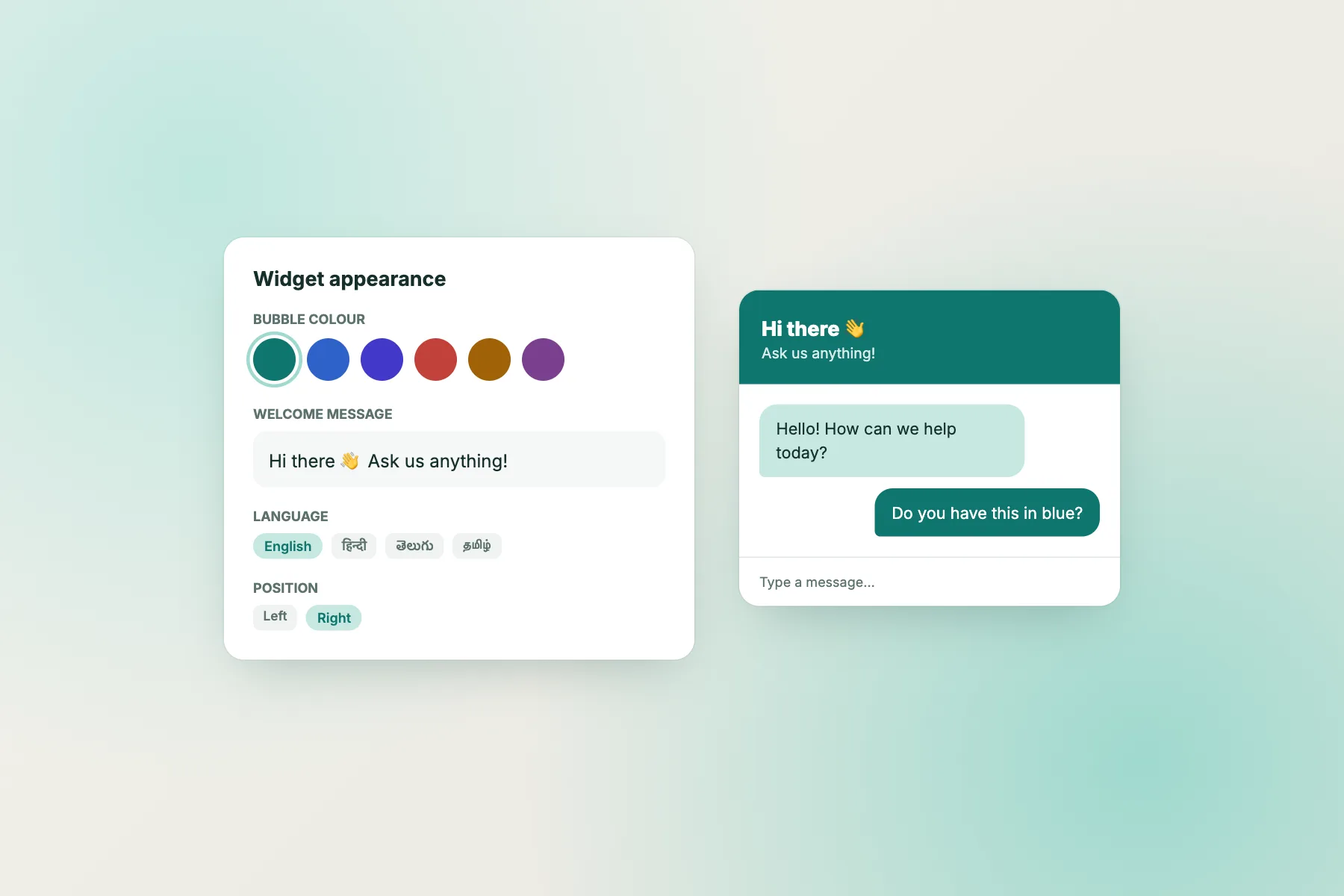
LiveChatBot lets you set colour, position, team name, avatar and welcome text, so the home page can feel like part of your brand. For ideas on wording, see how to write a live chat welcome message.
Product page
Product page: answer the doubt that stops the purchase
On a product page, the visitor usually has one question: size, compatibility, delivery time, return rules. The widget’s job is to make that question easy to ask.
A short grabber card is helpful here, because it names the likely doubt. “Not sure about size? Ask us.” works better than “Chat with us”.
Settings that help
- Show the widget on product pages and on mobile.
- Keep the greeting specific to products.
- Prepare saved replies for the top five product questions.
With LiveChatBot Flows, you can show a proactive message only on certain pages or after a number of visits. See how to create a chat flow for the steps. Keep the message short and let the visitor ignore it.
Pricing page
Pricing page: a polite nudge is welcome
The pricing page is where hesitation lives. Visitors compare plans, wonder about hidden costs and look for a reason to say no. A well-timed message can answer “what is included?” before they leave.
Good practice
- Wait about 20 to 30 seconds before the nudge.
- Ask a question that invites a short answer, such as “Want help choosing a plan?”
- Hand over to a person quickly when someone replies.
Keep the claim honest. If a visitor asks about a feature you do not have, say so clearly. A straight answer builds more trust than a vague one.
On LiveChatBot, you can set a Flow condition on the page, so the nudge appears only on pricing. Proactive messages work best when they are rare, so keep them to a few key pages. Our guide to proactive live chat explains the thinking.
Contact page
Contact page and checkout: two opposite cases
Contact page
Visitors here are ready to talk. Open the widget for them or place it inline so it replaces a long form. Set opening hours so the widget tells people when someone will reply, and use the away form to collect an email or phone when nobody is online.
Checkout and payment pages
Here the best free live chat widget is almost invisible. People entering card details do not want a conversation, and a floating bubble can cover a button on a phone. Hide the widget on checkout, or keep it small and passive. LiveChatBot’s “where it shows” settings let you hide the chat on chosen pages, by device and by country.
If you must offer help on checkout, link to a help page or a WhatsApp button card instead. There is no WhatsApp inbox, but the card sends people to your WhatsApp number.
Try it
Quick check: pick a widget style for your page
Follow the branch that matches the page you are working on. Each end point is a setup you can build on the free plan.
Mobile and speed
Check the widget on a phone, not just your laptop
Most visitors use a phone, so test there first. Open your pages on a real phone and look for three problems: a bubble covering a button, a window too big for the screen, and a slow page.
A five-minute test
- Load the page on mobile data, not Wi-Fi.
- Tap the bubble and send a message.
- Close it and try the page’s own buttons.
- Repeat on one other page type.
Where the widget gets in the way, change its position or hide it on that page or device. If you run WordPress, the WordPress live chat plugin adds it without code. For Shopify, Wix and Squarespace, you paste a code snippet; there is no Shopify app.
Free limits
What free covers, and the gaps to accept
LiveChatBot’s free plan covers two websites per account with 100 free visitors per site each month. If you pass the limit, tracking and alerts continue, chat pauses for new over-limit visitors, and nothing is charged automatically. Visitor packs are one-time and never expire: 100 for ₹99, 500 for ₹299, 1000 for ₹499.
Be clear about the gaps. “Powered by LiveChatBot” stays on all plans, there is no pre-chat form, no WhatsApp inbox and no iOS team app. If one of those decides your choice, plan around it. Otherwise the best free live chat widget is the one whose page rules you will actually use, which is why a week of testing beats a long comparison table.
Frequently asked questions
What is the best free live chat widget for a small website?
One that is easy to install, looks like your brand and lets you control where it shows. Page rules matter more than the bubble design.
Can I show the chat widget on only some pages?
Yes. LiveChatBot lets you choose where it shows by devices, countries and pages, and you can hide it on specific pages.
Will a chat widget slow my website?
It can, so test on a phone. Load the page on mobile data and check that it stays responsive before you keep the widget.
Can I change the widget colour and greeting?
Yes. You can set the colour, position, team name, avatar and welcome text from the dashboard.
Do I need a developer to add the widget?
No. Paste one snippet or use the WordPress plugin. Joomla has an extension, and React and Vue plugins exist for developers.
Keep reading
Related guides
Best Free Customer Chat Software Is the One Your Customers Never Have to Think About: A Journey Test From First Click to Follow-Up (Free Quiz)
Best Free Website Chatbot From the Visitor’s Seat: Seven Moments That Decide Whether People Use It
Cheapest Chatbot Platform for What You Actually Need: Tick Your Must-Haves and See the Lowest-Cost Kind That Covers Them (Free Needs Matcher)
Try a widget that follows your page rules
Free plan for two websites, no per-seat charges. Start free on livechatbot.in.