Best Chatbot for WooCommerce Stores Passes Your Own Shop Questions: Four Test Sets to Type Into Any Bot (Free Copy-Ready Test Questions)
Best chatbot for WooCommerce stores is a judgement you can only make with your own questions in hand. Demo pages always look good. A real shop gets messy asks: where is my parcel, can I return a worn item, do you ship to my pin code. This guide gives you four sets of test questions to paste into any chat tool, and tells you what a good answer looks like for each.
⚡ In short
- Test any shop chatbot with your own real questions, not the vendor’s demo.
- A good answer is true, short and honest about what the bot cannot see, such as a live order.
- Four test sets cover the usual shop worries: orders, returns, products and payment.
- Copy the questions below, paste them into the bot and mark each answer pass or fail.
Why test
Why the best chatbot for WooCommerce stores is decided by a test, not a brochure
Every chat tool says it helps online stores. The difference shows up when a worried customer types a vague message at ten at night.
A shop chatbot has a hard job. It must be right about prices, delivery and returns, because a wrong promise costs you money. And it must know its limits. LiveChatBot’s AI Agent answers from the facts you give it. It does not read your WooCommerce orders or stock, so a question about one specific parcel needs a person or your tracking page. Any tool that claims otherwise should show you, live, on your own store.
So skip the brochure. Plan to spend an hour with a free account, which is cheaper than a wrong choice. Load your real policies, and fire the questions below. Our guide to chatbot integration for WooCommerce explains what connects and what does not.
Before you test
Give the bot your shop facts first
A test is only fair if the bot has something to work with. Before you start, write down the facts customers ask for most.
- Delivery: areas, time, cost, free-shipping threshold.
- Returns: how many days, who pays, what is excluded.
- Payment: methods you accept, whether cash on delivery is offered.
- Contact: hours, phone, email.
Paste them into the AI Agent as knowledge, or save them as replies for the keyword bot. Keep each fact one clear sentence, and add the date you last checked it. Stale prices cause more wrong answers than any bot fault. Vague input gives vague answers, and the test then blames the tool for your notes.
Try it
Four test sets to copy into any chatbot
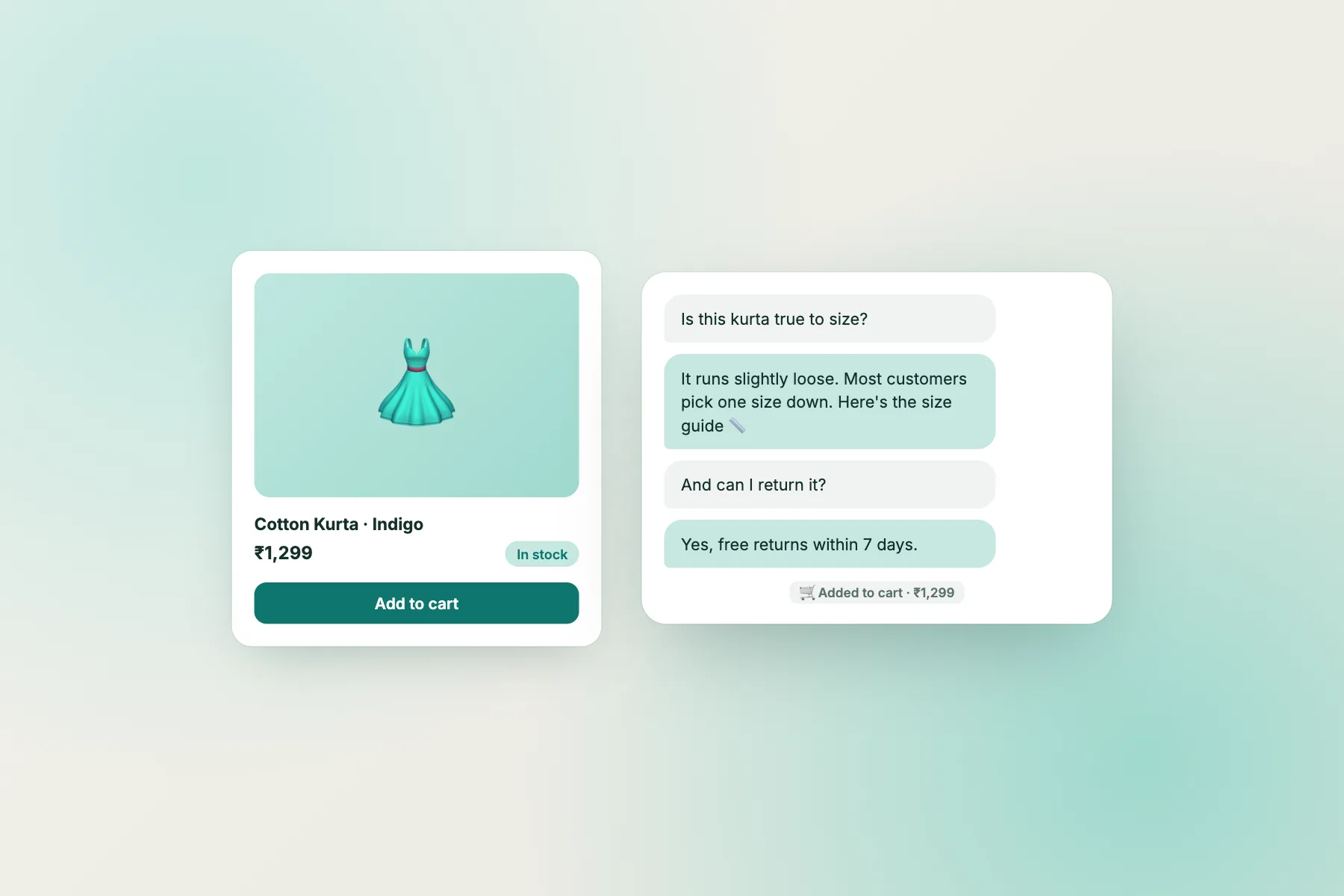
Switch tabs, copy a question, paste it into the chat and mark the answer. Run the same four sets against every tool on your shortlist.
Marking
What a pass looks like for each set
Orders
A pass is honesty. The bot gives your standard delivery times from the facts you taught it, then hands the specific parcel to a person or points to your tracking page. A fail is inventing a status. Our Shopify order tracking guide covers the same routine for a different platform.
Returns
A pass quotes your own policy exactly and says what the customer should do next. A fail is promising a refund. The money decision stays with you, and the bot should say a person will confirm it.
Products
A pass is a gentle suggestion built on rules you taught, such as “for gifts under ₹1000 we suggest these”, and honesty about stock. The bot cannot see live stock, so it should say so and offer a human.
Payment
A pass stays within what you wrote. A failed payment with money deducted is a case for a person, always.
Scoring
Turn the test into a score for the best chatbot for WooCommerce stores
Sixteen questions are easy to score. Give each answer one point for a true answer, one for an honest “I can’t see that, here is who can”, and none for a guess. Add up per set.
- 13 or more: a strong fit for your shop.
- 9 to 12: workable, if you can fix the weak set by adding facts.
- Under 9: keep looking, or check whether your own notes were thin.
Do the same on a phone, not only a laptop, because most of your shoppers will chat from one. Note how long the alert takes to reach your own phone when you type “talk to a person”. Slow handover is the quiet reason shoppers leave.
Then run the test again after a week with questions copied from your real inbox. The best chatbot for WooCommerce stores keeps scoring well as your questions change, because you can edit its facts in minutes.
Fit
How LiveChatBot fits a WooCommerce store
Adding LiveChatBot to WooCommerce means pasting one snippet into your site header. There is no WooCommerce-specific plugin and no live order or stock lookup. What you get is a chat that answers from your written facts, hands over cleanly, and reaches your phone.
For a small shop that is often enough. You can add Flows to greet visitors on product or cart pages, use a WhatsApp button card to send them to your number, and connect order tools through Zapier or webhooks when you need to. The free plan covers two websites and 100 visitors per website per month, and packs are one-time and never expire.
Cost and limits
What it costs, and what it will not do
Visitor packs are 100 for ₹99, 500 for ₹299 and 1000 for ₹499, bought once. An extra website is ₹199 for six months. Nothing is charged automatically. See pricing.
Be clear about the gaps before you choose. The “Powered by LiveChatBot” credit stays on every plan. There is no WhatsApp inbox, no iPhone team app, and no native link to payment gateways or courier tools. If you need those, test other tools with the same four sets and compare honestly.
Frequently asked questions
How do I pick the best chatbot for WooCommerce stores?
Load your real policies, paste the four test sets into each shortlisted tool and mark every answer pass or fail. Prefer the tool that is honest about what it cannot see.
Can a chatbot see my WooCommerce orders?
LiveChatBot cannot. It answers from the facts you teach it. For a specific order, it hands the chat to your team or points to your tracking page.
Is there a WooCommerce plugin for LiveChatBot?
No. You paste one snippet into your site header. That keeps your store light and avoids plugin clashes.
What does it cost for a small shop?
The free plan covers two websites and 100 free visitors per site each month. Extra visitors come in one-time packs from ₹99, and there are no per-seat charges.
Can the bot take refunds or change orders?
No. It explains your policy and collects details. The money decisions and order changes stay with you.
Keep reading
Related guides
Best Chatbot for WordPress Beginners Is One You Can Finish Setting Up on Day One: A Ten-Point Beginner Test (Free Checklist)
Best Chatbot for Squarespace Websites: Score Your Options on the Seven Things a Squarespace Owner Actually Has to Live With (Free Scorecard)
Best Chatbot With WhatsApp Integration: Decide Where Your Conversations Should Live, on the Website, in WhatsApp or Both (Free Setup Quiz)
Test it on your own shop
Free plan for two websites, no per-seat charges and one-time visitor packs. Start free on livechatbot.in.