AI Chat Apps Sorted by Job: Which Kind Solves Your Problem?
AI chat apps all look alike in an app store: a chat window and a promise. But they do three very different jobs. Pick the job first, and choosing the app becomes easy.
⚡ In short
- Personal assistant apps help you write, research and think. Your customers never see them.
- Team inbox apps let your staff answer customers from a phone.
- Website bots answer your visitors directly, day and night.
The three jobs
What each kind of AI chat app is for
Most AI chat apps fall into one of these three groups.
Personal assistant
- You ask, it answers
- Drafting emails, ideas, summaries
- Private to you
- Examples: general AI assistants
Team inbox
- Customers ask, your team answers
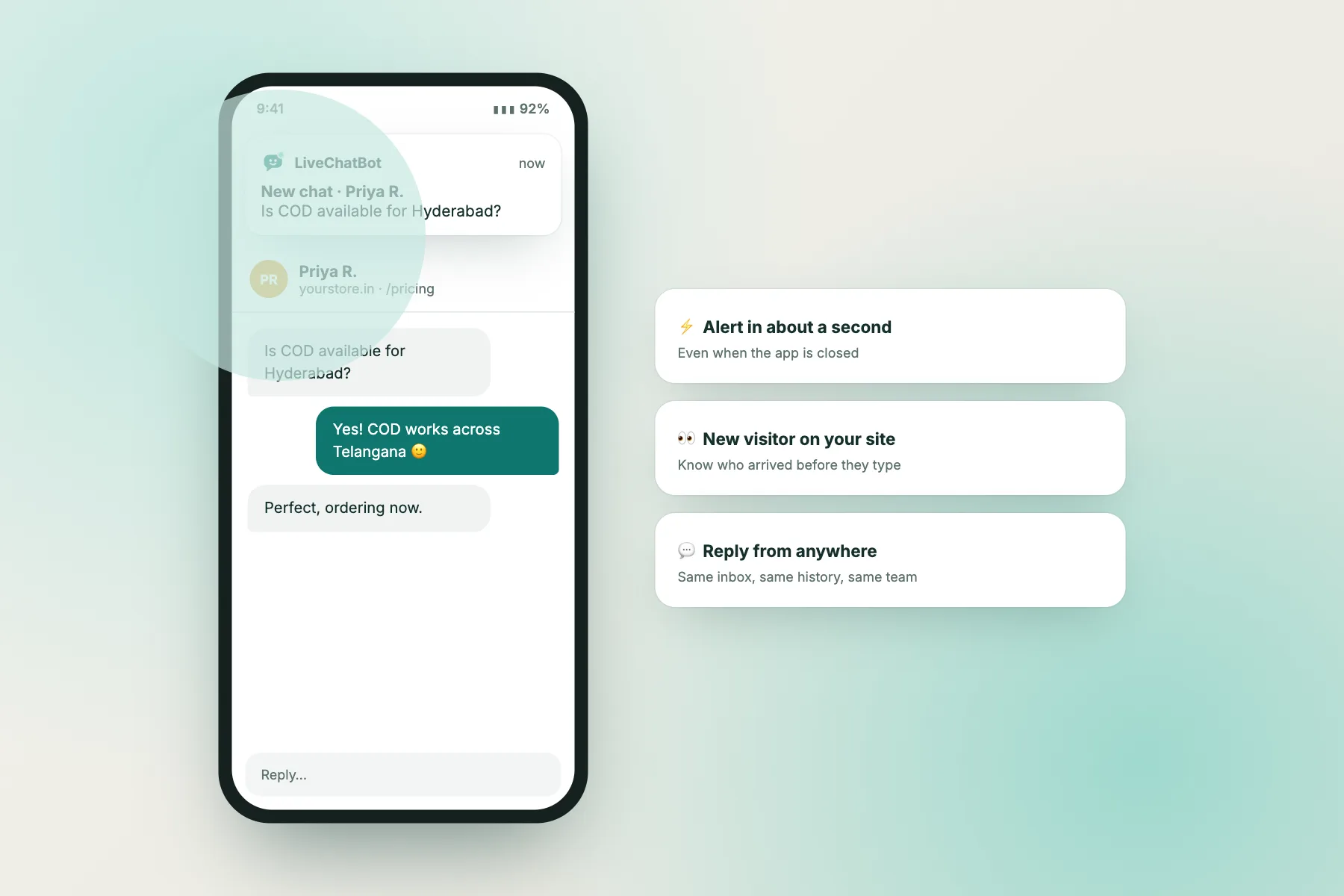
- Push alerts for new chats
- Shared history and notes
- Example: the LiveChatBot Android app
Website bot
- Visitors ask, the bot answers
- Answers from your content only
- Hands over to your team
- Example: the LiveChatBot AI Agent
Find yours
Which job do you need done?
Answer three questions to see which kind of app fits.
Using two together
The combination most small businesses use
Two AI chat apps, one website bot and one team inbox, work best as a pair.
The website bot answers from your shipping page.
The bot can’t quote, so it collects an email and hands over.
The team inbox app shows the hand-over with the full chat.
The customer gets it by email, and the chat history stays in one place.
What to check
Before installing any AI chat apps for business
In LiveChatBot
Both jobs, one account
Website bot
The AI Agent answers visitors from your knowledge.
Team inbox app
The Android app plus web push for your team. Setup in this guide.
FAQ
Are AI chat apps safe for customer data?
Personal assistant apps aren’t meant for customer data. For customer chats, use a business tool with a clear privacy policy and team access controls.
Can I use a personal AI assistant to answer customers?
You can use it to draft replies, but don’t paste customer personal details into it. A business tool keeps chats in one place.
Is there an iPhone app?
LiveChatBot has an Android app and web push notifications, which work in phone browsers too.
Do these apps cost money?
Many have free plans. On livechatbot.in the website bot and the Android app are both included free.
Keep reading
Related guides
AI Bots for Business: A Plain Map of the 6 Types and Which One Your Website Needs
AI Chatbot App or Website Widget? Where Your Bot Should Live
Site Chatting Page by Page: Where to Greet Visitors and Where to Stay Quiet
More to read
More guides on this topic
Best Free Chat Bots Come in Four Kinds: Which Kind Fits the Job You Need Done? (Free Decision Tree)
Get the website bot and team app together
One free account on livechatbot.in: an AI Agent for visitors and an app for your team.