Chat Box AI Designs Compared: 6 Ways to Show a Chat on Your Website
Chat box AI tools can sit on your page in very different ways: a quiet bubble, a nudge card, a full chat embedded in the page. The design changes how many people start a chat, and how many feel interrupted. Compare all six below.
The six designs
Side by side
Four of these chat box AI styles are built into LiveChatBot.
1 · Bubble
In LiveChatBot
👍 Always there, never in the way.
⚠️ Easy to ignore on busy pages.
2 · Attention grabber
In LiveChatBot
👍 A short card that invites a question.
⚠️ Use on key pages only.
3 · Bottom bar
Other tools
👍 Very visible on desktop.
⚠️ Takes space on mobile.
4 · Inline box
In LiveChatBot
👍 Chat inside the page, e.g. a course or product page.
⚠️ Needs a spot in your layout.
5 · Pop-up
Other tools
👍 Hard to miss.
⚠️ Feels pushy; use rarely.
6 · Full chat page
In LiveChatBot
👍 A link you can share in emails, menus or QR codes.
⚠️ Visitors leave the page they were on.
Which one when
Match the chat box AI design to the page
| Page or situation | Best design |
|---|---|
| Every page (default) | Bubble |
| Pricing, cart, high-intent pages | Bubble + attention grabber |
| Course, property or product detail | Inline box |
| Support link in emails or Instagram bio | Full chat page |
| Exit-intent offer | A Flow message inside the bubble, not a pop-up |
Small settings, big difference
Five widget settings worth five minutes
Whatever chat box AI design you pick, check these.
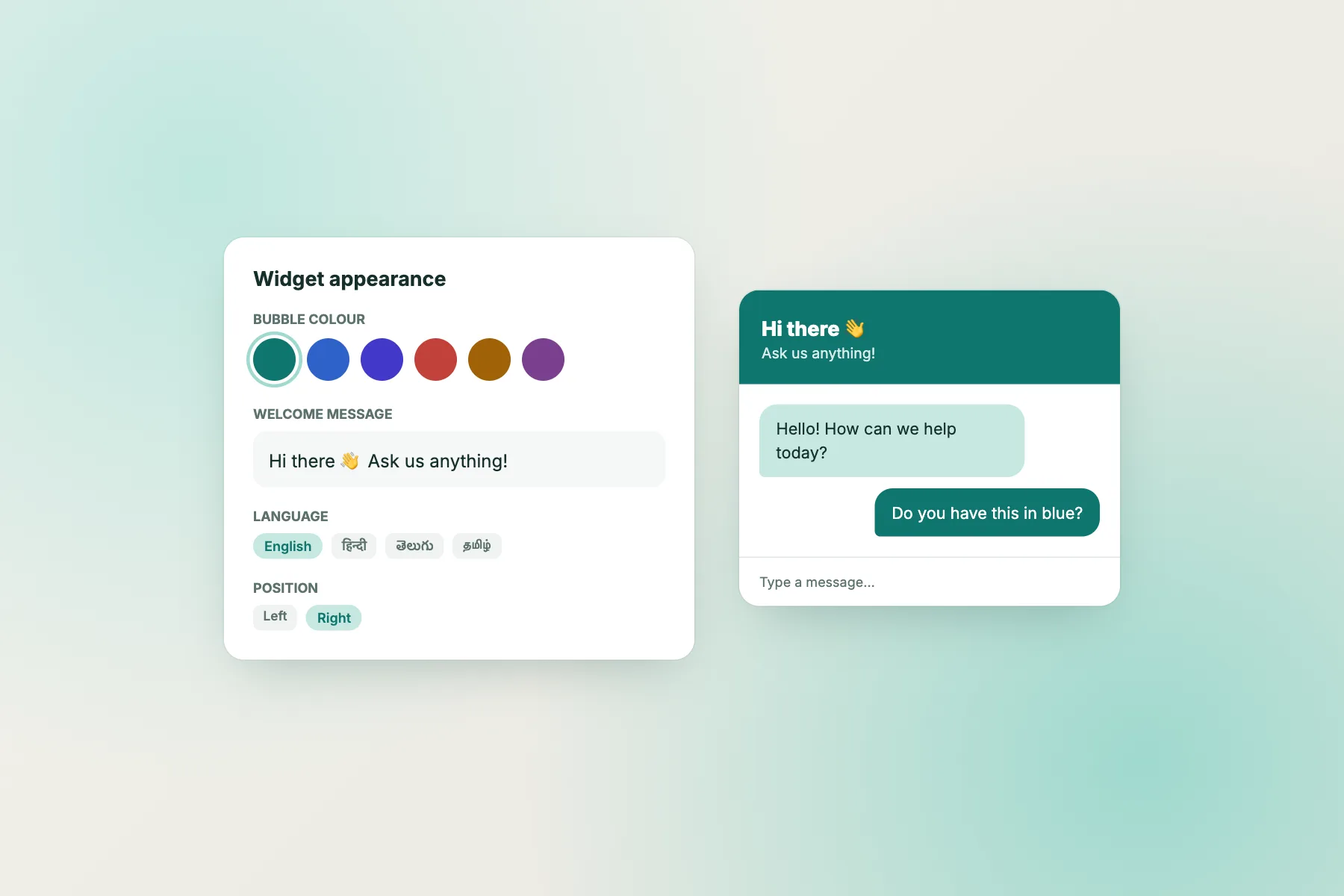
Colour
Match your brand, but keep contrast high.
Position
Bottom right is expected; move left if it covers your own buttons.
Welcome text
Say what you help with. See welcome messages.
Where it shows
Hide on pages, devices or countries where it doesn’t help.
Widget cards
Add cards such as a WhatsApp button.
Code
How the inline box and chat page work
Inline box
<div id="chat-box"></div>
<script src="https://livechatbot.in/widget.js"
  data-key="YOUR_WIDGET_KEY"
  data-mode="inline" data-target="#chat-box"
  data-height="600" async></script>
Place the div where you want the chat to appear.
Full chat page
Every website gets a shareable chat page link under Settings → Chat page. Put it in emails, menus or a QR code.
All install options are in setting up live chat.
Avoid these
Chat box AI design mistakes
FAQ
What is a chat box AI?
A chat window on your website where an AI bot (and your team) answers visitors’ questions.
Which design gets the most chats?
A bubble plus a short attention grabber on high-intent pages is a good balance of visibility and politeness.
Can I embed the chat inside a page?
Yes. LiveChatBot’s inline mode puts the chat box anywhere on a page, using the code above.
Can I change colours and position?
Yes, in your widget settings on livechatbot.in. Note the small “Powered by LiveChatBot” line stays on.
Keep reading
Related guides
Chat Bot Online Free Test: 15 Questions That Show if a Bot Is Any Good
Chatbot AI Free Templates: 8 Ready-Made Flows You Can Switch On Today
Chat Bot Meaning: Where the Word Comes From and What It Means for Your Business
Design your chat box in minutes
Bubble, grabber, inline box or chat page: pick yours on livechatbot.in. Free to start.