Use cases
One chat tool, many kinds of businesses
From online stores to coaching centres, clinics and agencies, LiveChatBot helps small teams answer faster and win more customers from the visitors they already have.
⚡ How to read this page
- Pick your business type below.
- Each one shows a real example flow you can click through, plus the setup we recommend.
- Everything shown works on the free plan.
Agencies
SaaS and B2B
Travel and hospitality
Use the services and agency setups: answer availability fast, collect emails after hours.
Ecommerce
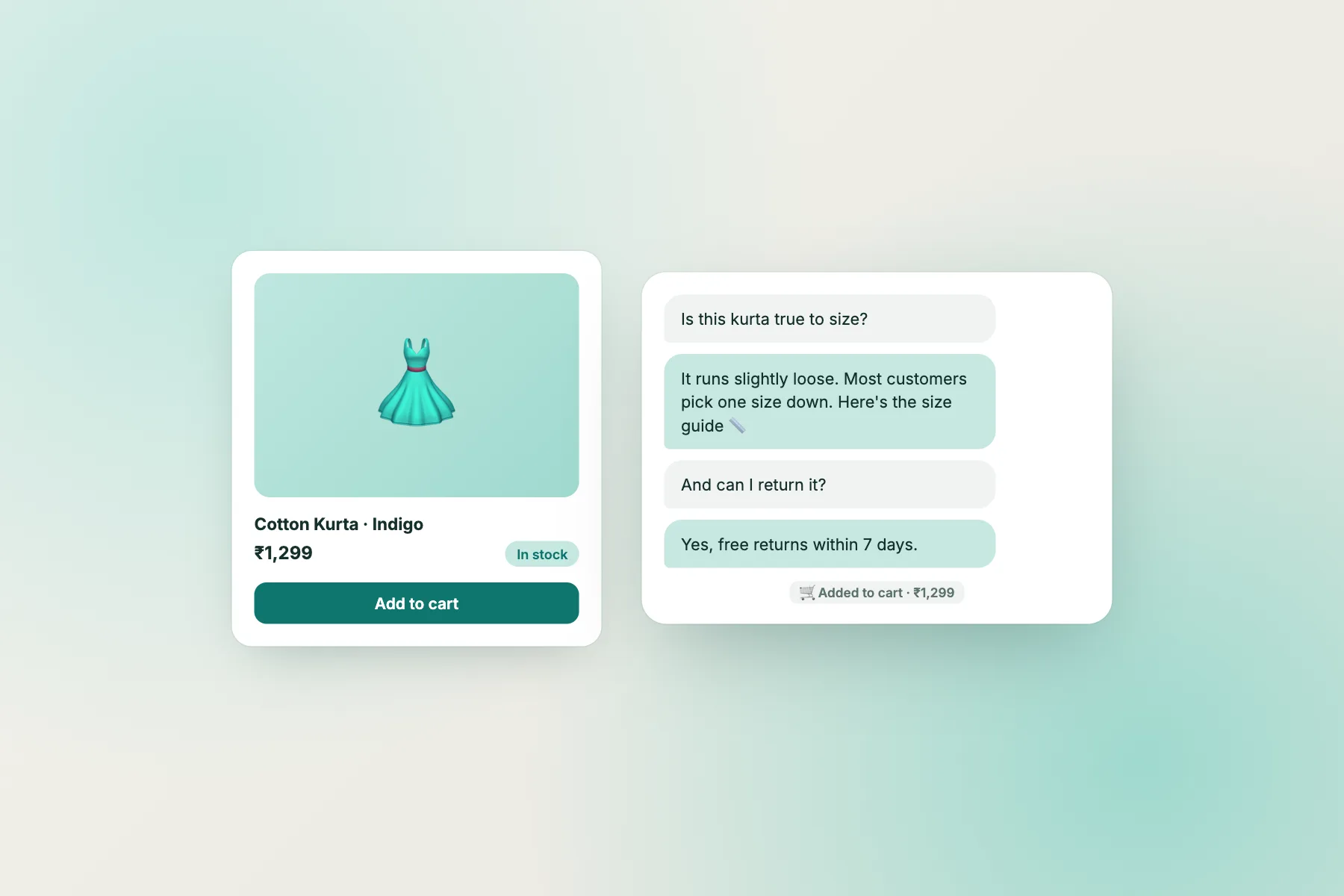
Live chat for online stores
Shoppers have quick doubts: size, delivery date, cash on delivery, returns. Answer them on the product page and the sale happens there and then.
- Answer size and delivery questions instantly
- Exit-intent offers to save carts
- Works with Shopify, WooCommerce and Wix
🛠️ Recommended setup
- AI knowledge: shipping, COD, returns, size guide
- Flow: “Discount for new visitors”
- Flow: page contains /checkout → “Questions about delivery?”
- Flow: “Stop visitors from leaving”
- Operating hours + offline email
Education
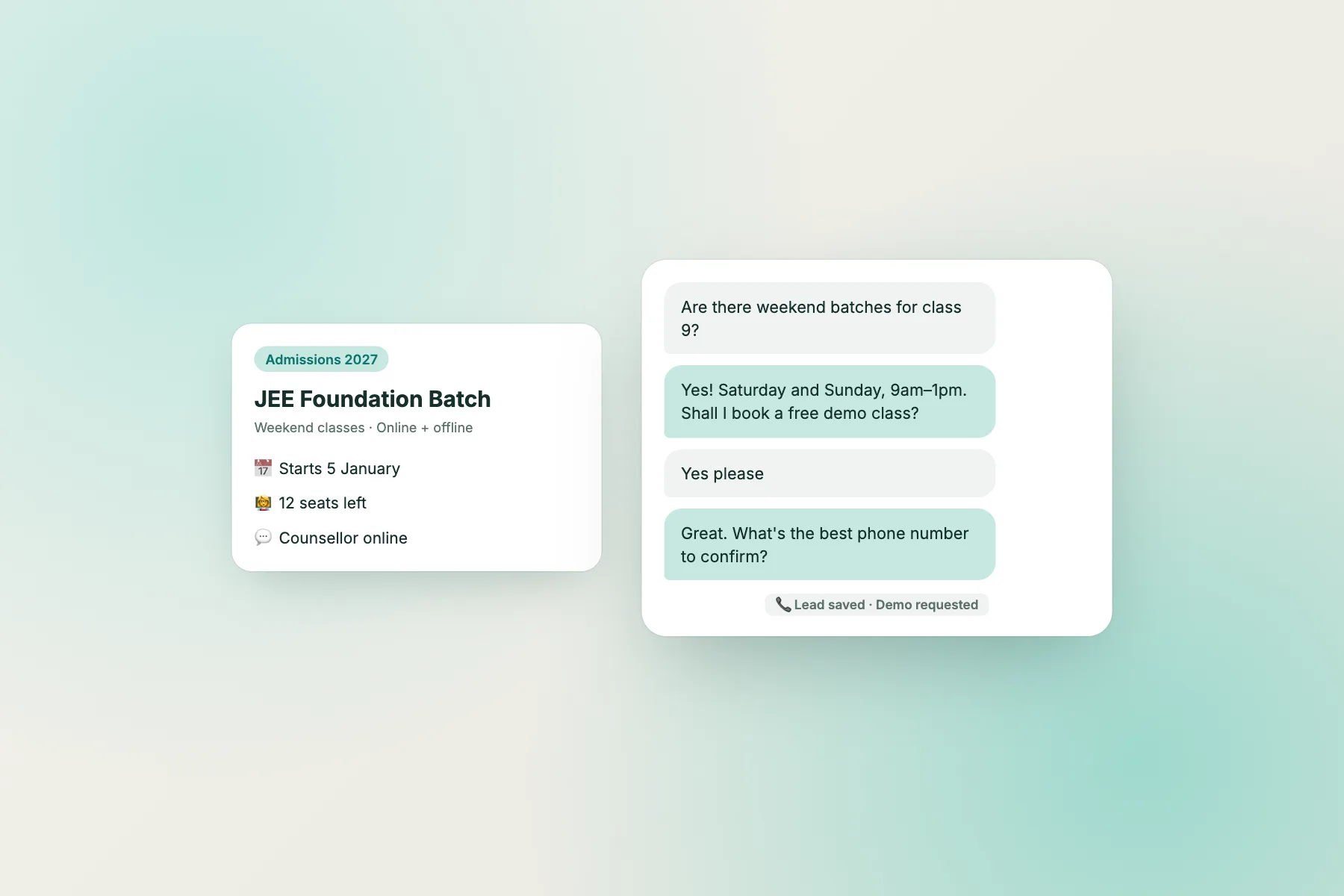
Live chat for coaching, schools and courses
Parents and students ask about batches, fees and timings, often late in the evening. The AI Agent answers from your course pages and books demo classes while your counsellors sleep.
- Admissions questions answered 24/7
- Collect phone numbers and emails
- See which courses get the most interest
🛠️ Recommended setup
- AI knowledge: batches, fees, timings, location
- Flow: time on page 45s → “Want the brochure?”
- Widget language: English or Hindi
- Tags: course names for reports
Local services
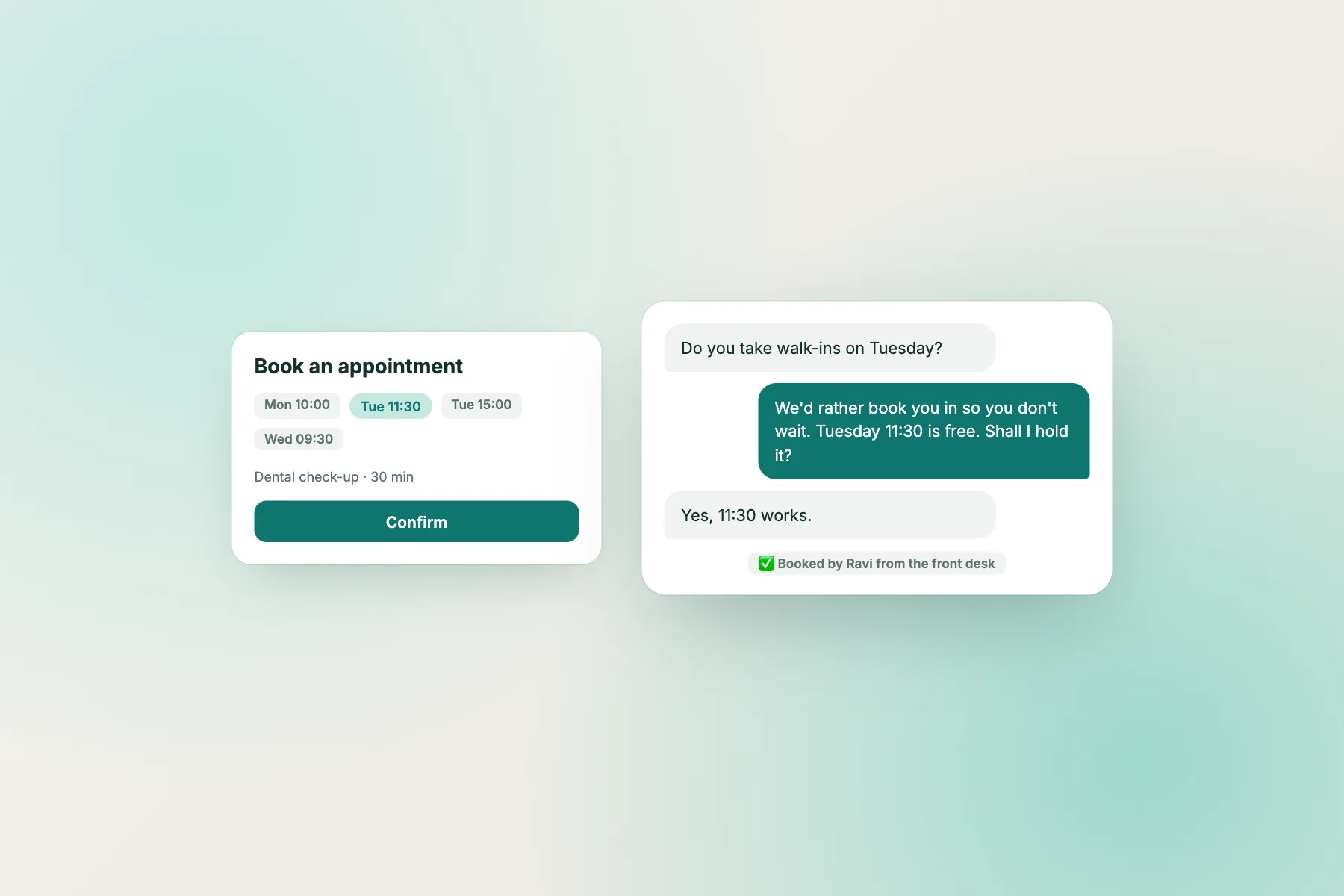
Live chat for clinics, salons and local businesses
People want to know if you are open, where you are and when they can come in. Live chat answers in seconds, without a phone call your front desk cannot take.
- Timings and location answered by the AI Agent
- Appointment requests in the inbox
- Operating hours and offline email capture
🛠️ Recommended setup
- AI knowledge: timings, address, services, prices
- Operating hours set per day
- Android app on the front-desk phone
- Chat link on your Google Business profile
Agencies
Live chat for agencies and freelancers
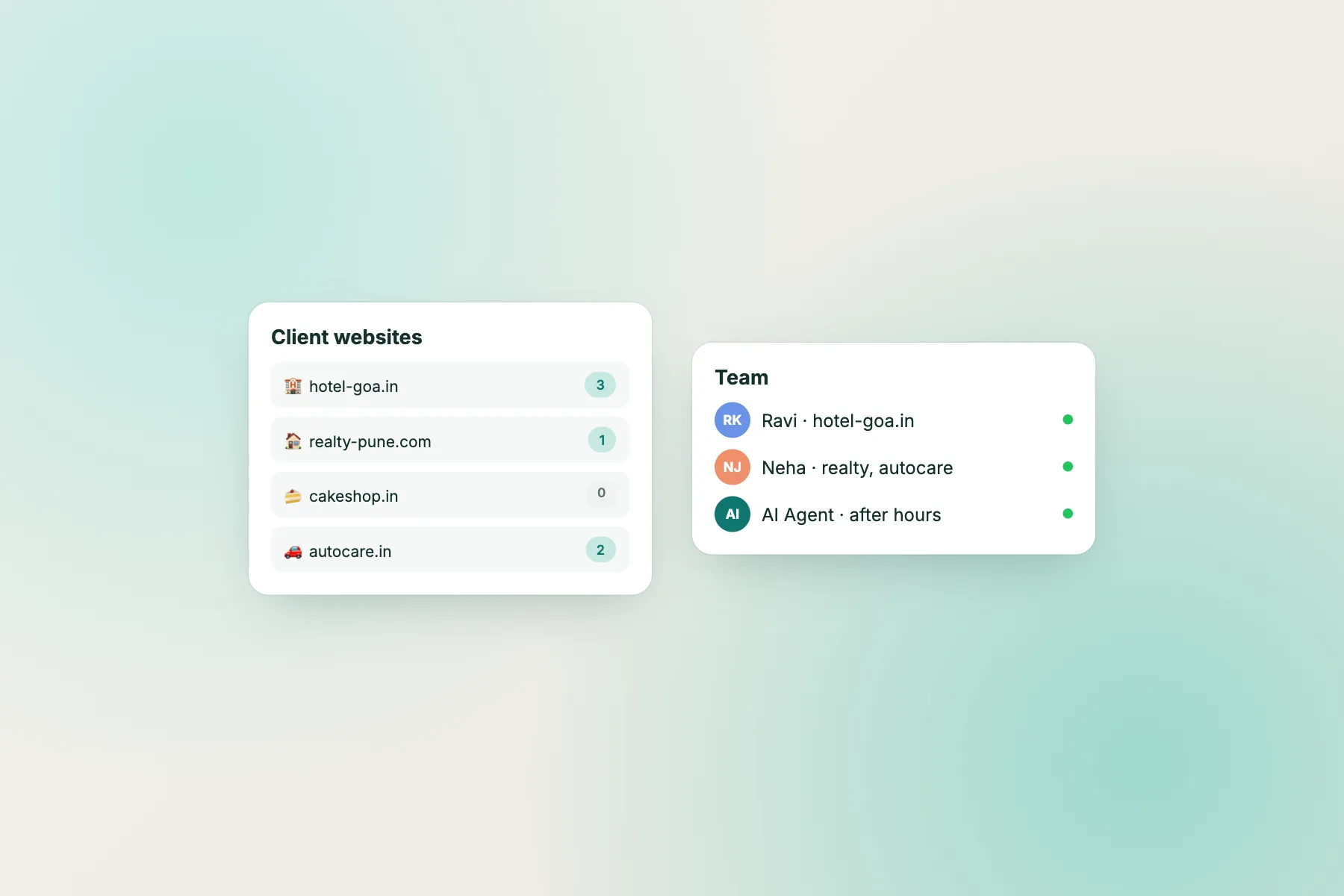
Add chat to every client website from one account. Each site gets its own widget, colours, Flows and AI knowledge, and your team answers everything from one inbox.
- Many client websites in one account
- Separate settings per website
- One inbox for your whole team
🛠️ Recommended setup
- One website per client
- Assign teammates per client
- Webhook per client to their Google Sheet or CRM
- Monthly report screenshots for clients
SaaS and B2B
Live chat for SaaS and B2B companies
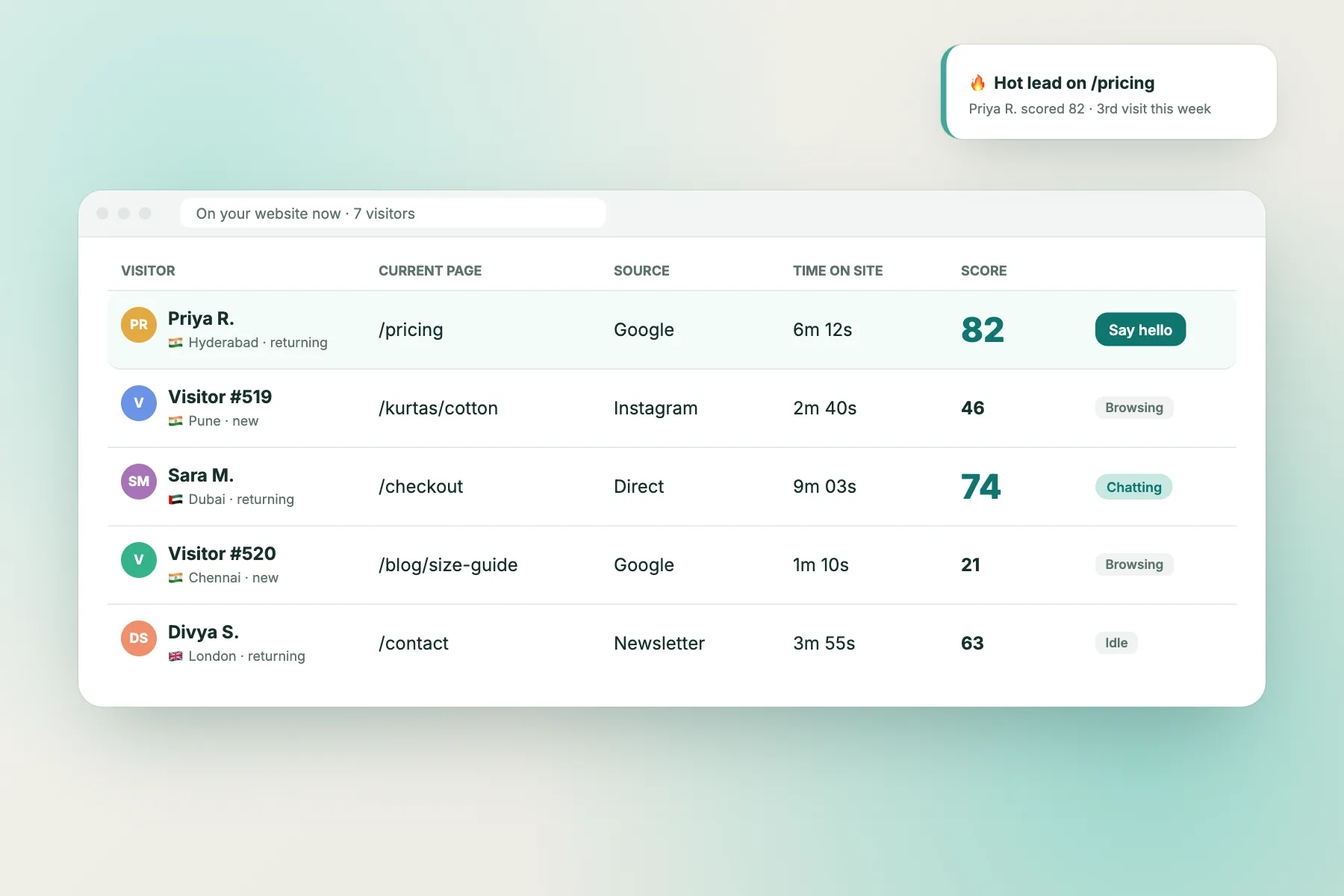
Your best leads read the pricing page twice and then leave. Lead scores and hot-lead alerts tell you when a serious buyer is on your site.
- Lead score and hot-lead alerts
- Pricing-page Flow template
- Webhooks to your CRM
🛠️ Recommended setup
- Flow: “Help on the pricing page”
- Hot-lead alerts on for the sales team
- AI knowledge: docs and FAQ
- Webhook → CRM deal
Find the right setup for your business
Free to start. No credit card. Live on your website in about two minutes.