Mobile app
Your inbox in your pocket
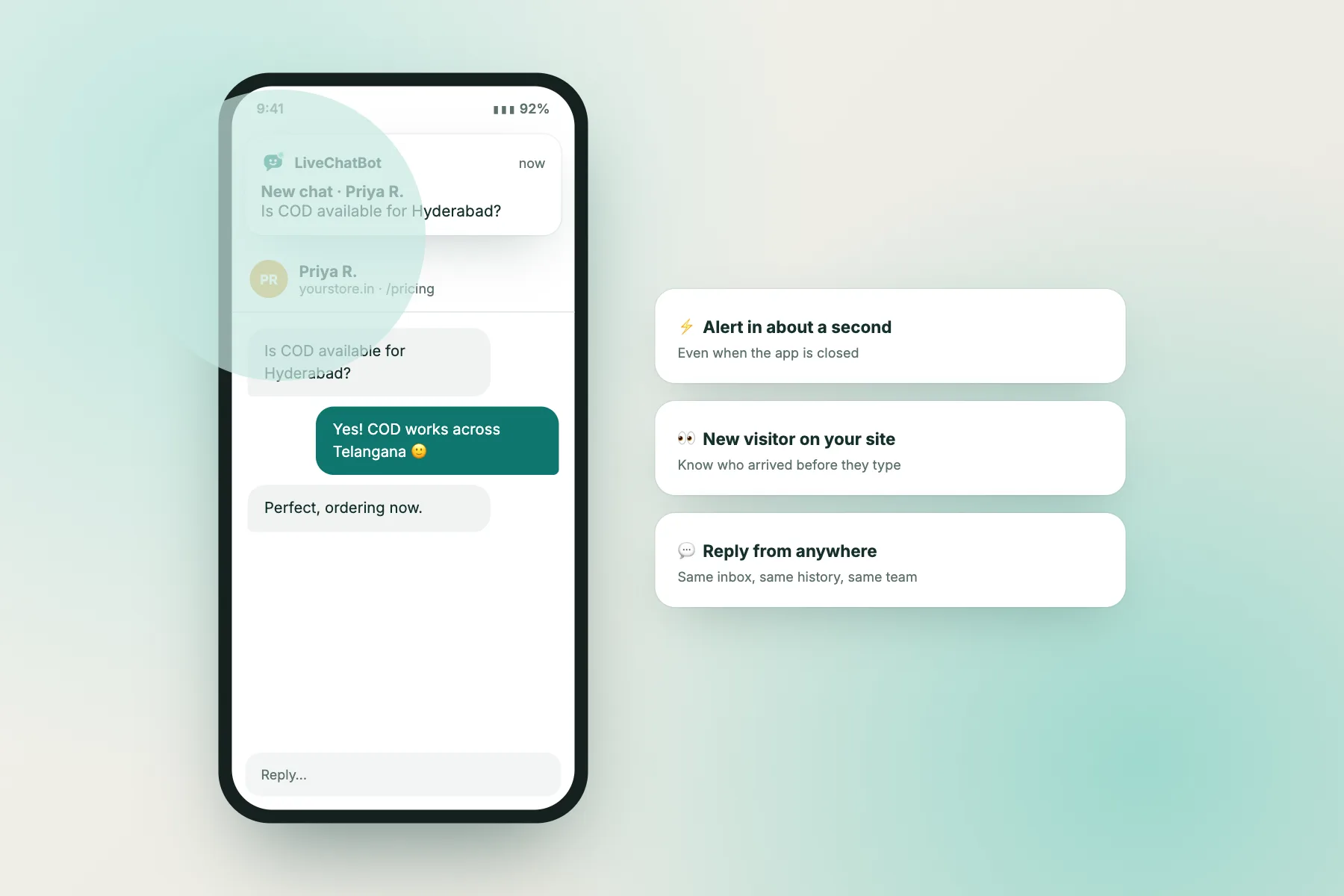
The LiveChatBot Android app alerts you about every new visitor and message in about a second, even when the app is closed. Reply from anywhere with the same inbox, history and team.
⚡ In 30 seconds
- Android: a native app with alerts in about a second, even when it is closed.
- iPhone and others: install the web app to your home screen for push notifications.
- Desktop: sound and browser push alerts while you work.
Interactive walkthrough
What happens when a chat arrives while you are away
Five steps, a few seconds, one saved sale. Click any step, or press Play.
Alerts in about a second
New chats and new visitors reach your phone almost instantly, even with the app closed.
Full inbox on your phone
Read and reply to every conversation with its full history, notes and tags.
New visitor alerts
Know when someone arrives on your website, before they type a word.
Hot-lead alerts
Get told when a visitor’s lead score passes 60.
Web app for every phone
On iPhone or any other phone, install the web app and get push notifications.
Same secure account
Sign in with the same account. Your team’s permissions stay the same.
Which alerts will I get?
| Alert | When it arrives | Example |
|---|---|---|
| 💬 New chat | A visitor sends their first message | “New chat · Priya R.: Is COD available?” |
| ✉️ New message | A visitor replies in an open chat | “Priya R.: Perfect, ordering now.” |
| 👀 New visitor | Someone opens a page with your chat | “New visitor on yourstore.in · from Google” |
| 🔥 Hot visitor | A lead score reaches 60 | “Hot visitor on yourstore.in (66/100)” |
| 🙋 Handover | The AI Agent asks for a human | “Needs a human · order address change” |
How to set it up
🤖 Android app
- Create your free account and add your website.
- Go to Settings → Notifications and download the Android app.
- Sign in with your LiveChatBot email and password.
- Allow notifications when asked.
- Tip: in Android settings, turn off battery optimisation for LiveChatBot so alerts are never delayed.
🍏 iPhone (web app)
- Open LiveChatBot in Safari and log in.
- Tap the Share button, then Add to Home Screen.
- Open LiveChatBot from the new home-screen icon.
- Allow notifications when asked.
- You now get push alerts like a normal app.
🖥️ Desktop
- Log in at livechatbot.in in Chrome, Edge or Firefox.
- Allow notifications when the browser asks.
- Keep sounds on in Settings → Notifications.
- Optional: install it as an app from the address bar.
Tips
Never miss a chat
Turn off battery saver for the app
Some phones pause apps to save power. Exclude LiveChatBot.
Check Do Not Disturb
Allow LiveChatBot notifications during work hours.
Share the load
Invite teammates so someone is always on.
Set operating hours
Outside hours, visitors leave their email instead of waiting.
Mobile app questions
Is the app free?
Yes. The app is included with every account.
Is there an iPhone app?
On iPhone, install the web app from Safari (Share → Add to Home Screen). It supports push notifications.
Can my whole team use it?
Yes. Every teammate signs in with their own account.
Do I get alerts when the app is closed?
Yes, on Android you get alerts in about a second even when the app is closed.
Never miss a chat again
Free to start. No credit card. Live on your website in about two minutes.